Restoring Data from the Recycle Bin in GudHub #
If you’ve accidentally deleted an app or want to use it again, you can restore it from the Recycle Bin in the system settings. GudHub lets you recover deleted apps along with the data they contain.
How to Restore a Deleted App #
Step 1 #
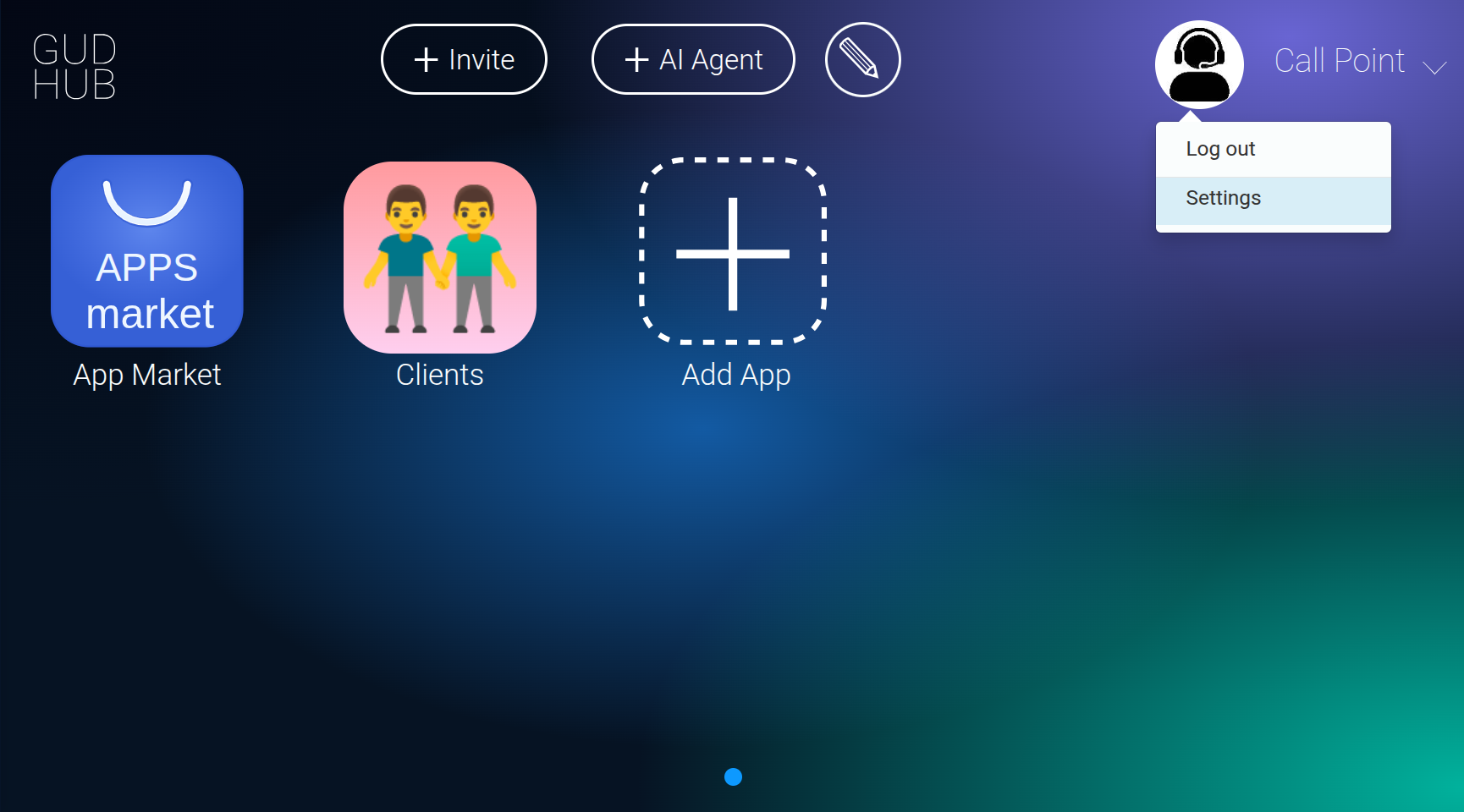
Go to the system “Settings”.
Step 2 #
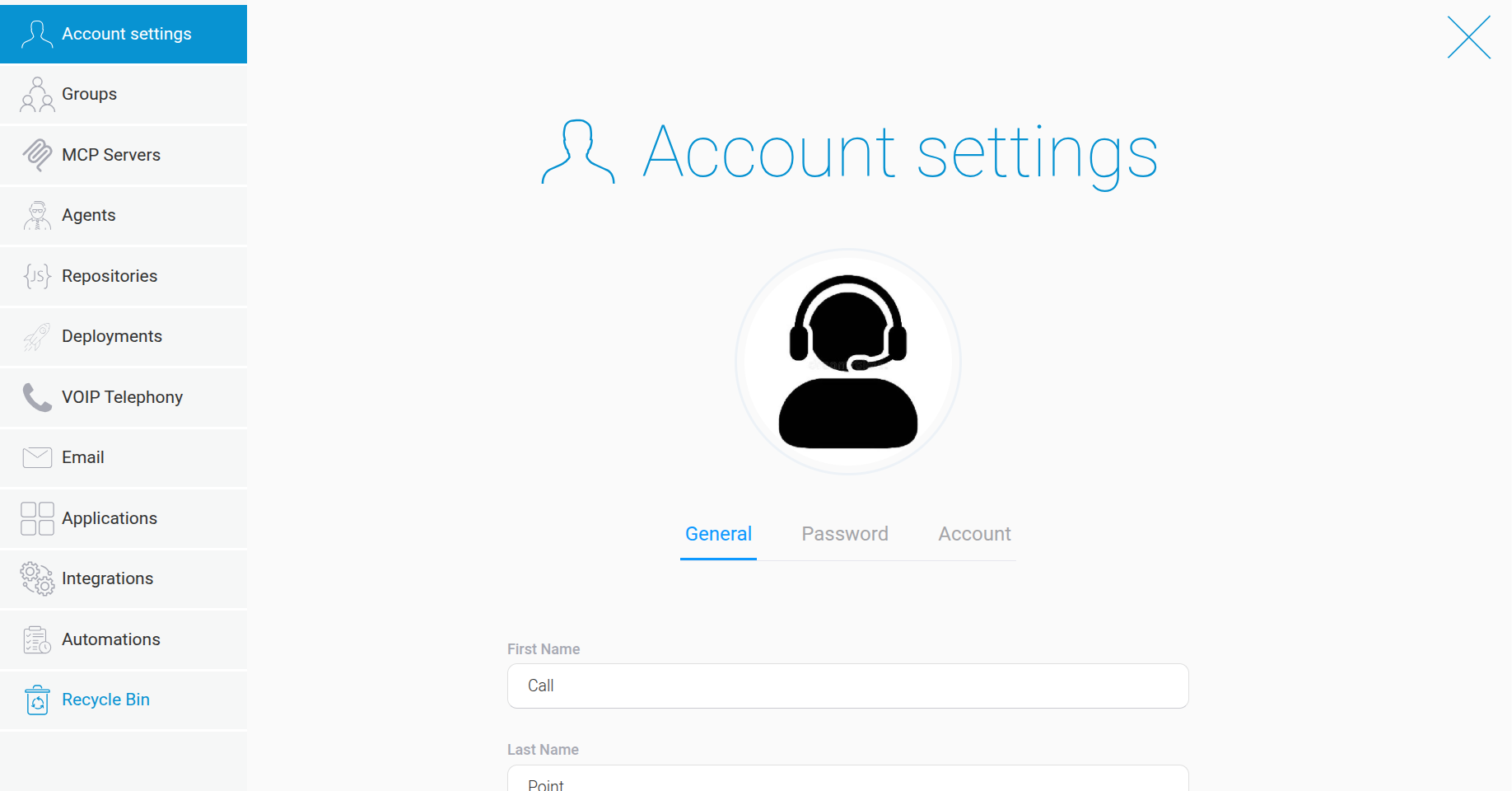
Open the “Recycle Bin” tab.
Step 3 #
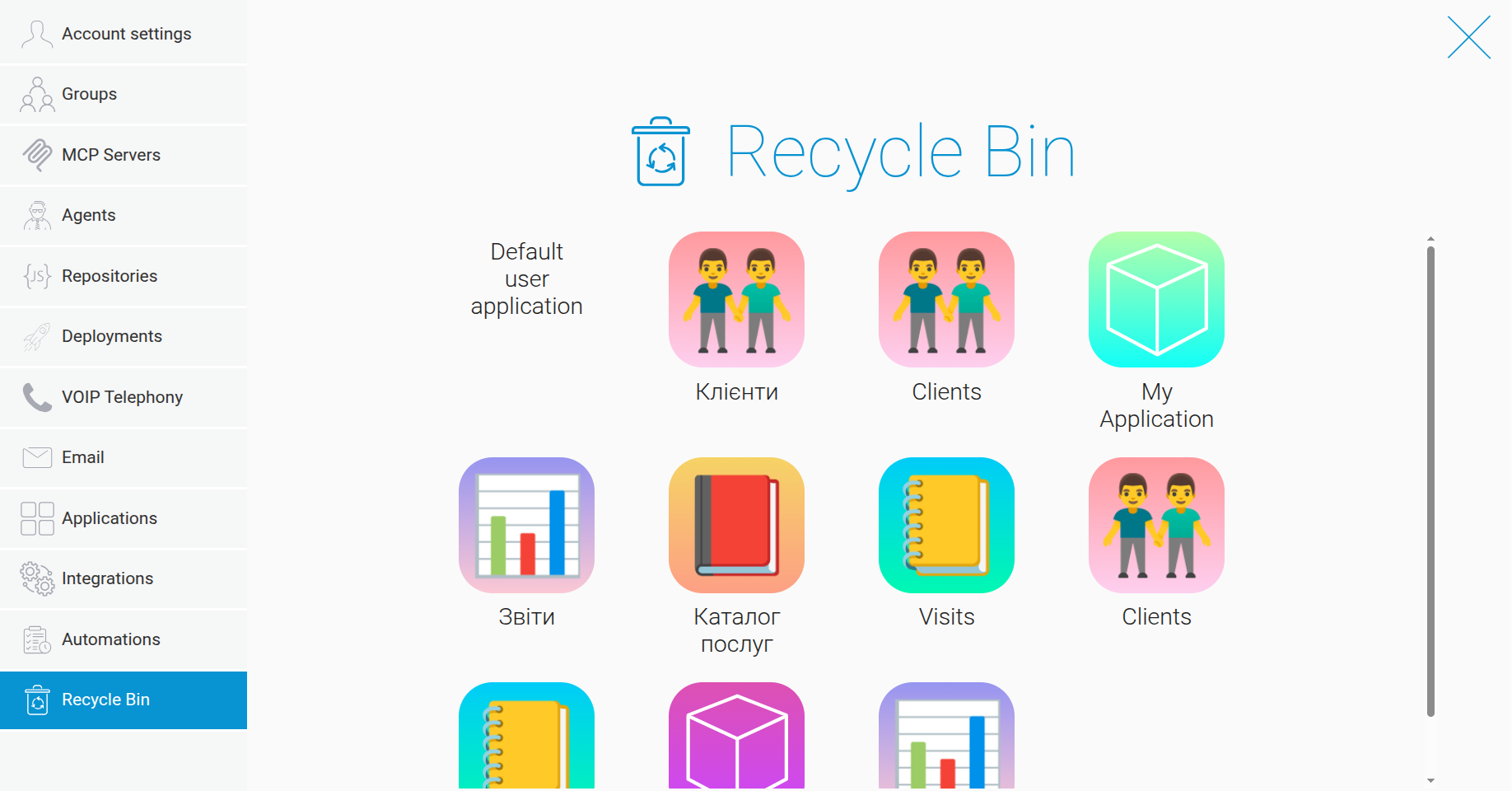
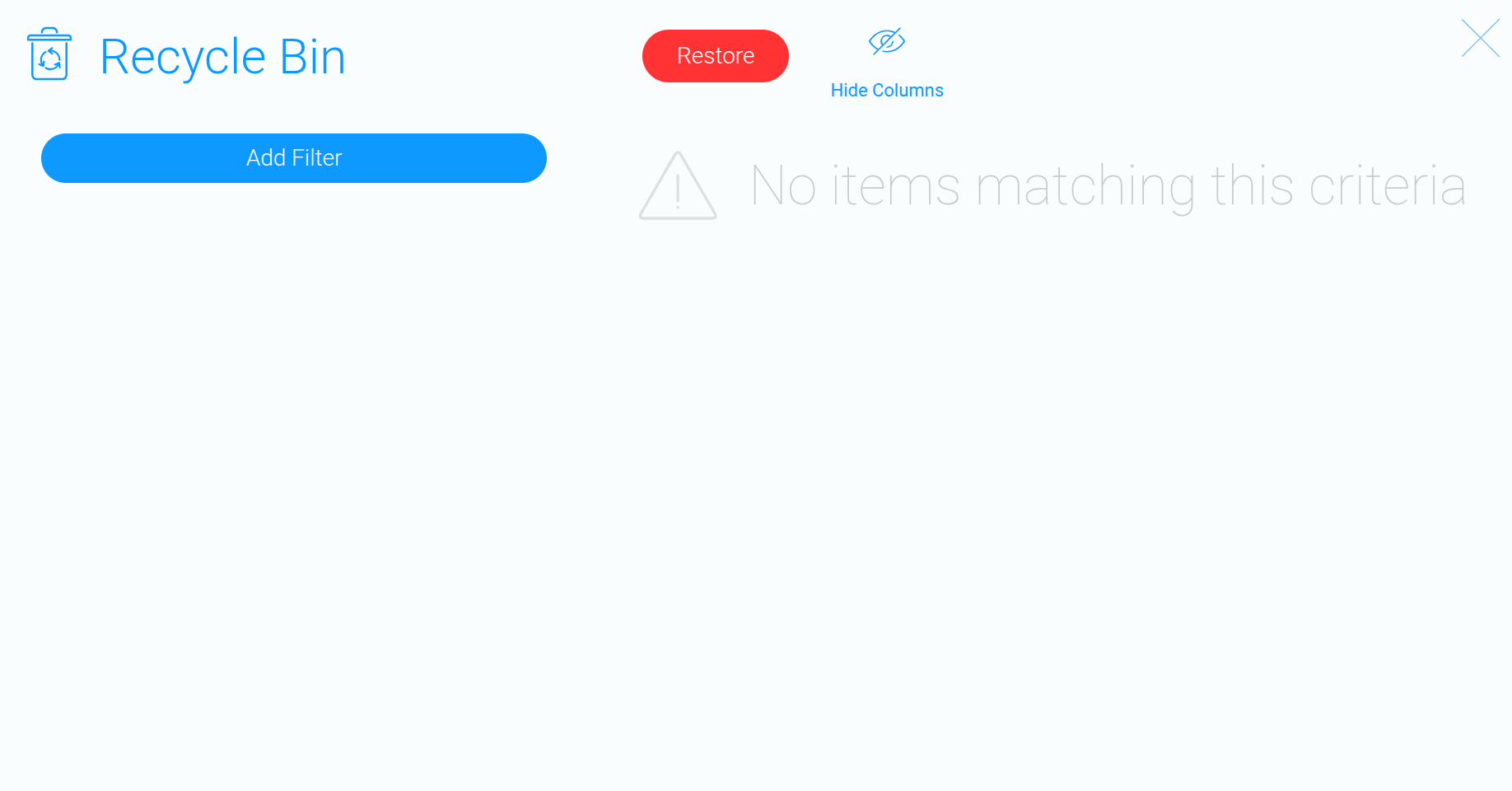
The Recycle Bin displays all apps that have been previously deleted from the system.
Step 4 #
Select one or more apps you want to restore, then click “Restore”. As an example, let’s restore the “Visits” app.
Step 5 #
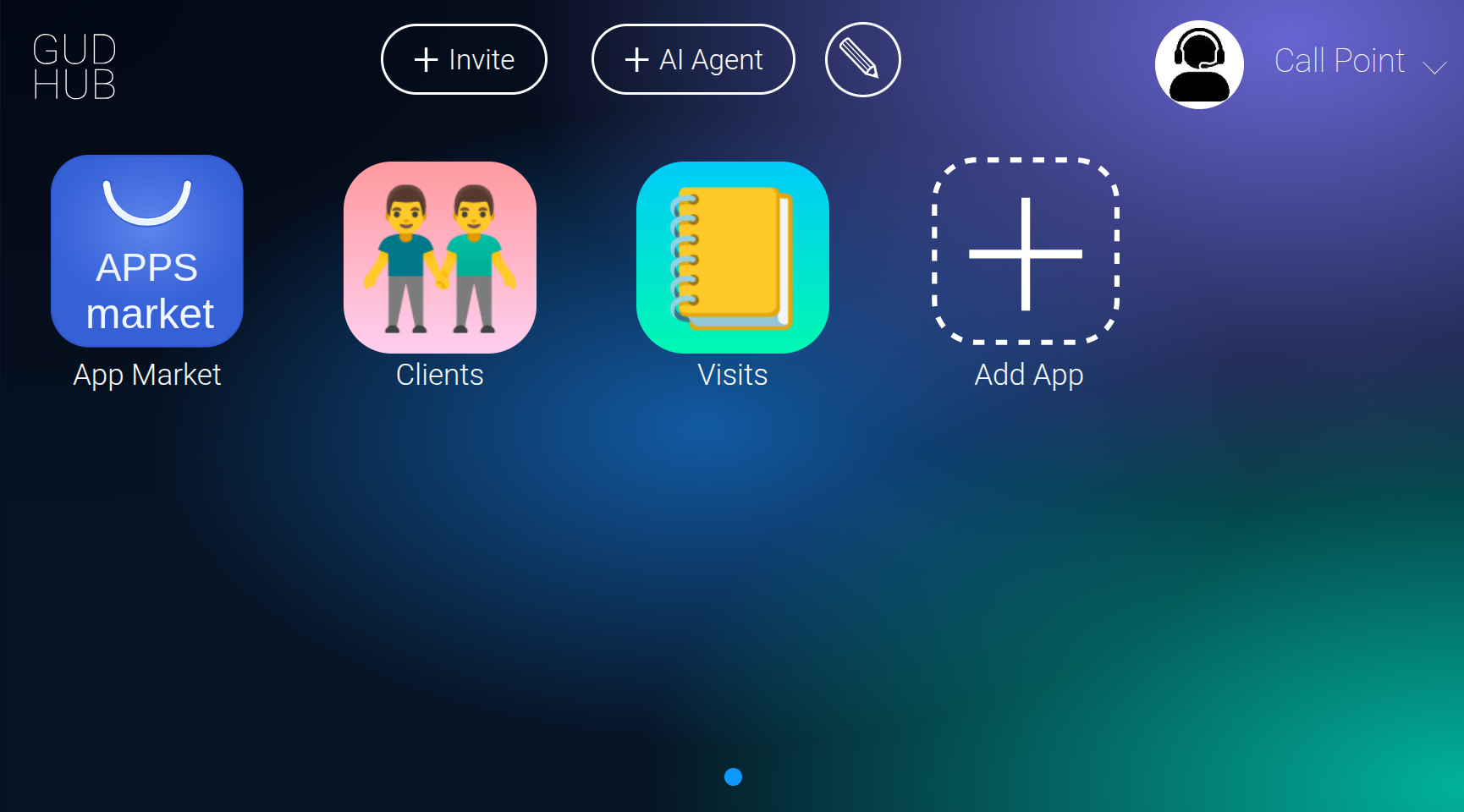
Once restored, the app and all its saved data will reappear on the system’s home screen.