How to Sign Up for GudHub #
To get started with GudHub, you first need to create an account. The sign-up process only takes a few minutes and requires some basic information to set up your access to the system.
Once you’ve signed up, you can choose your preferred interface language and create your first app using one of the ready-made templates.
Signing Up for GudHub #
Step 1 #
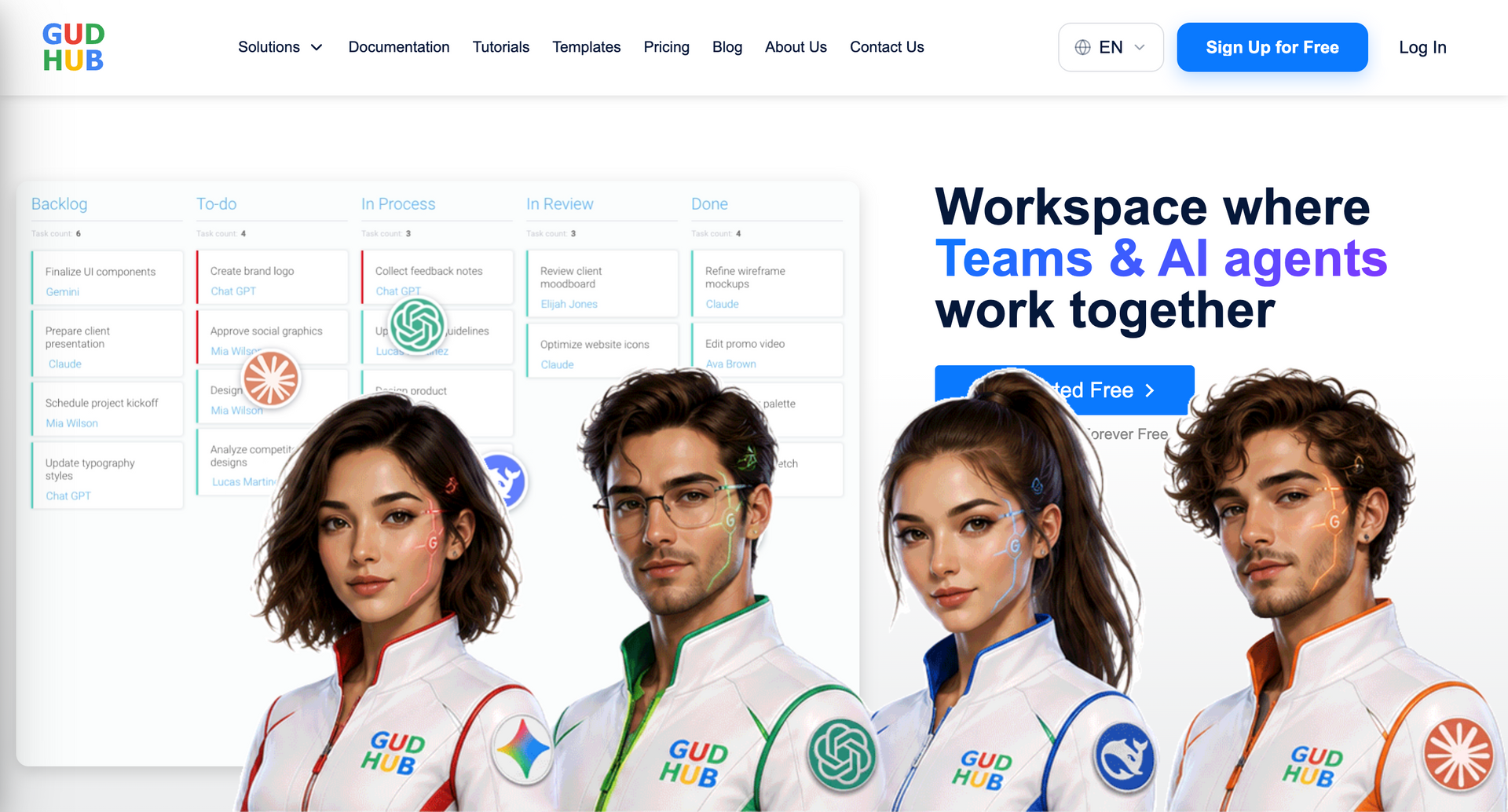
Go to gudhub.com.
On the homepage, click “Sign up for Free”.
Step 2 #
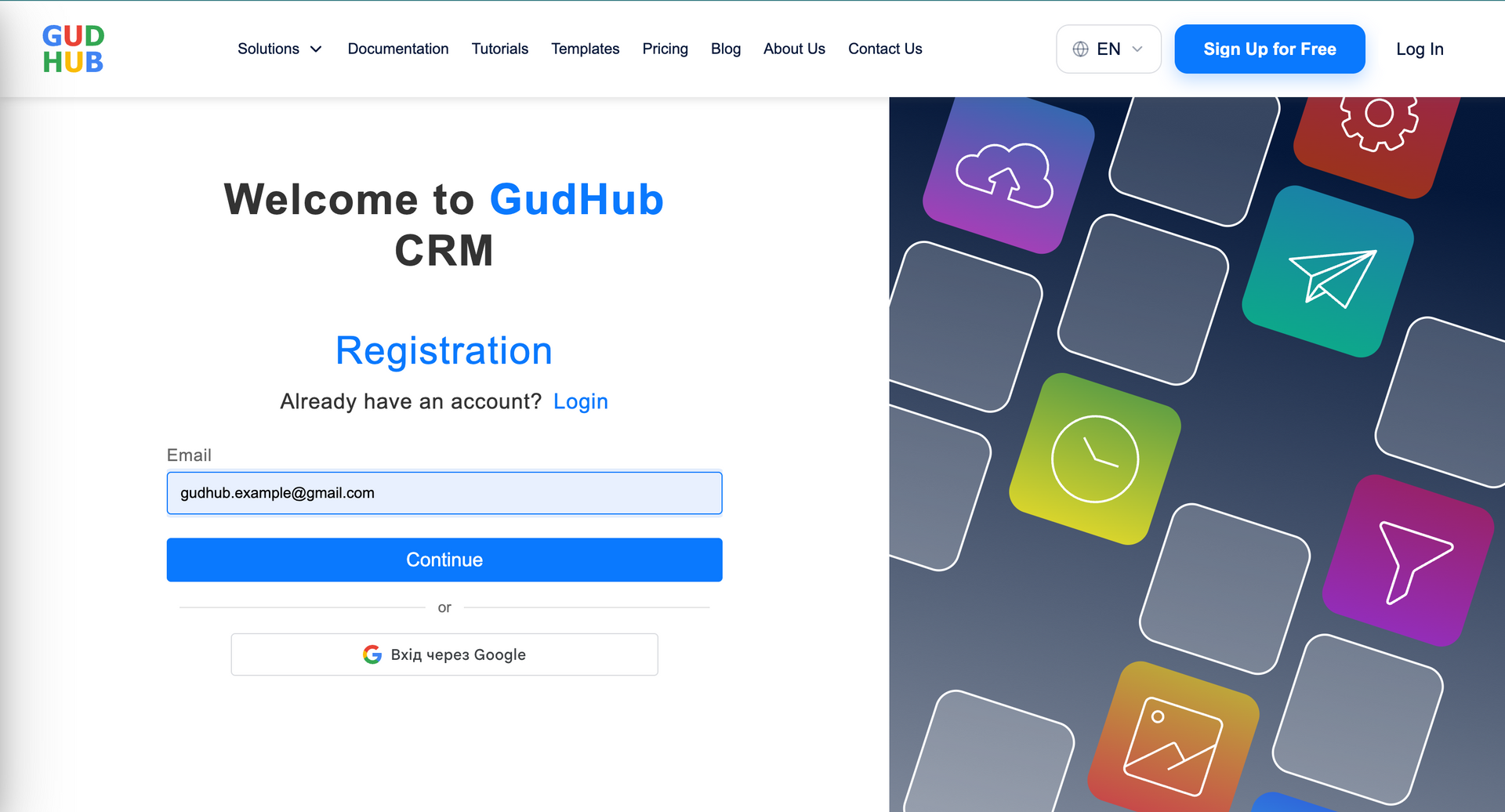
Choose how you want to sign up: with your Google account or email address. If you choose to sign up with your email, enter your email address and click “Continue”.
Step 3 #
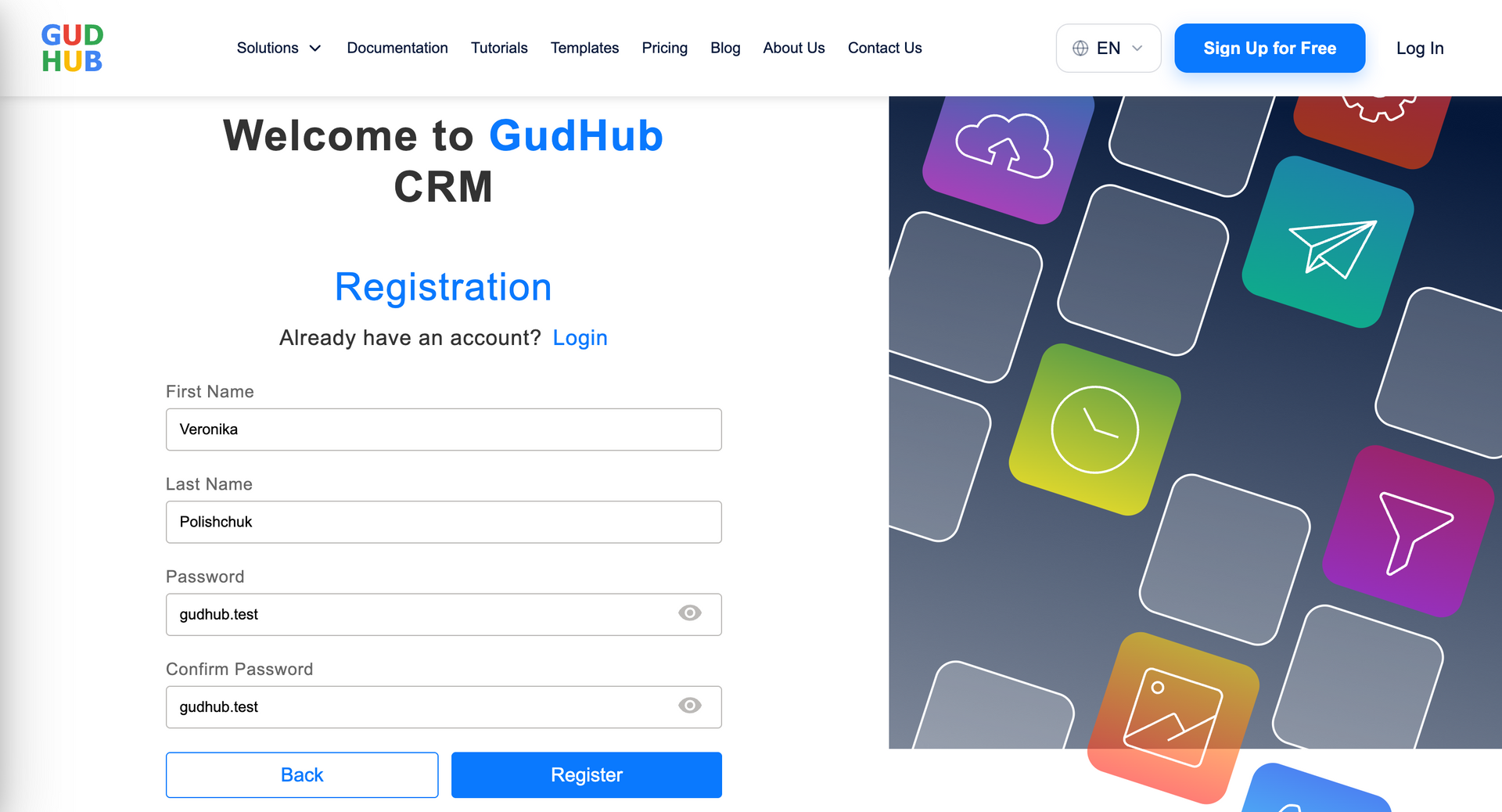
Enter your first and last name and create a password for your account. Once you’ve filled in all the required fields, click “Register”.
Step 4 #
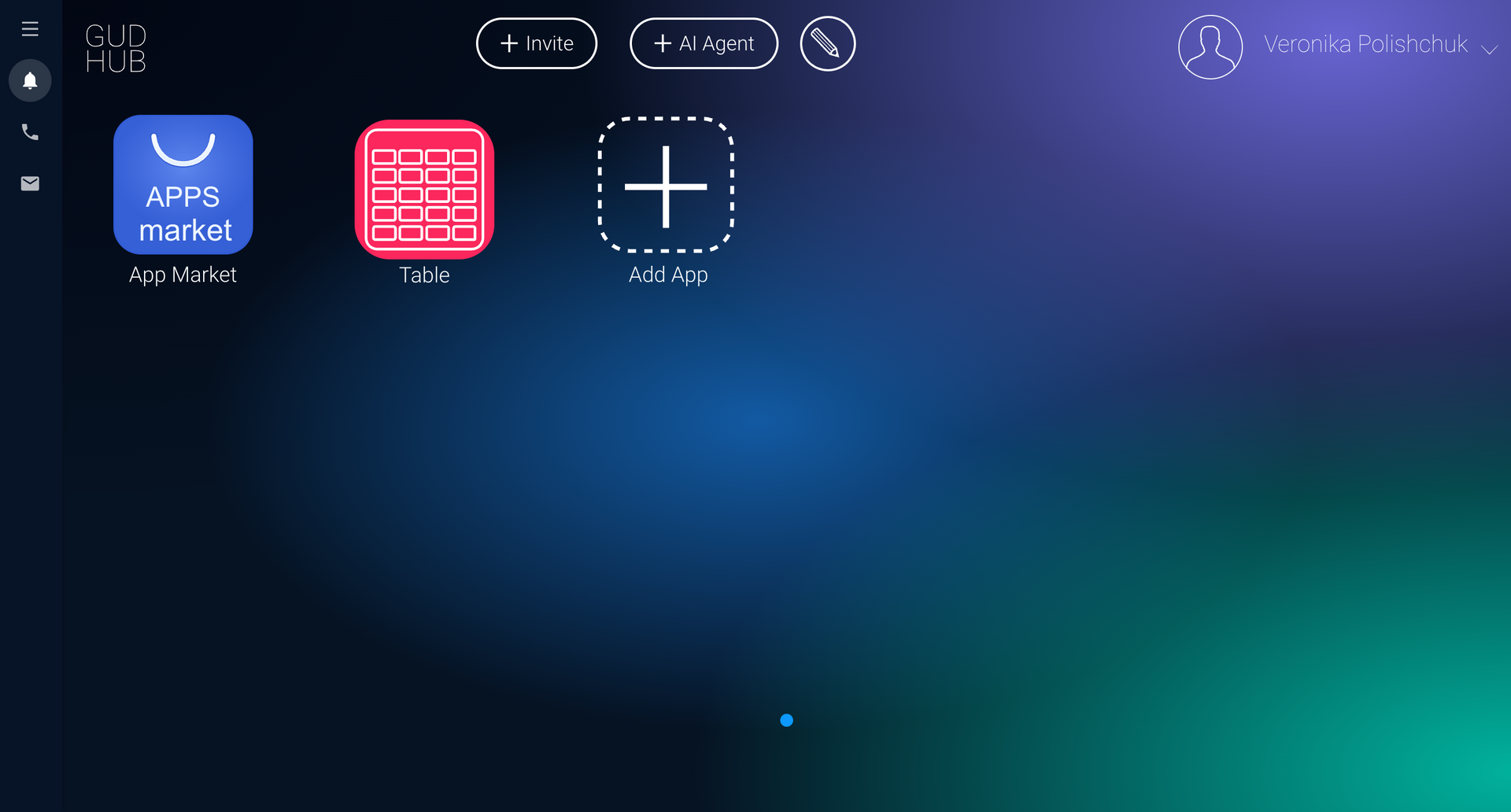
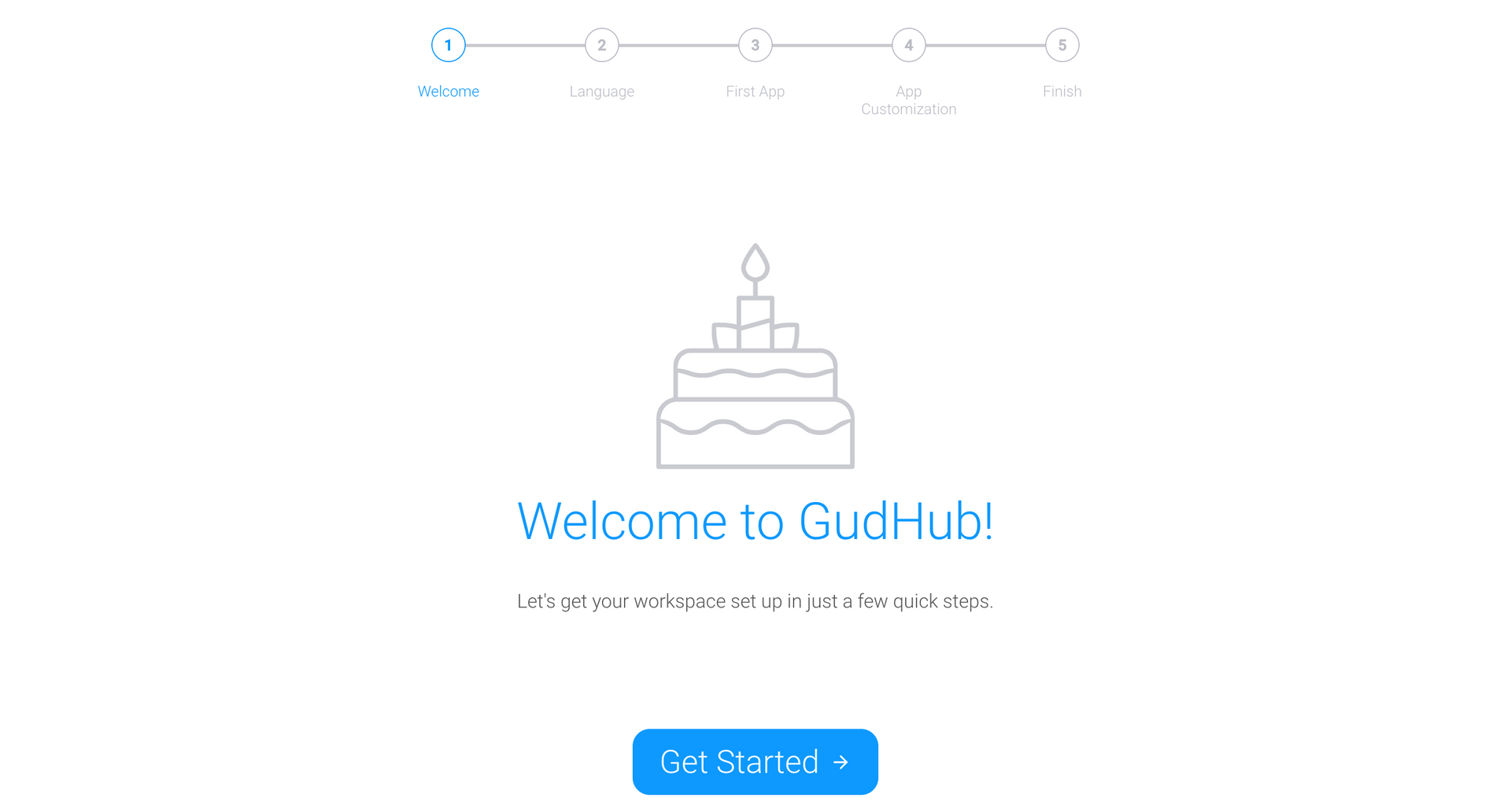
Once you’ve completed the sign-up process, the GudHub home screen will open. Click “Get started” to begin using the system.
Step 5 #
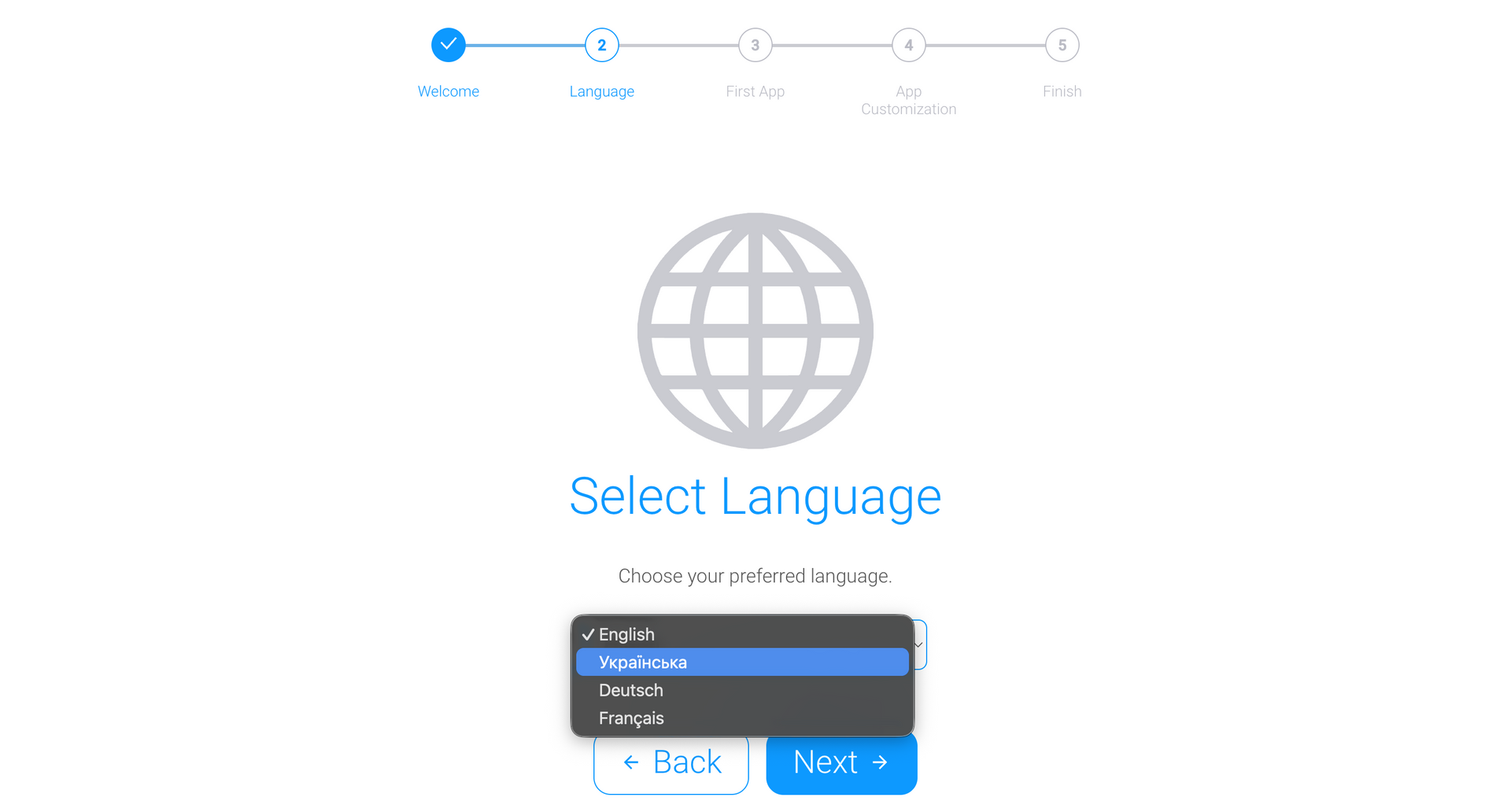
Choose your preferred interface language.
Step 6 #
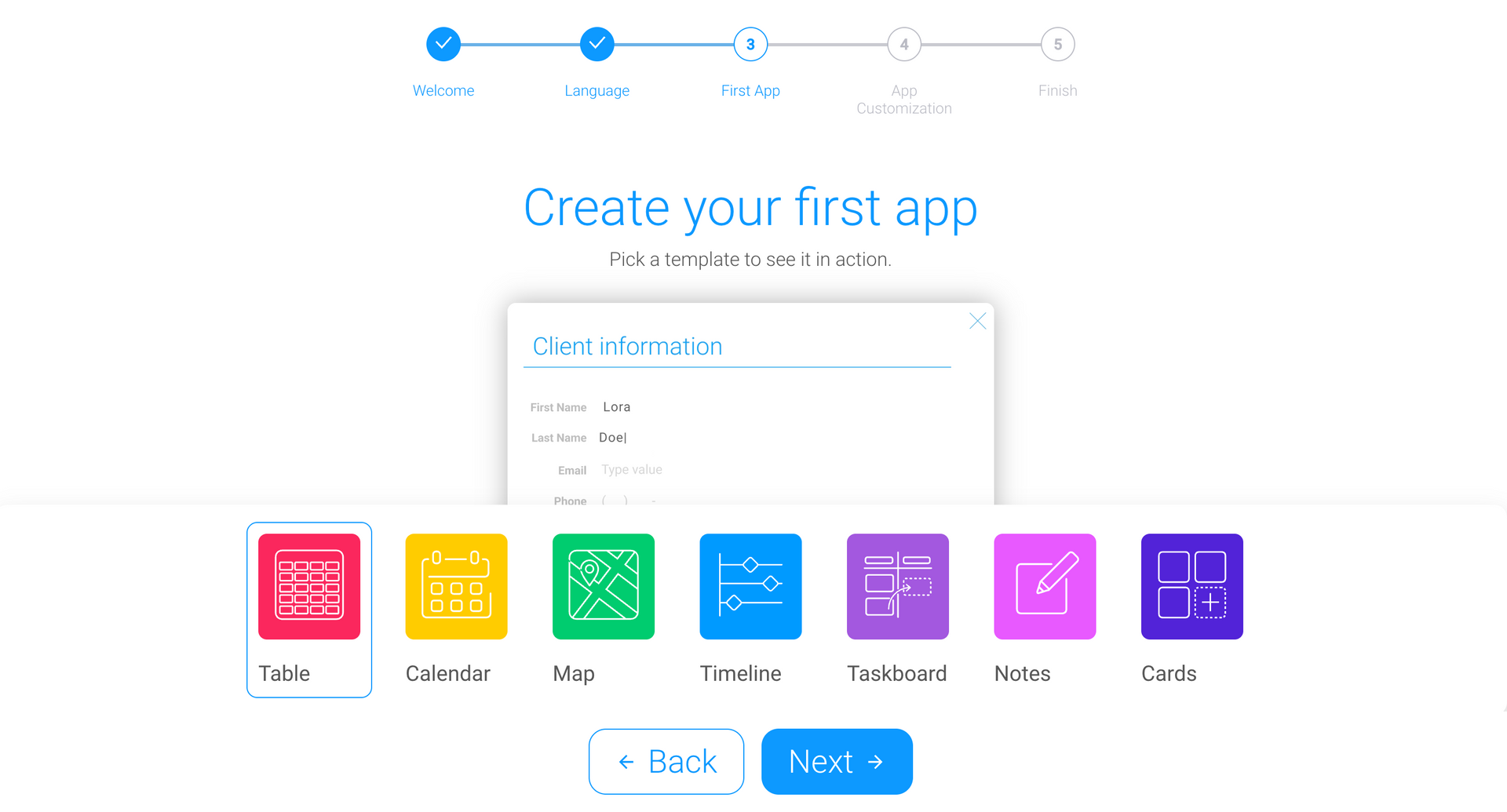
Create your first app on the GudHub platform using one of the ready-made templates.
You can learn more about the features and functionality of each template in our dedicated guides.
Step 7 #
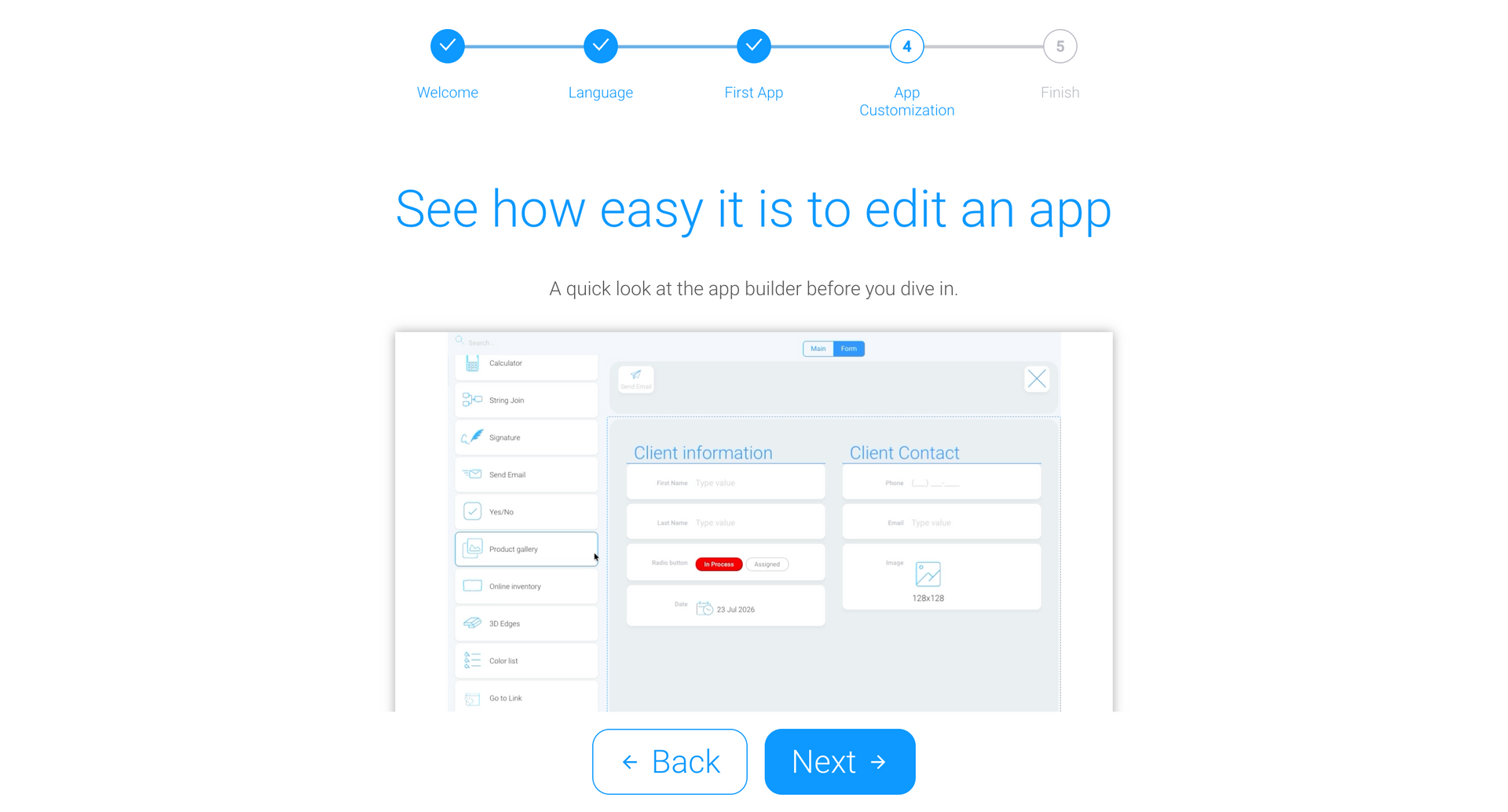
Once you select a template, an animation showing the available options for customizing and editing your app will appear on the screen.
Step 8 #
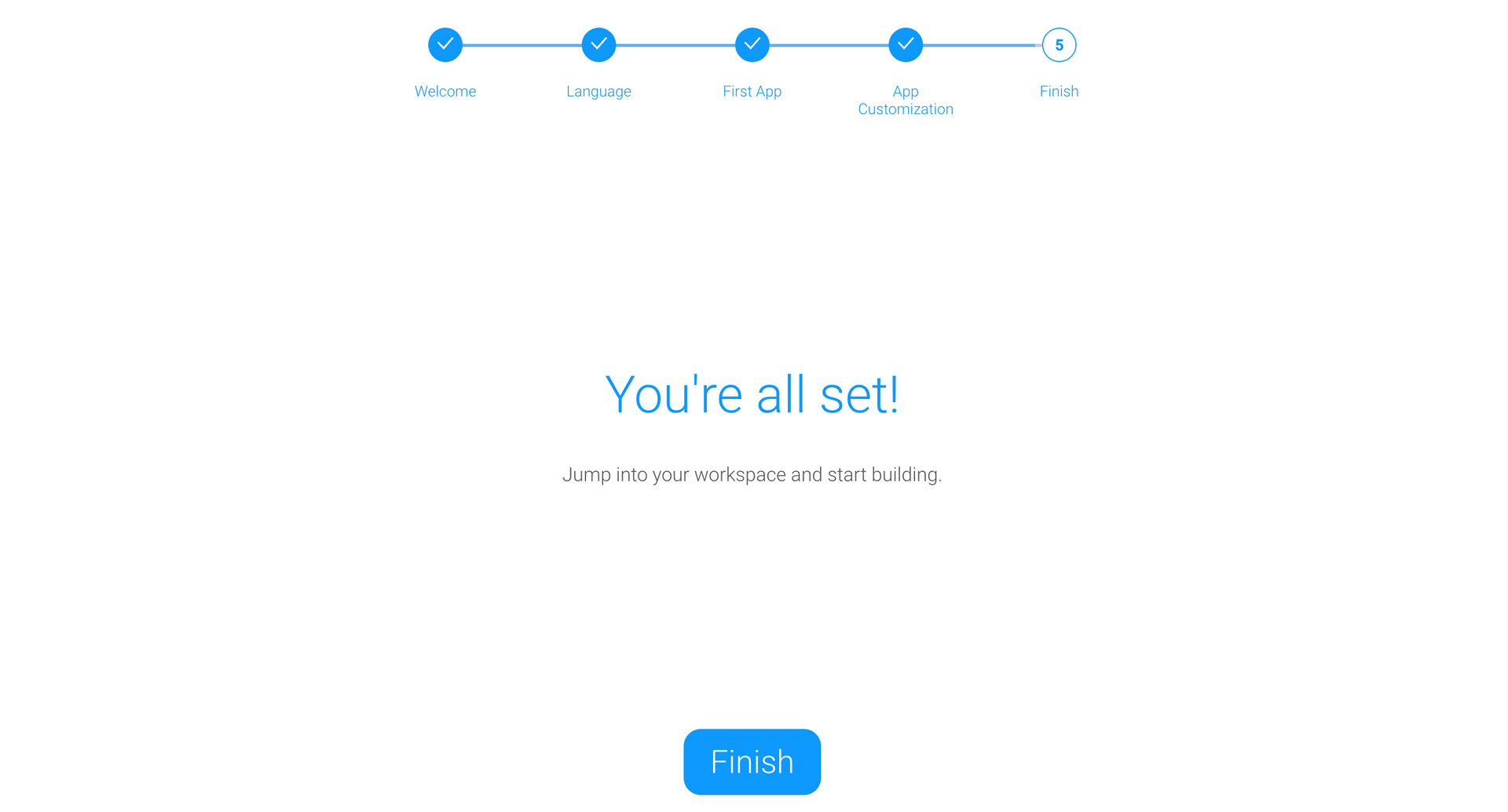
That’s it! Your account is now set up. Click “Finish” to go to the GudHub home screen.
What’s Next? #
Once you’ve signed up, you can start setting up your app and exploring the features available in GudHub.