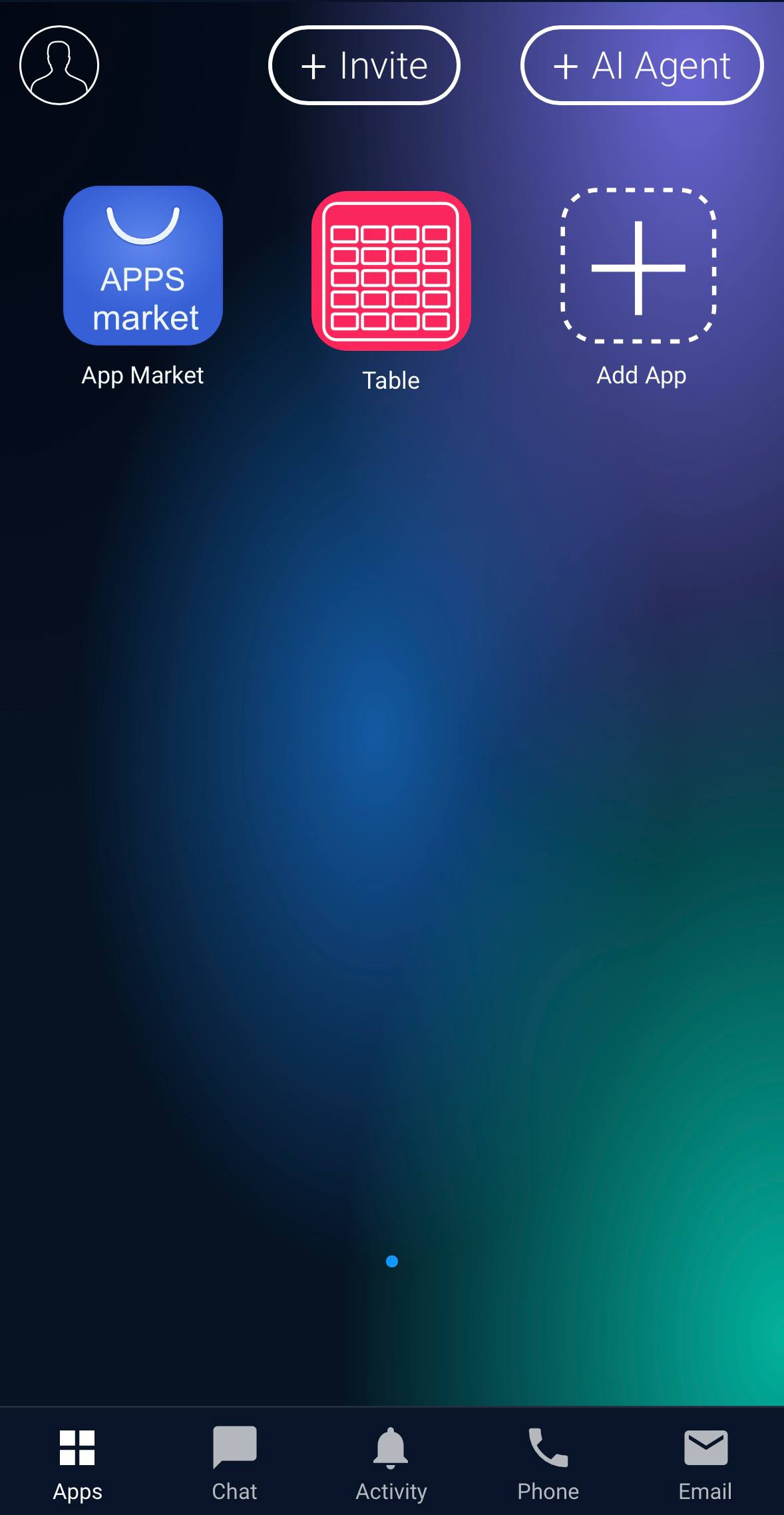
Installing the GudHub Mobile App on iOS #
You can sign up for GudHub not only through the web version but also through the GudHub mobile app for iOS. The sign-up process is nearly the same, although some interface elements may be located differently.
This guide will walk you through how to create an account and get started with GudHub on your iPhone or iPad.
How to Install GudHub on iOS #
Step 1 #
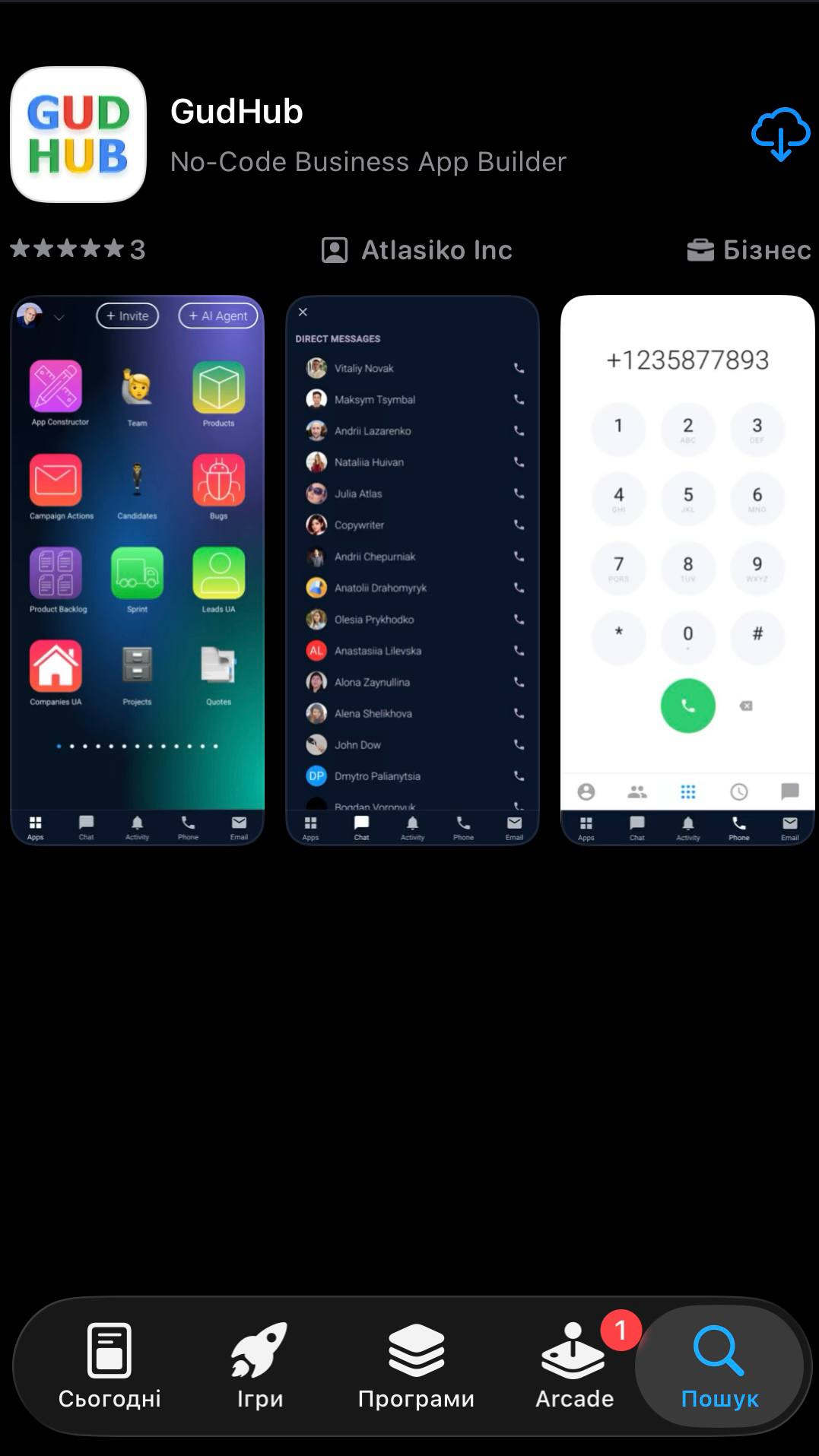
Download the GudHub app from the App Store.
Step 2 #
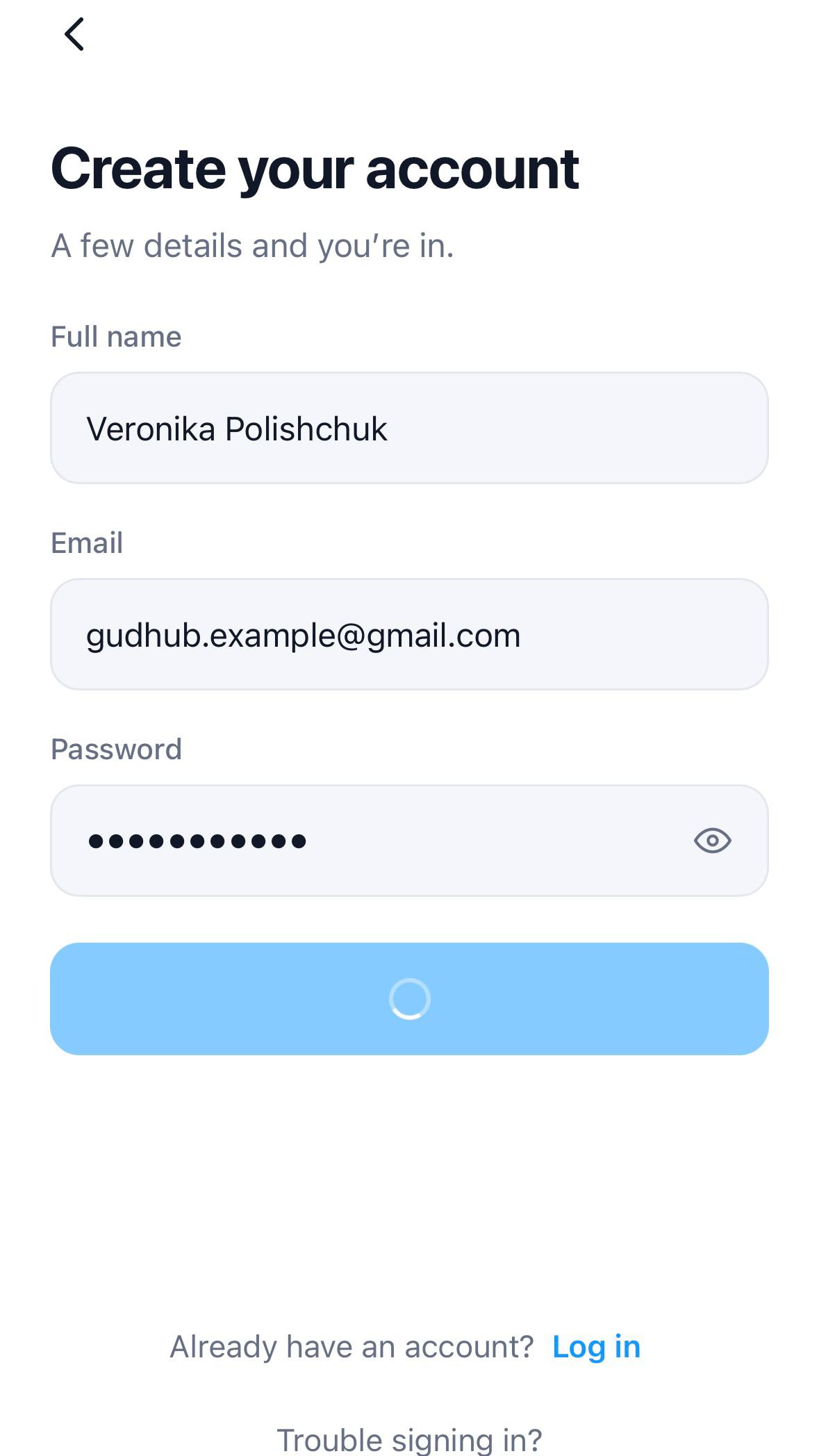
Create an account by entering your first name, last name, and email address. You’ll also need to create a unique password for your account. Once you’ve entered all the required information, click “Create account”.
Step 3 #
Once you’ve completed the sign-up process, the GudHub home screen will open. Click “Get started” to begin using the system.

Step 4 #
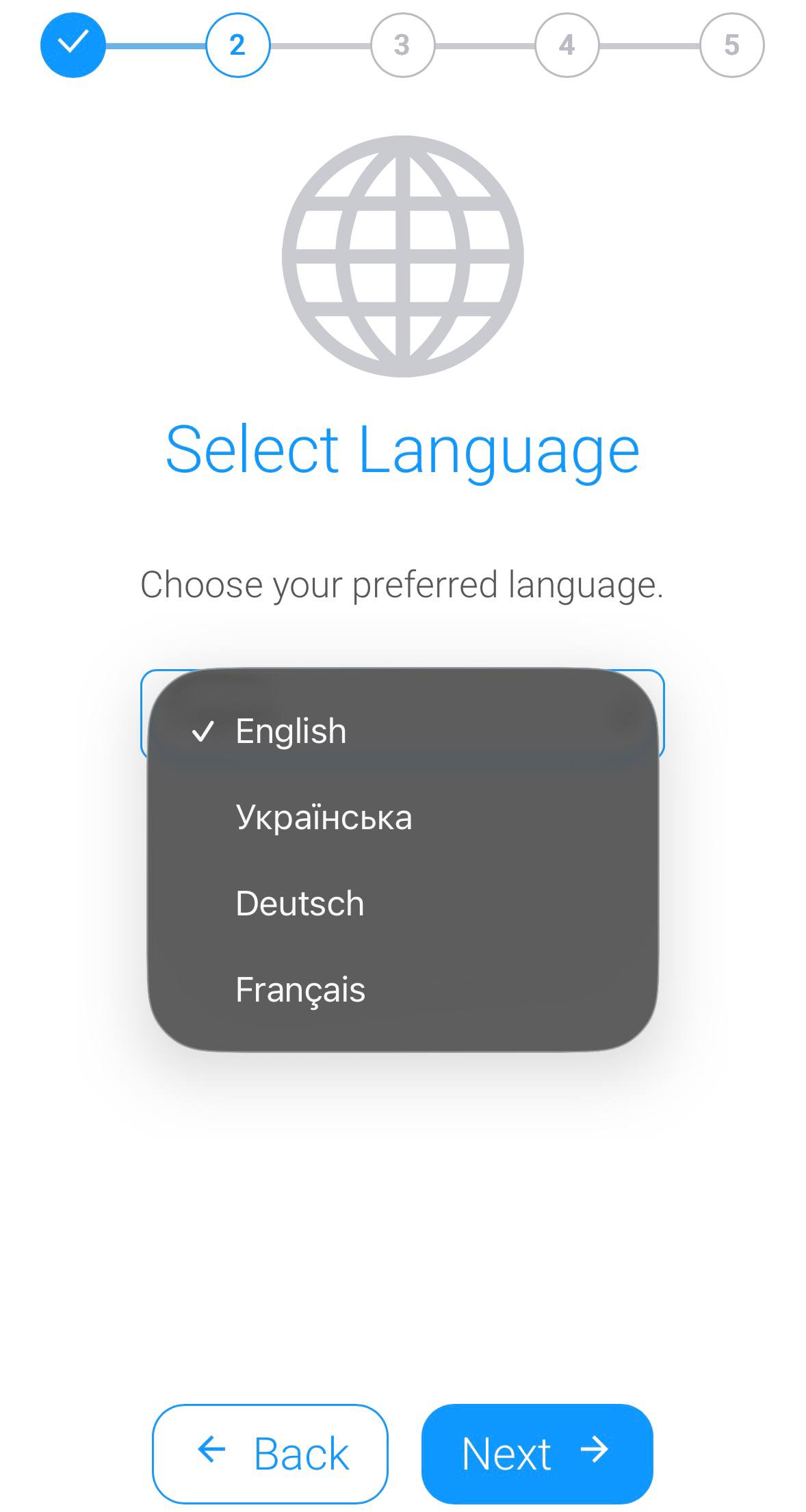
Choose your preferred interface language.
Step 5 #
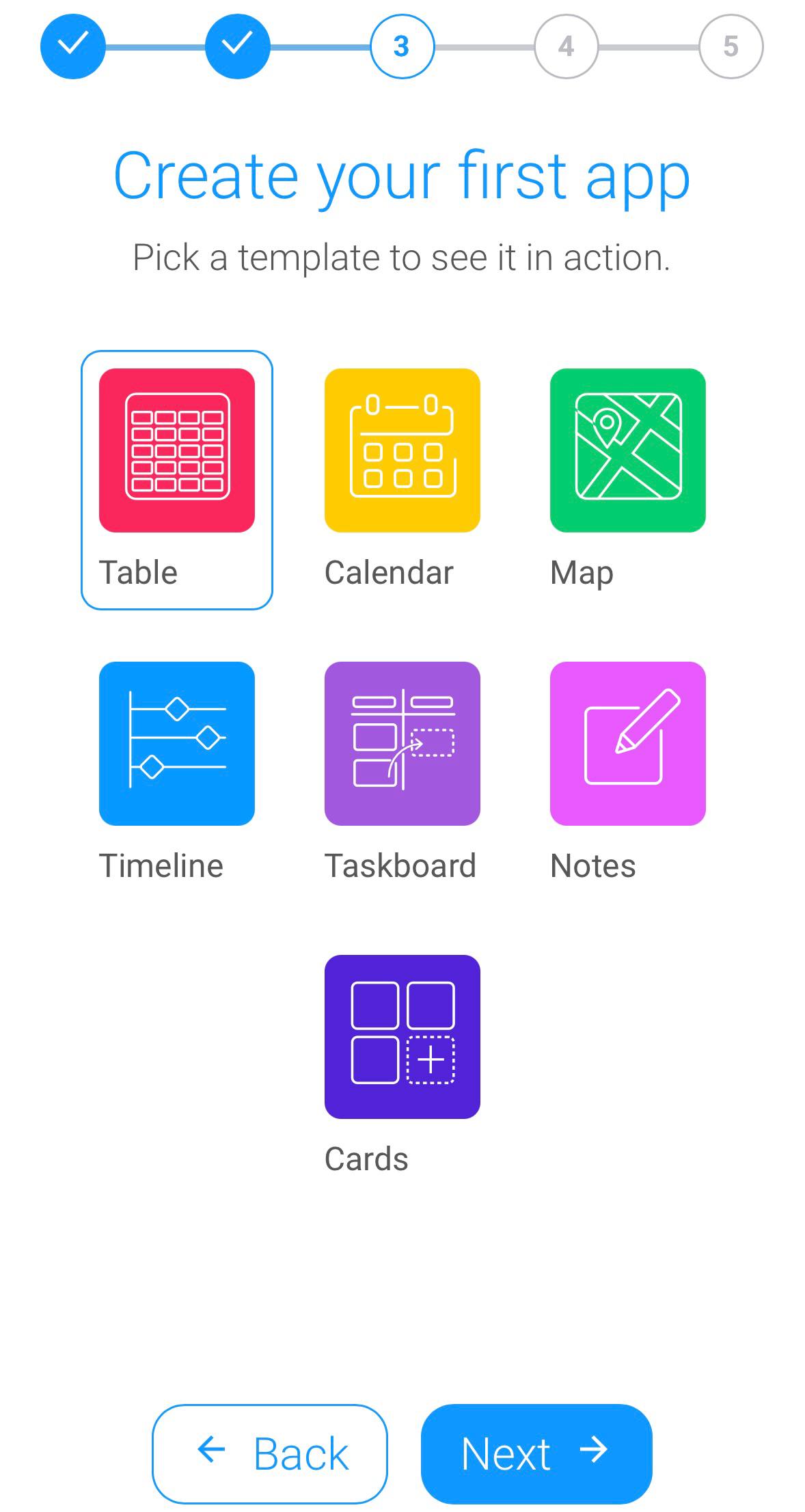
Create your first app on the GudHub platform using one of the ready-made templates.
Step 6 #
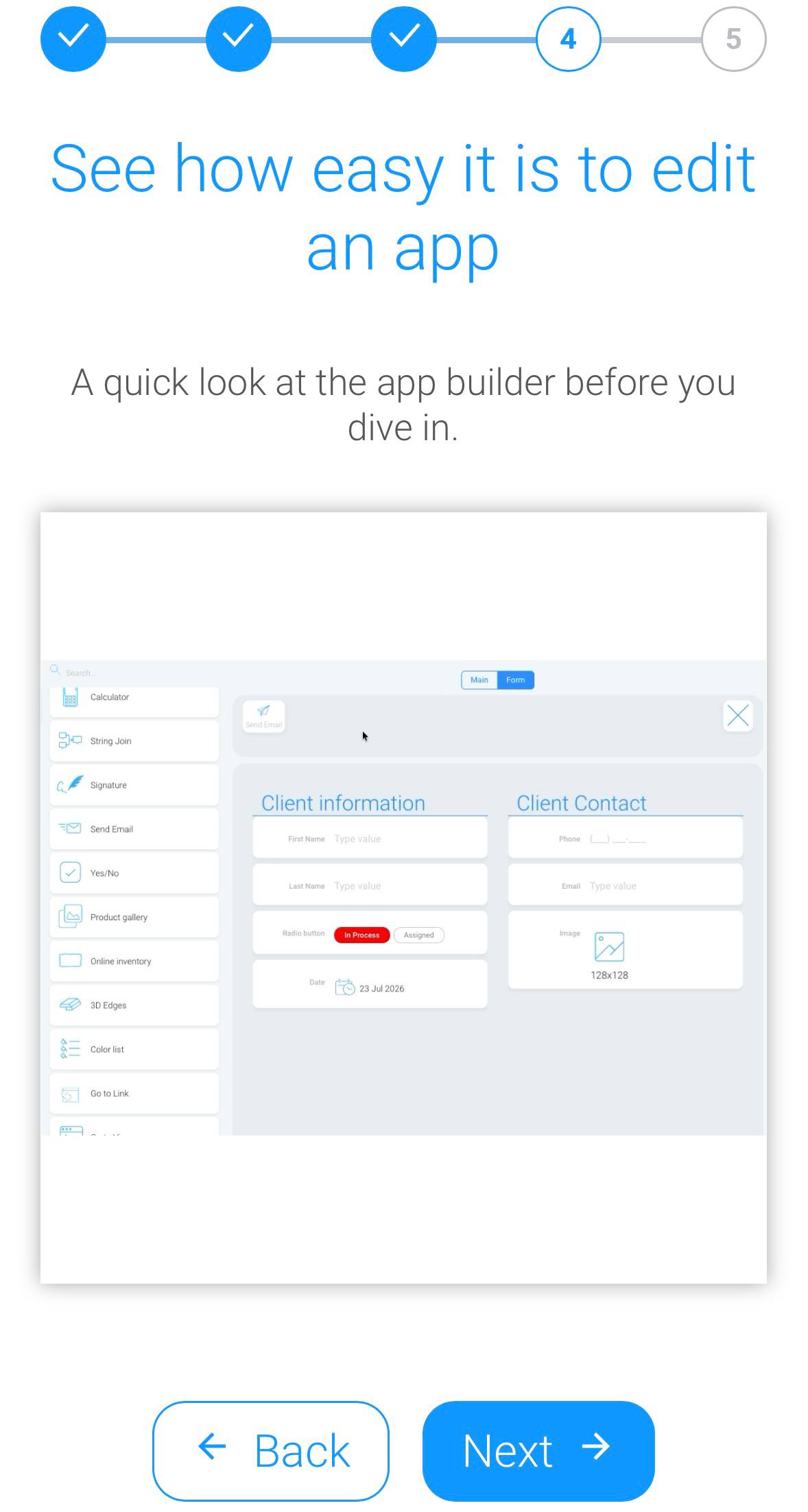
Once you select a template, an animation showing the available options for customizing and editing your app will appear on the screen.
Step 7 #
That’s it! Your account is now set up. Click “Finish” to go to the GudHub home screen.
What’s Next? #
Once you’ve created your account, you can start setting up your app and exploring the features available in GudHub.