
Create Apps Using the App Market #
Instead of building a CRM system from scratch, GudHub offers ready-made templates for various small and medium-sized business sectors. Each template includes a set of apps with a basic structure and functionality tailored to the needs of a specific industry. This allows you to get started with your system faster and avoid complex setup during the initial stages.
How to Create Apps from a Ready-Made Template #
Step 1 #
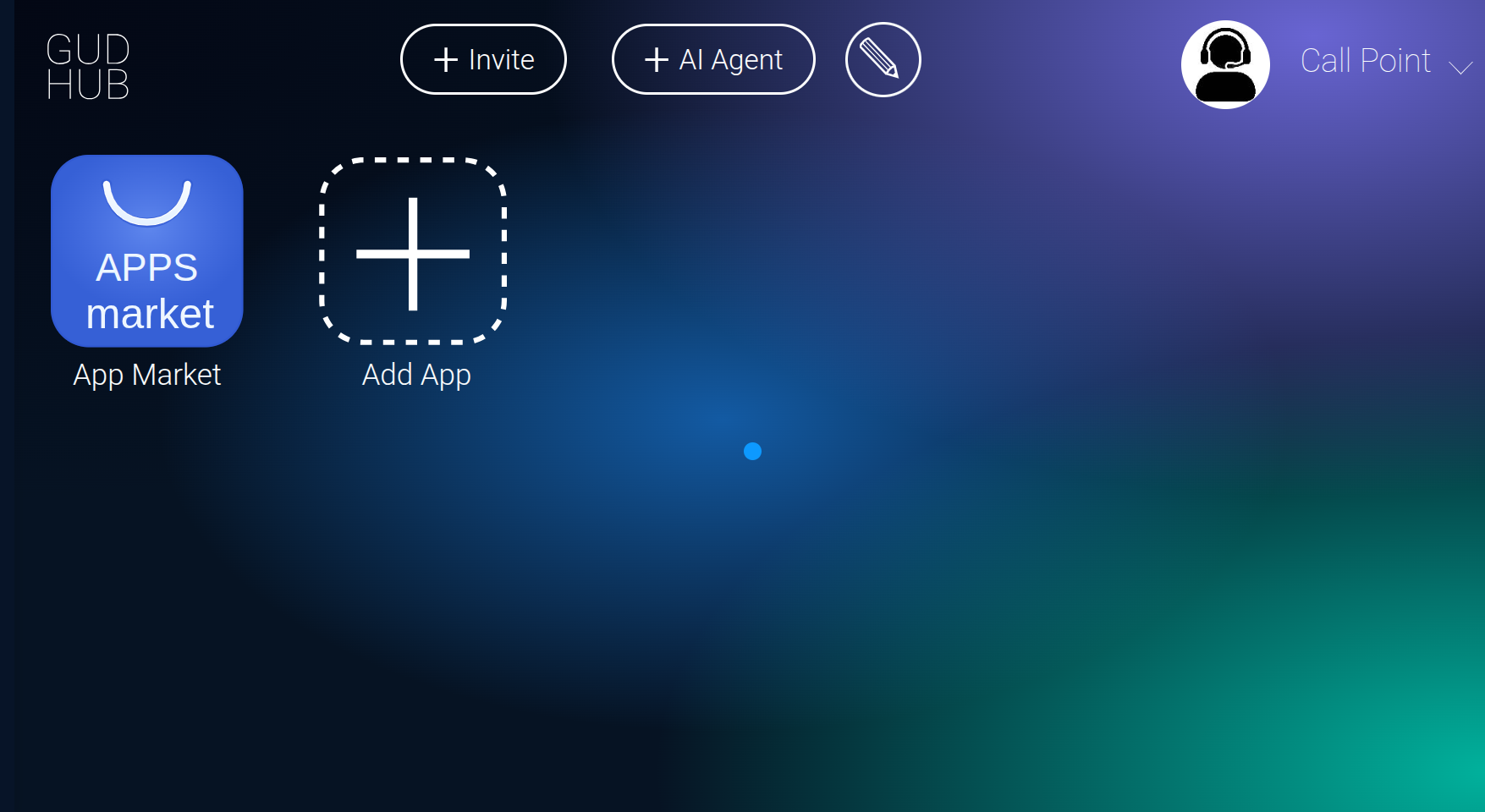
Log in to GudHub and open the App Market from the home screen.
For step-by-step instructions on how to register on the platform, see our separate guide.
Step 2 #
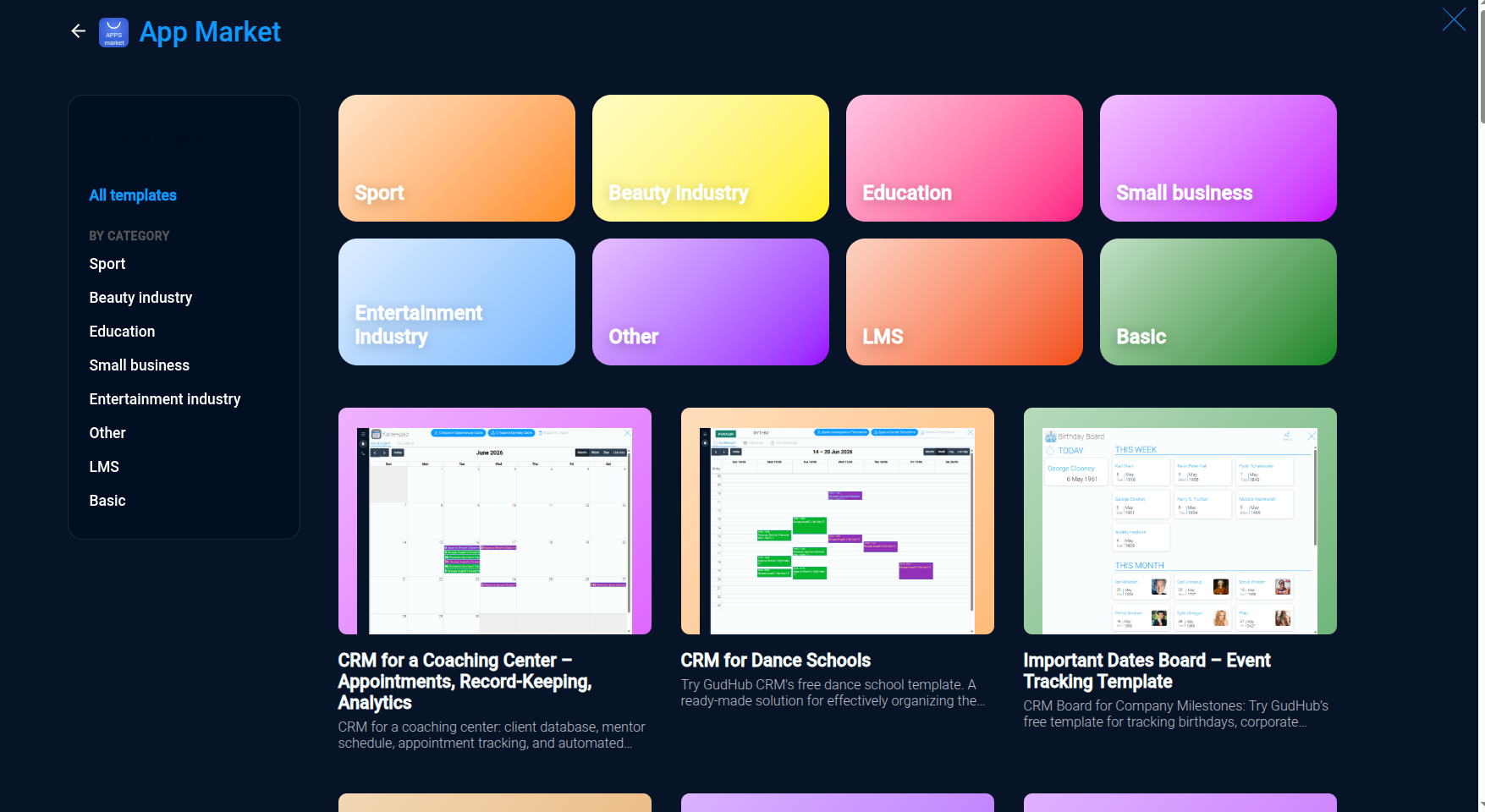
In the App Market, you'll find categories featuring ready-made CRM templates for various industries and business areas.
Step 3 #
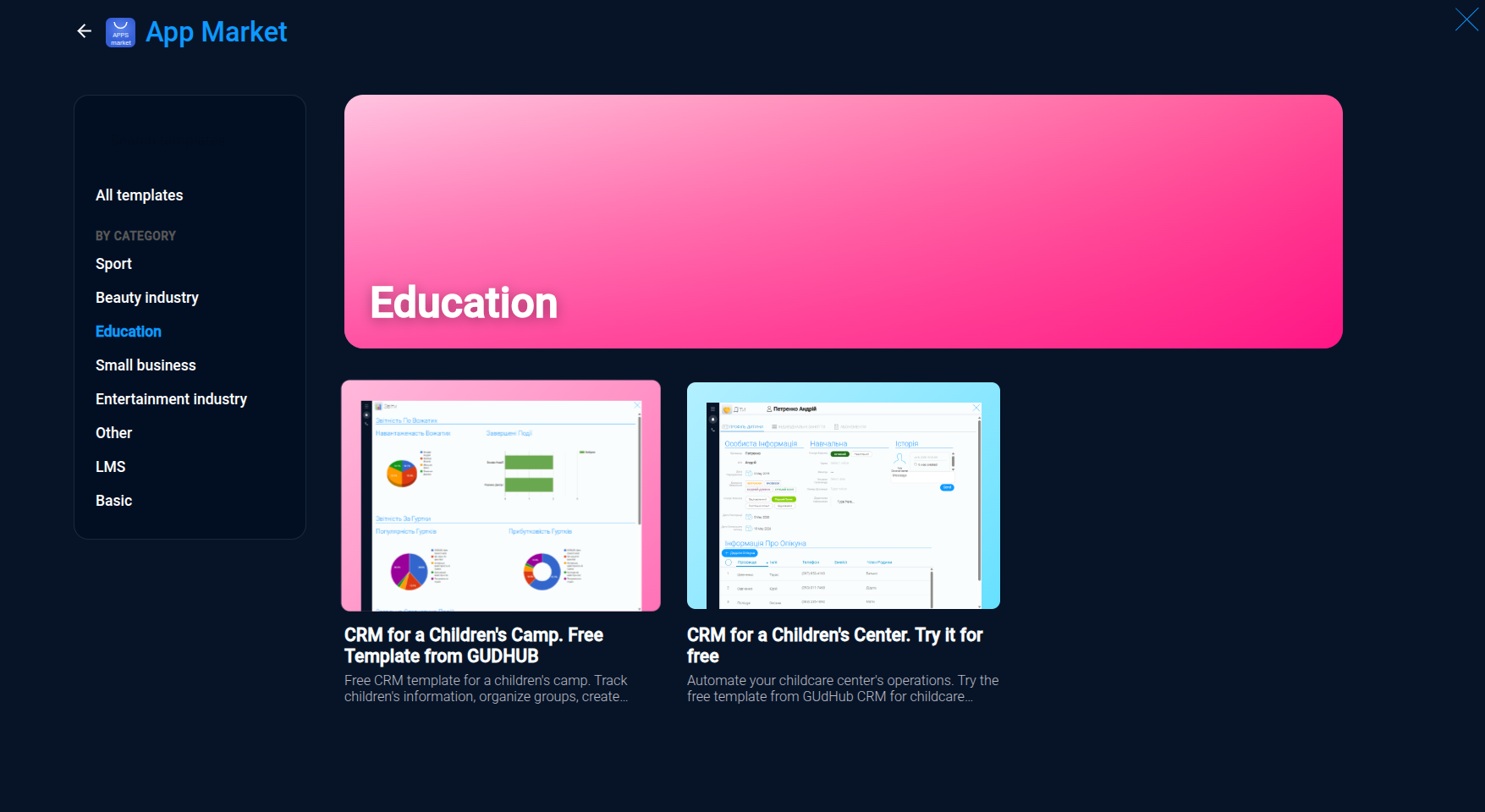
Choose the category that best matches your business and browse the available templates.
Step 4 #
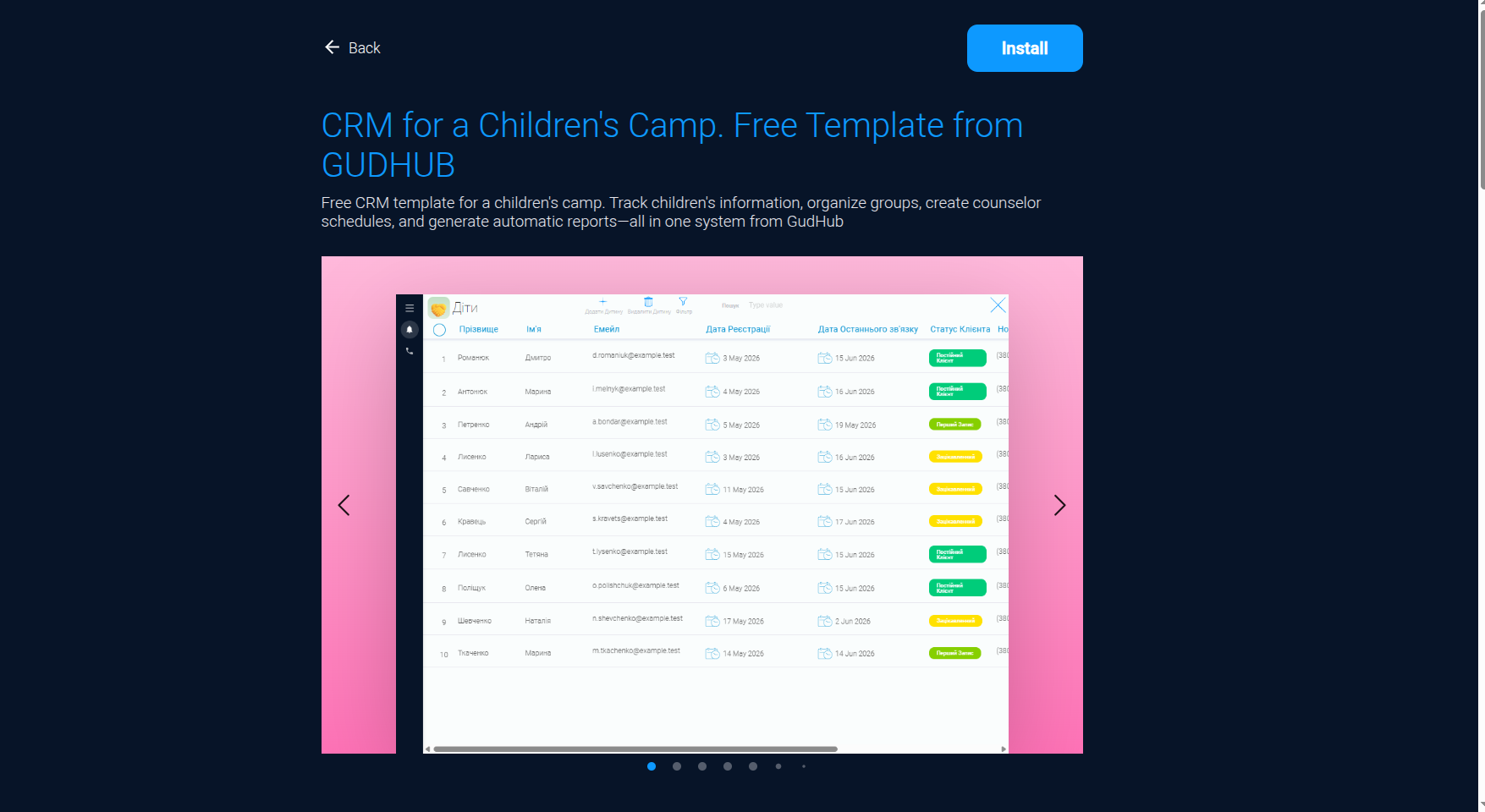
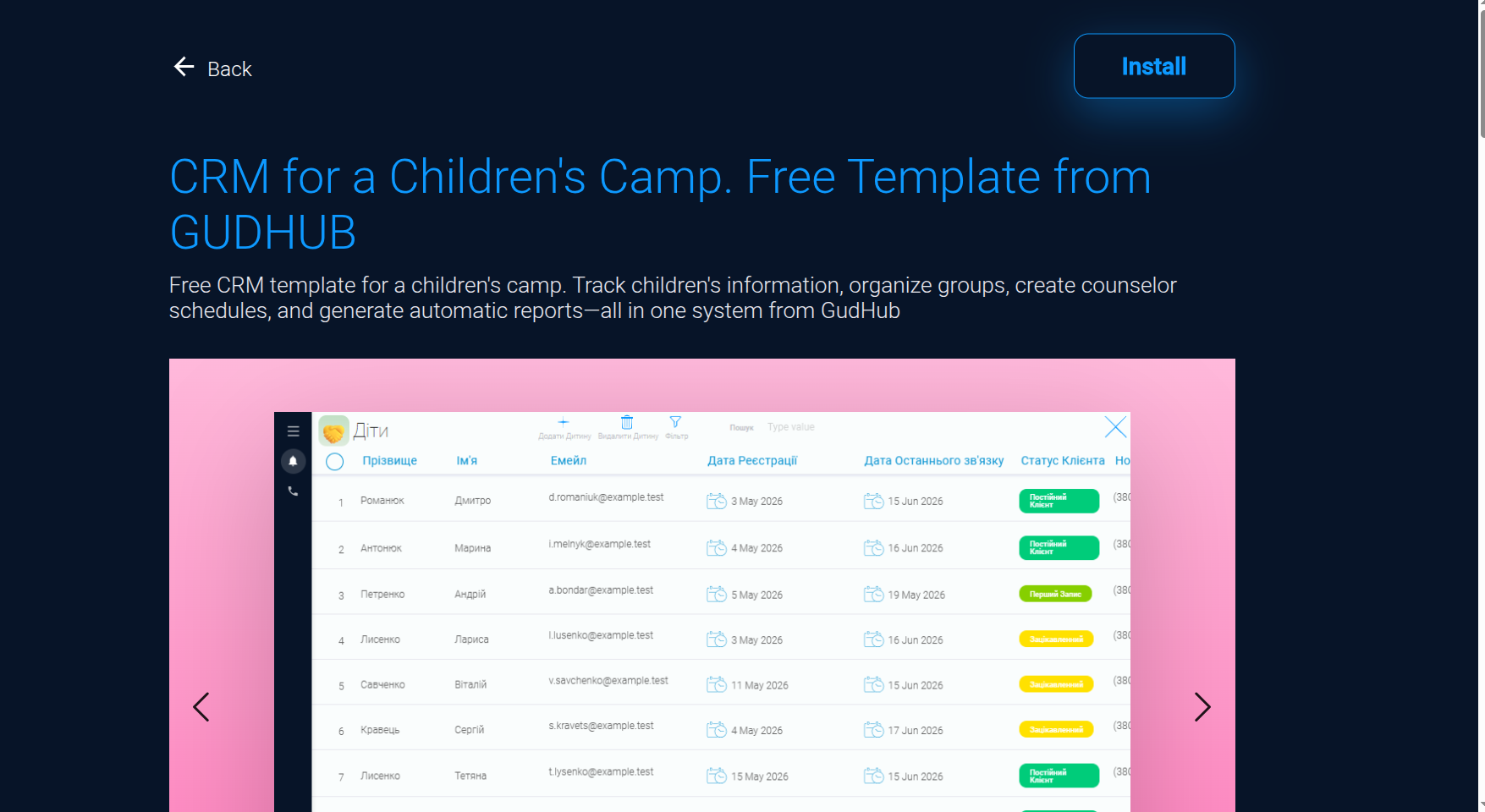
Click on a template to explore its features. On the template page, you can learn about the benefits of using the system, preview what the apps look like, and explore their functionality.
Step 5 #
If the template meets your requirements, click the “Install” button in the top-right corner of the page.
Step 6 #
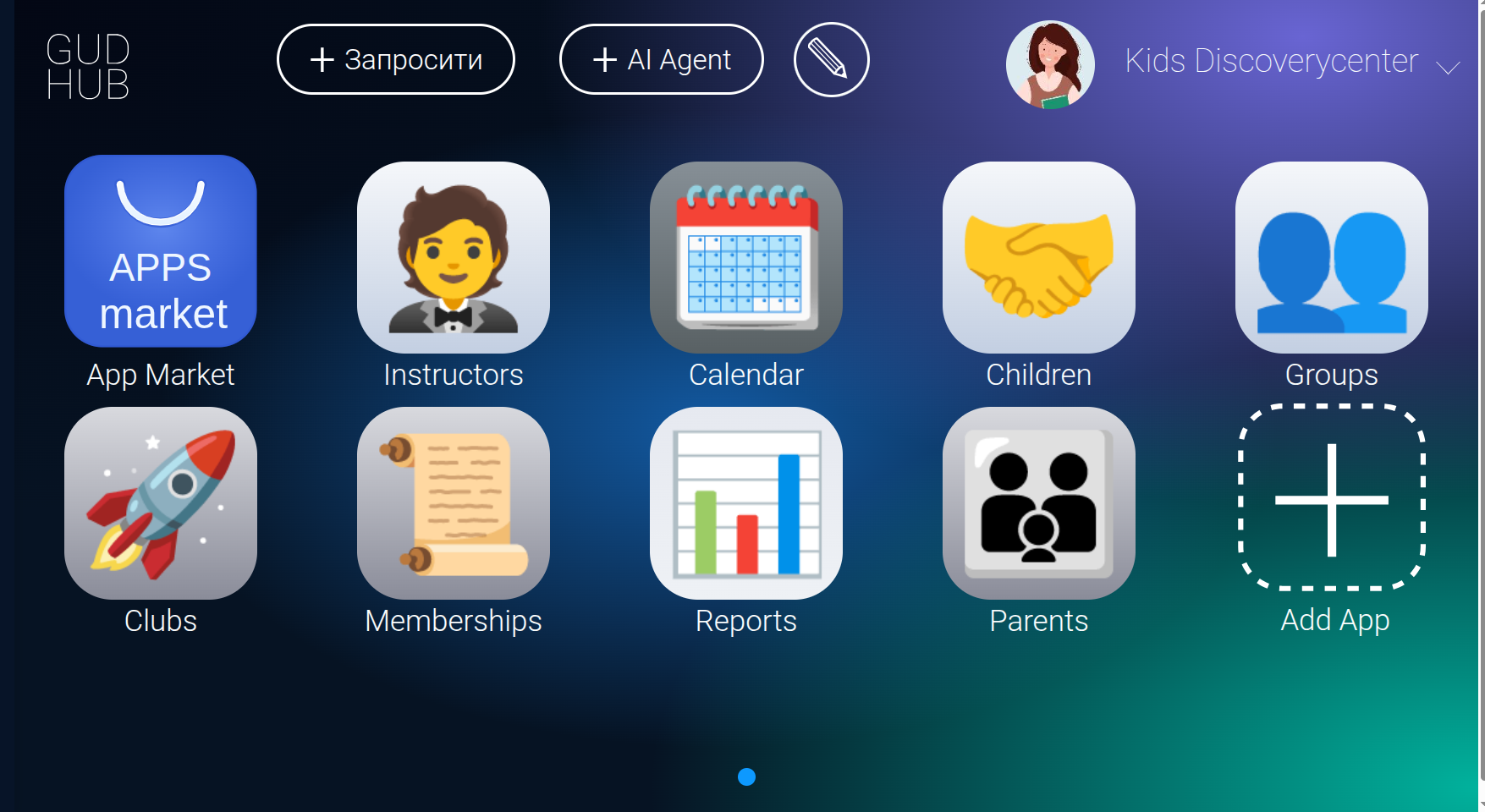
Once the installation is complete, the apps included in the template will appear in your GudHub system.
Get Started with a Ready-Made CRM System #
With the GudHub App Market, you can choose a template tailored to your industry and quickly set up a CRM system without having to create each app individually.
The ready-made structure saves you time during the initial setup, while the ability to use your own data and customize the apps allows you to adapt the system to your business needs.