
Tracking Activity in GudHub #
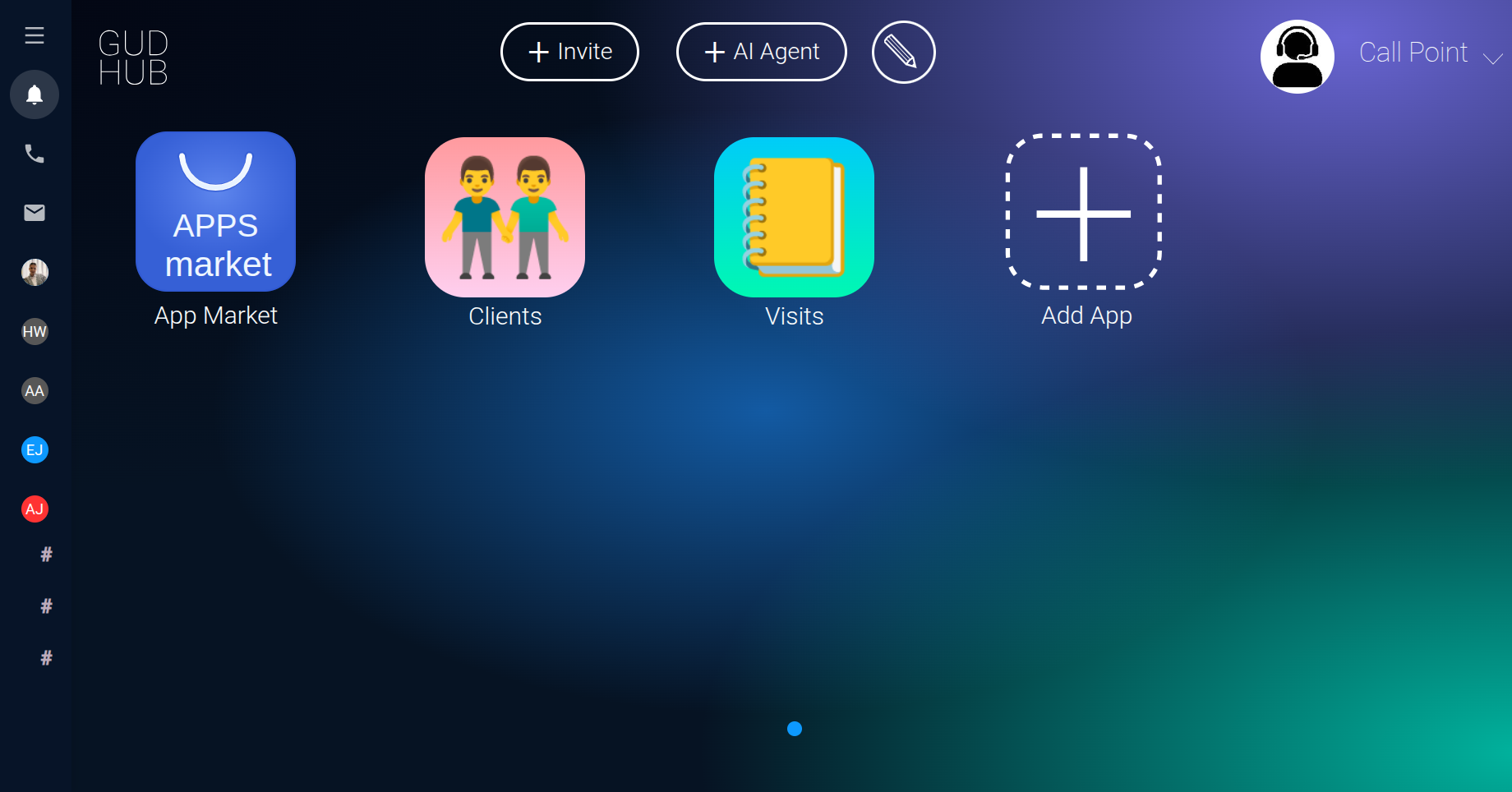
GudHub lets you review your activity and quickly return to previous messages and conversation history. To do this, open the Activity window by clicking the bell icon on the system's main screen.
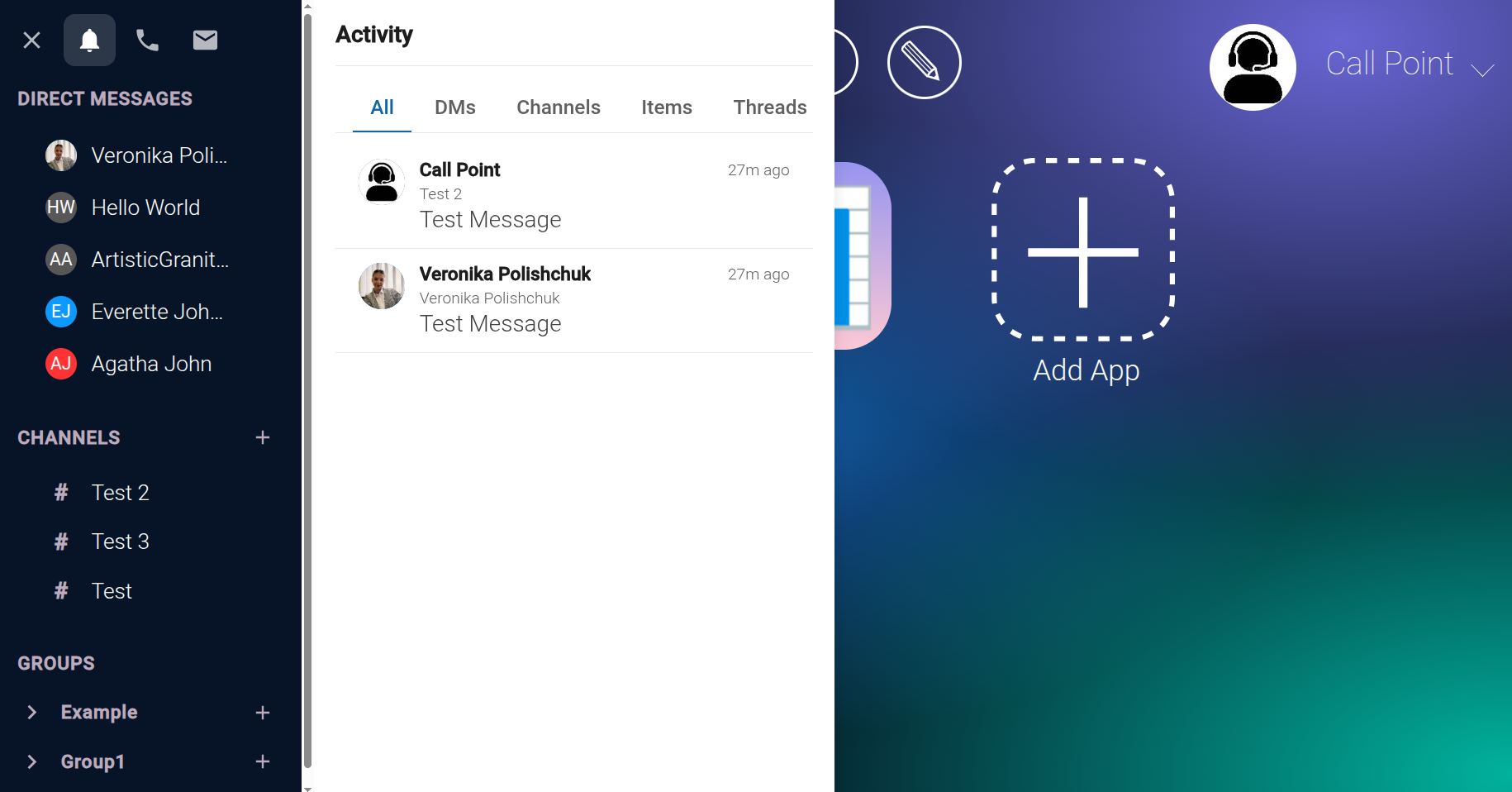
All – All Activity #
The “All” section brings together activity from all the other categories. Here, you can review your activity in one place without opening direct messages, channels, and other types of interactions separately.
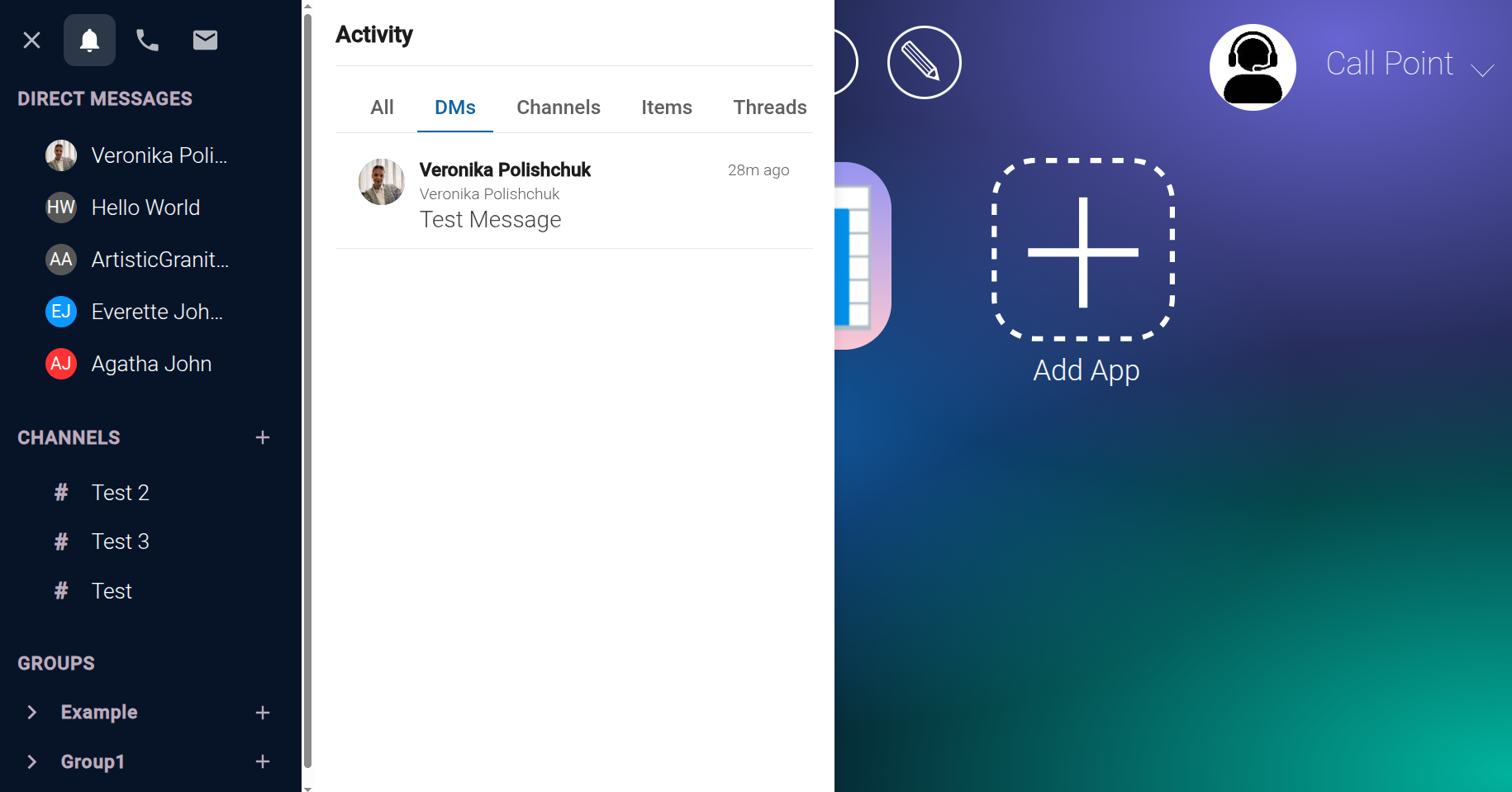
DMs – Direct Messages #
The “DMs” category contains direct messages you've sent to other users as the system owner. It helps you find previous messages and revisit your one-on-one conversation history.
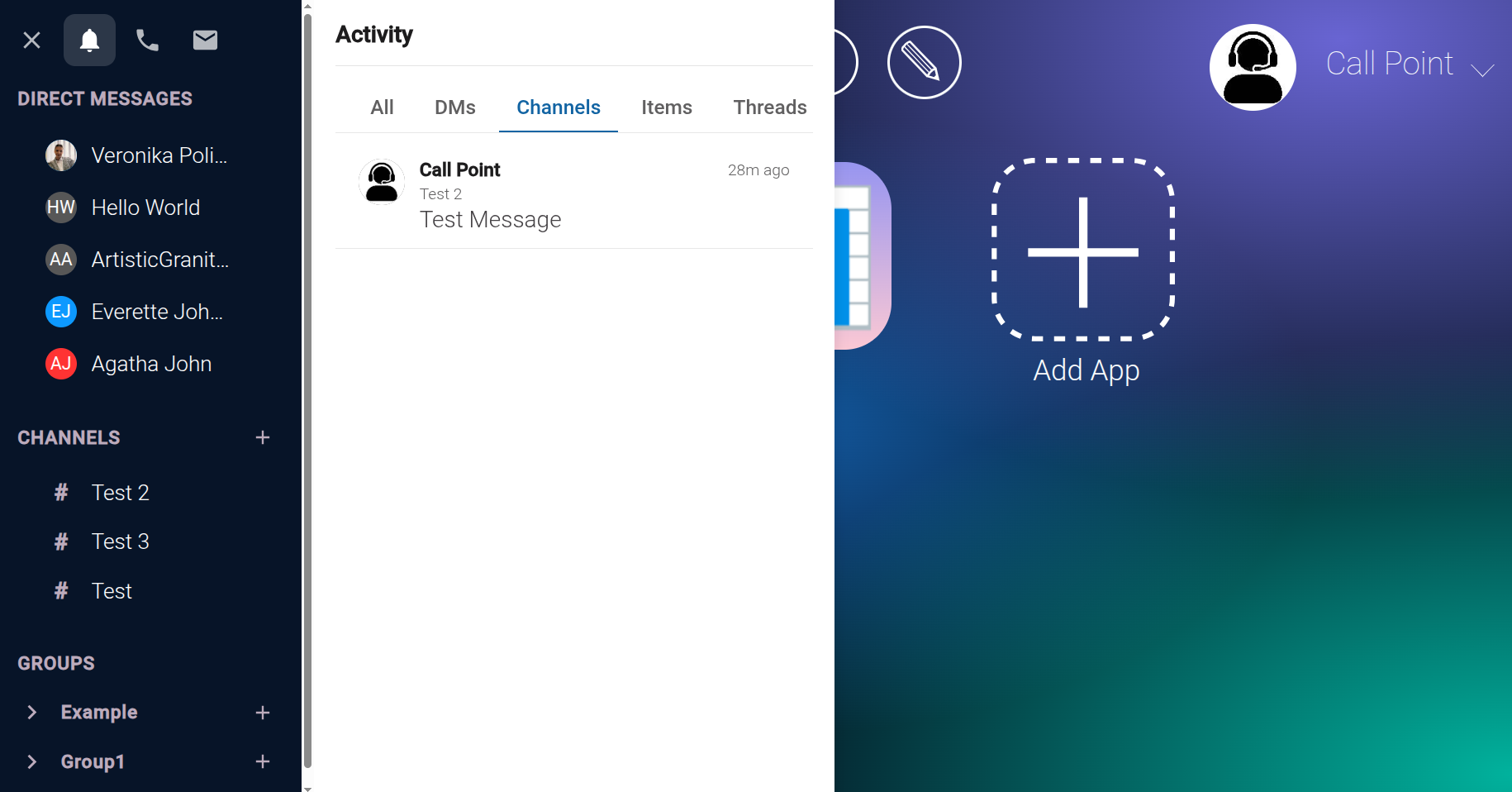
Channels – Channel Messages #
The “Channels” category displays messages you've sent in channels used for communication with multiple users. This allows you to review your activity in group discussions and find relevant information more easily among the messages you've exchanged with other participants.
Items – Record Discussions #
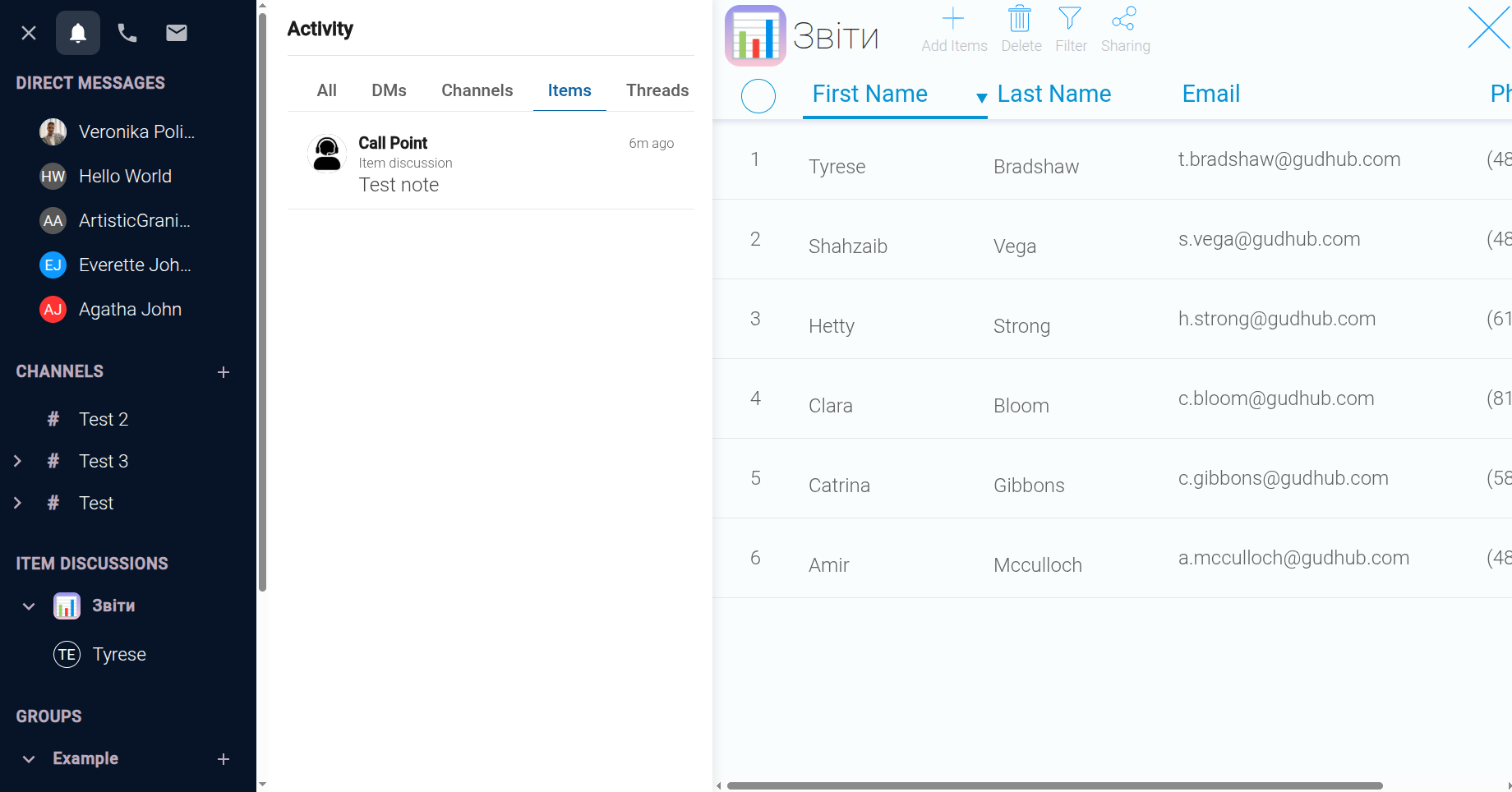
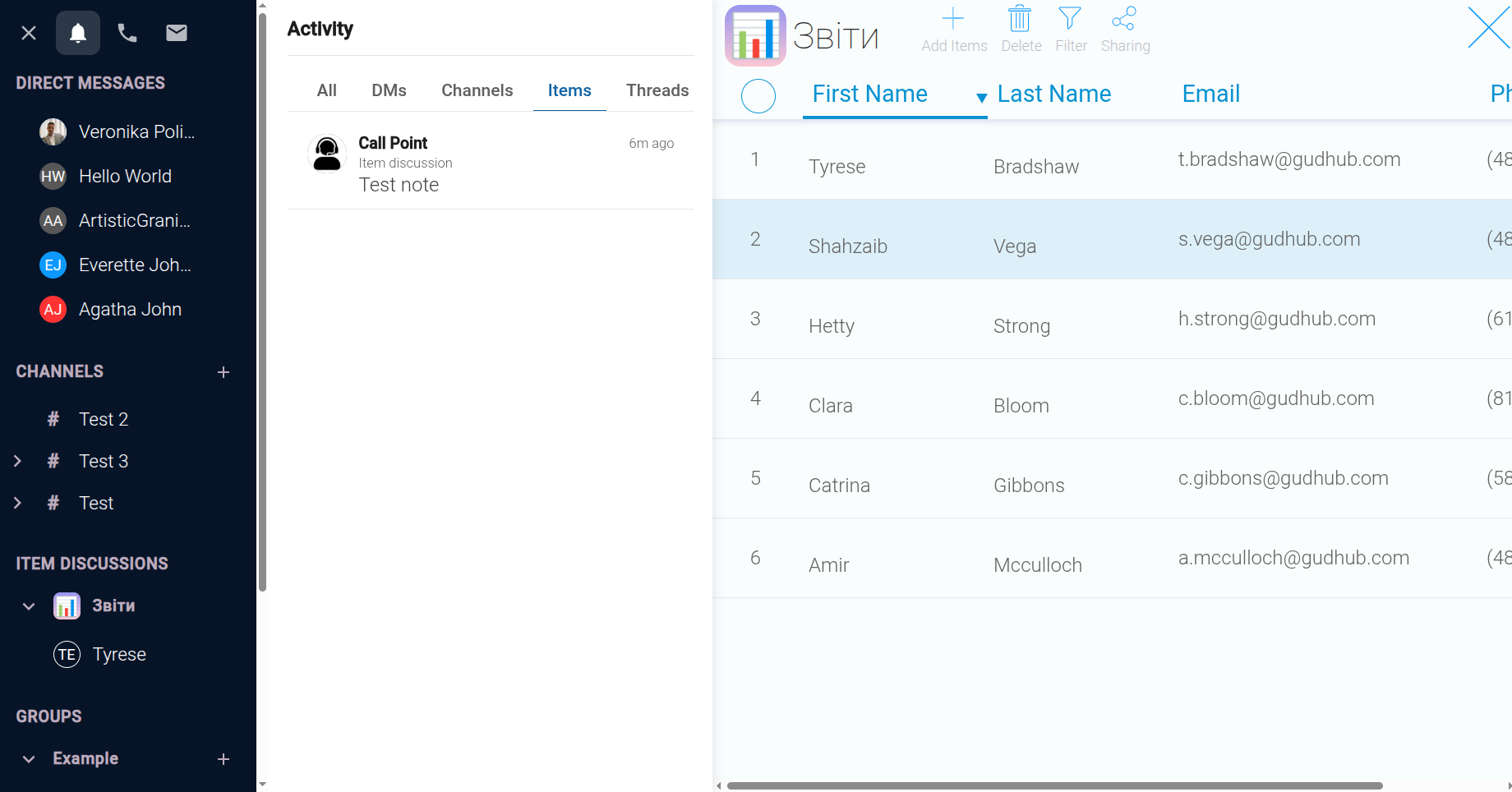
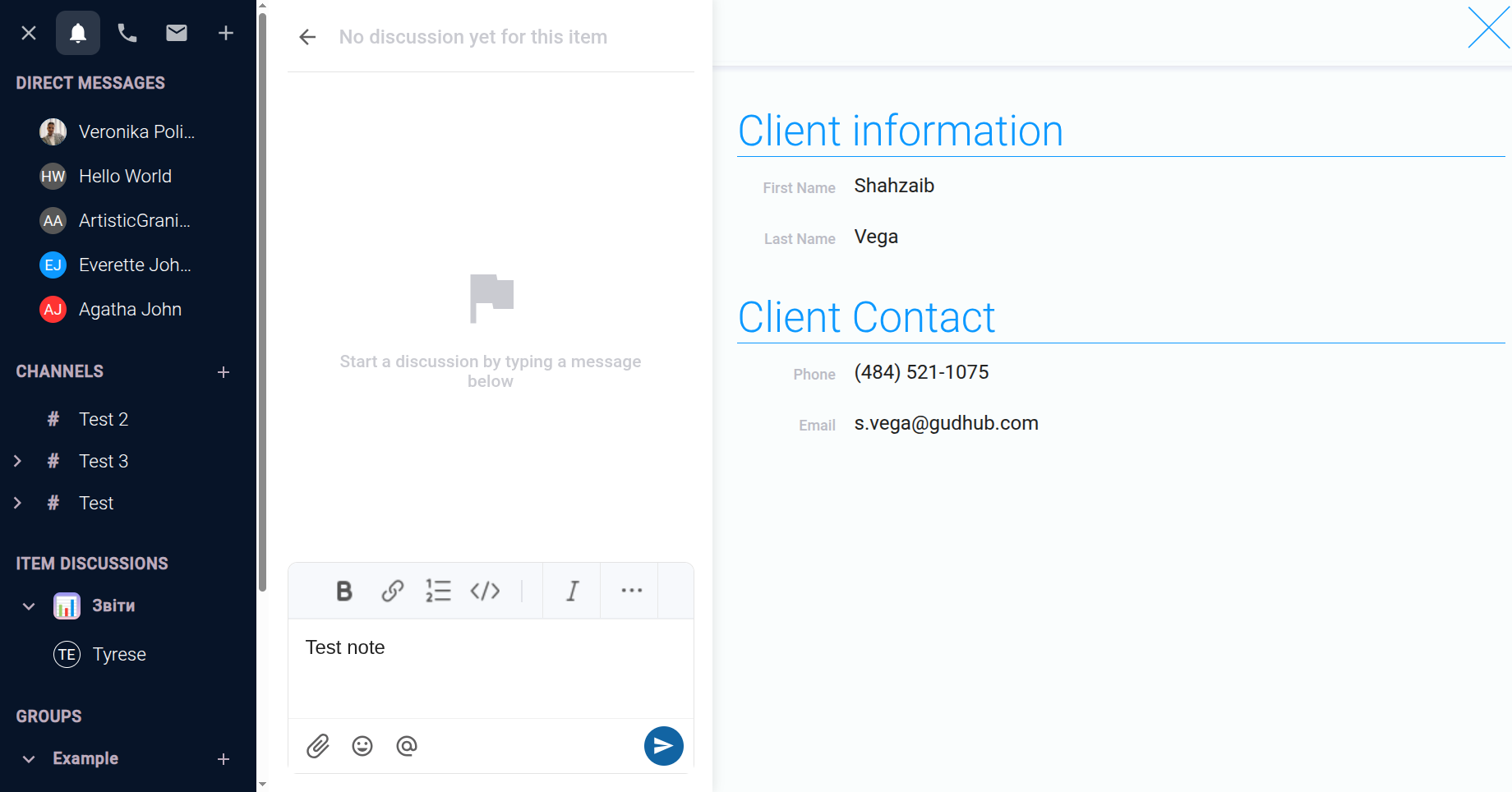
The “Items” category lets you leave notes and exchange messages related to specific records in GudHub apps. This is useful when you need to save important work-related notes, keep track of interactions with clients, or discuss a particular record with other system users.
To use this feature, open the relevant app, then open the Activity window by clicking the bell icon. Navigate to the “Items” category. If you haven't added any messages related to records yet, you'll see the “No recent activity” message.
Threads – Discussions in Separate Threads #
When you have multiple direct chats, channel conversations, and record discussions, important replies can get lost among new messages. To avoid this, GudHub lets you create separate discussion threads. Threads allow you to discuss a specific message separately from the main conversation, keeping the discussion focused without interrupting the main chat with additional messages.
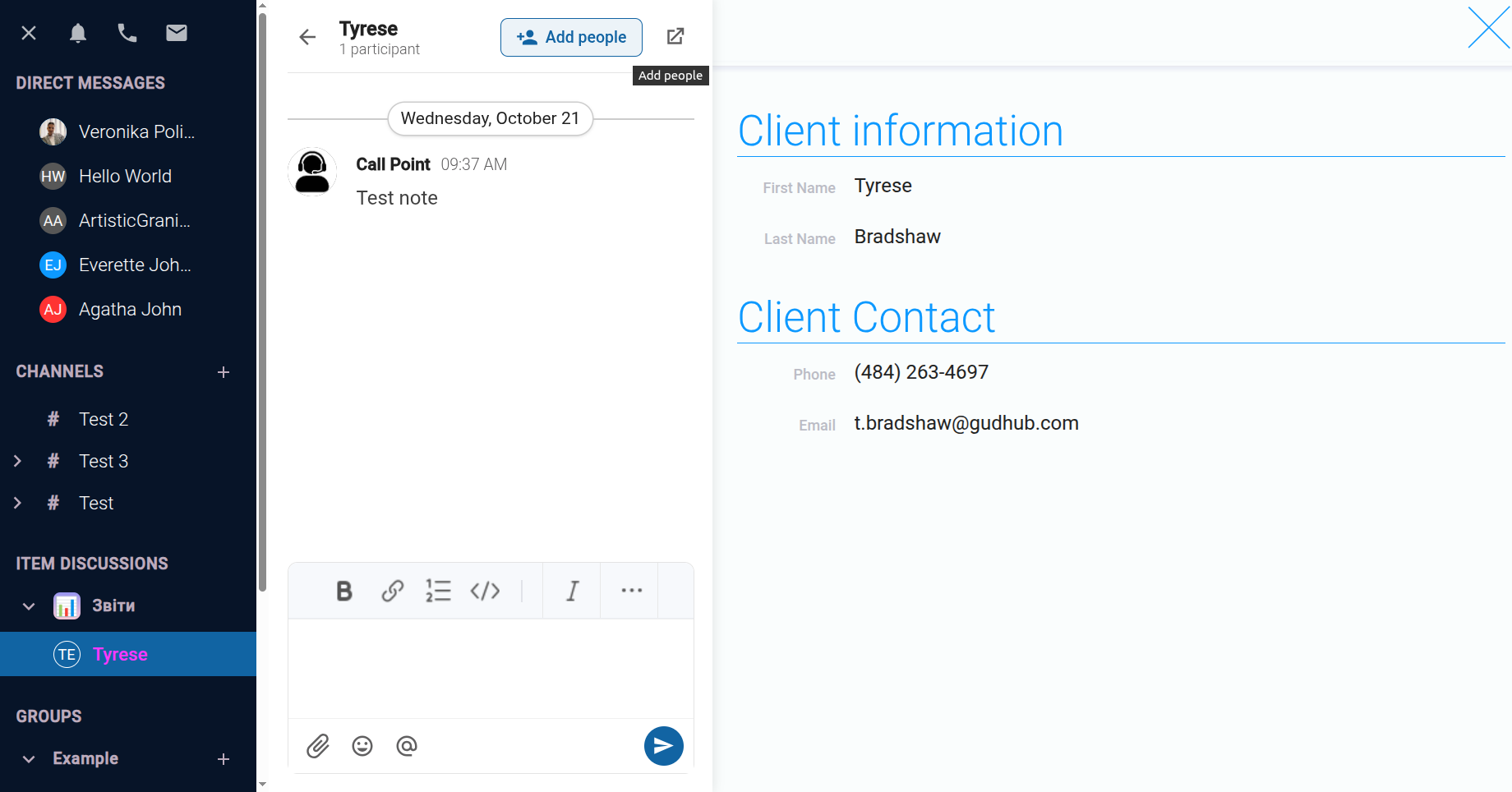
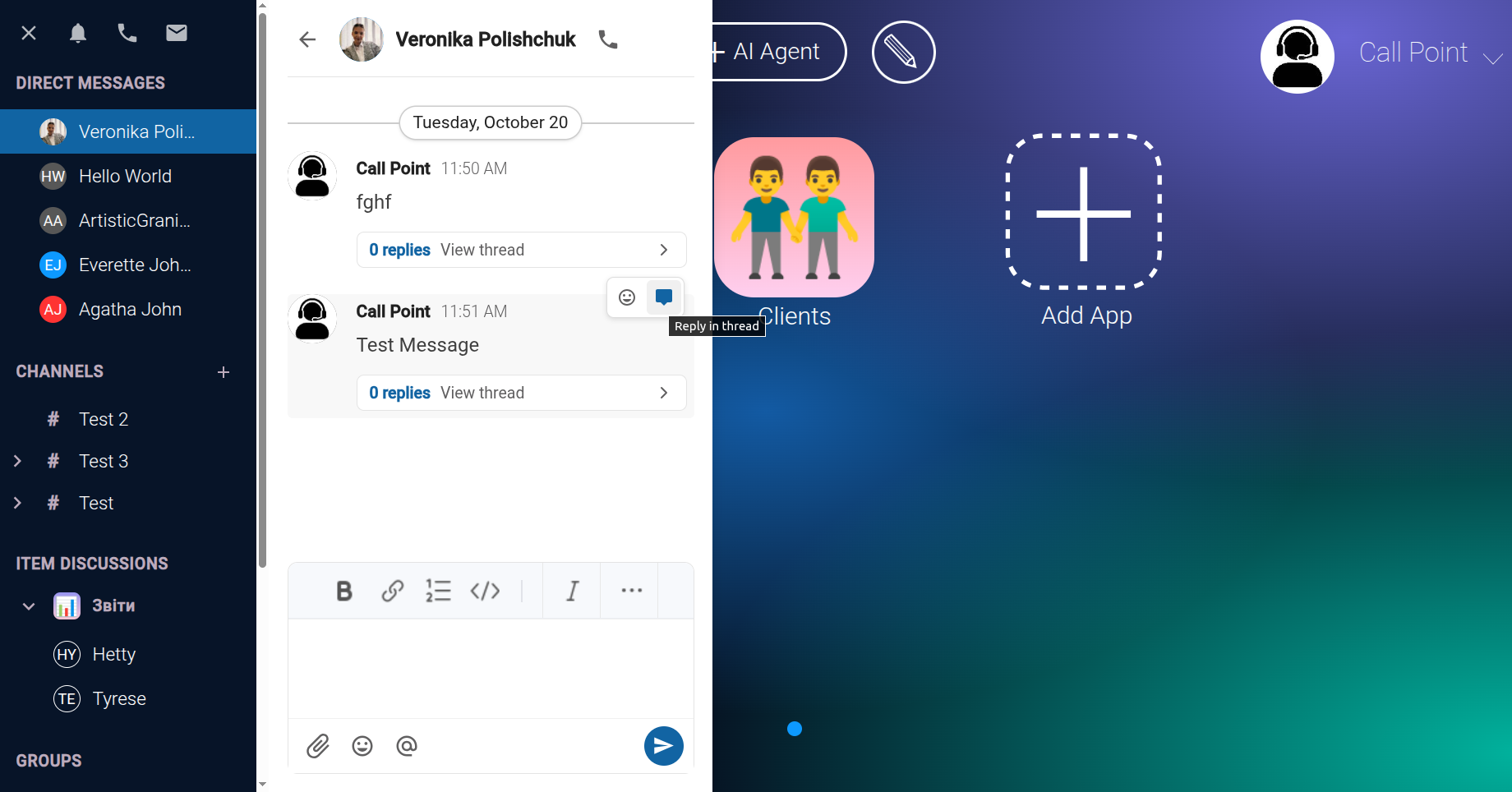
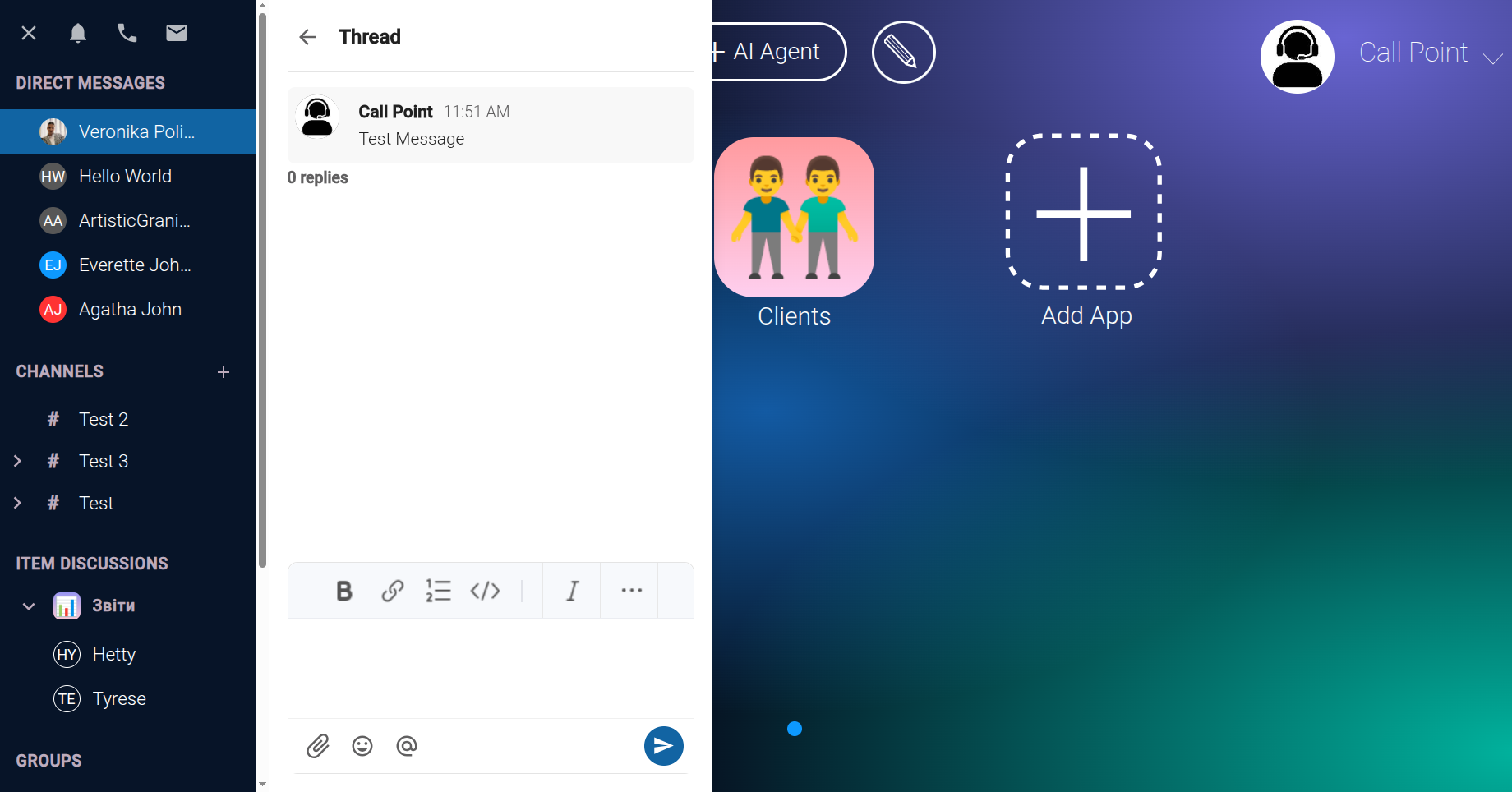
Use the categories in the Activity window to navigate messages more efficiently and quickly return to the information you need.
This approach helps keep your work conversations organized and makes it easier to find previous communications in GudHub.