
Deleting Records in GudHub CRM #
As you work with your database, you may come across records that are no longer needed. These could be outdated details, obsolete customer records, or entries added by mistake. GudHub CRM allows you to remove unnecessary records and keep your app's data organized.
How to Delete a Record #
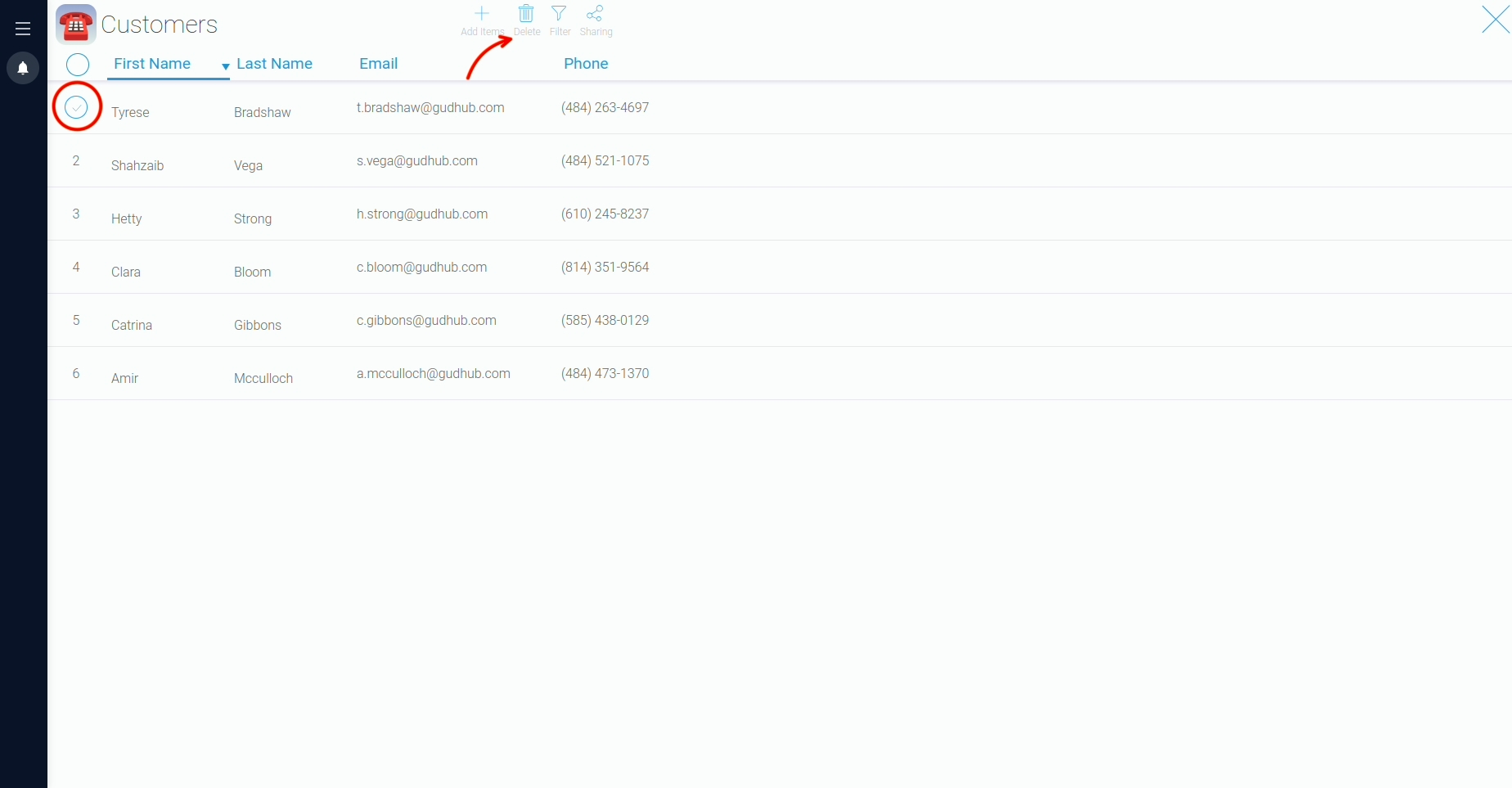
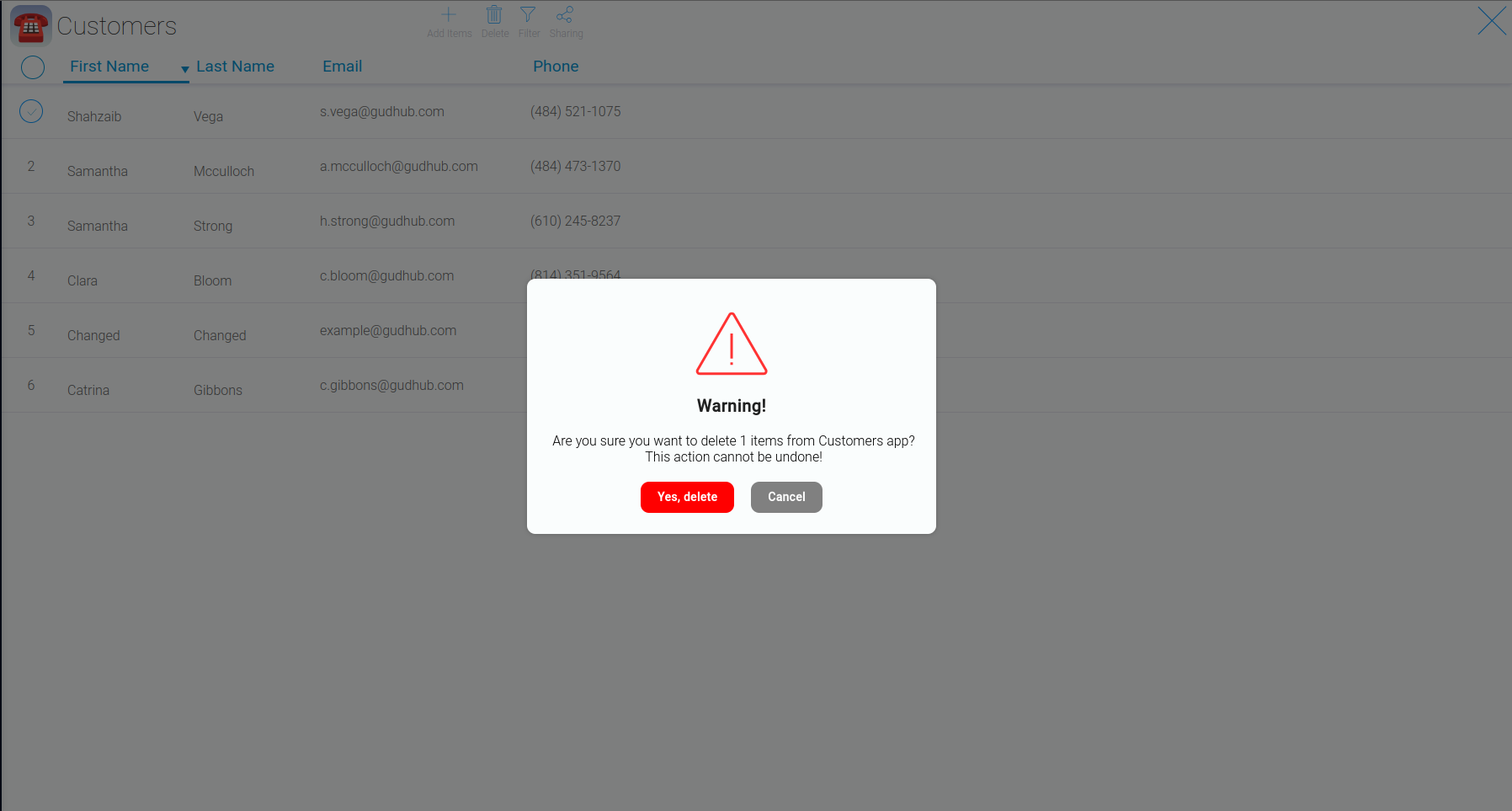
To delete a record, hover over its row number and select the corresponding row. Then click "Delete".
Things to Keep in Mind Before Deleting Records #
Before deleting anything, make sure you have selected the correct row. This is particularly important when working with databases containing many similar records or important customer information.
Removing records that are no longer needed helps prevent confusion and keeps your database up to date. In GudHub CRM, you can delete records directly from the table, so there is no need to open each record individually.