
How to Link Apps in a CRM: A Step-by-Step Guide Series #
In GudHub, apps can work together, share data, and perform tasks across the system. For example, one app can store customer information while another keeps track of customer visits.
In this step-by-step series, we’ll use a practical example to show you how to connect two apps in a CRM. We’ll create a separate “Visits” app, link it to the “Clients” app, and then set it up so each client’s visit history appears in their individual client record.
You can follow the guides in order, as each one builds on the previous guide and takes the setup one step further.
What This Series Covers #
- Creating and setting up an app for tracking customer visits.
- Connecting the apps.
- Exchanging data between apps.
- Displaying related information in a client record in the PRO version.
In the previous guide, we connected the “Clients” and “Visits” apps. Now we’ll test the connection in practice by adding a new visit record, selecting a customer from the existing database, and recording the date of their visit.
Once complete, you’ll be able to use the “Visits” app to keep a separate record of customer visits, with each record linked to the corresponding customer in the “Clients” app.
Before you begin, make sure you’ve completed the setup described in the previous guide on connecting the apps.
Exchanging Data Between Apps #
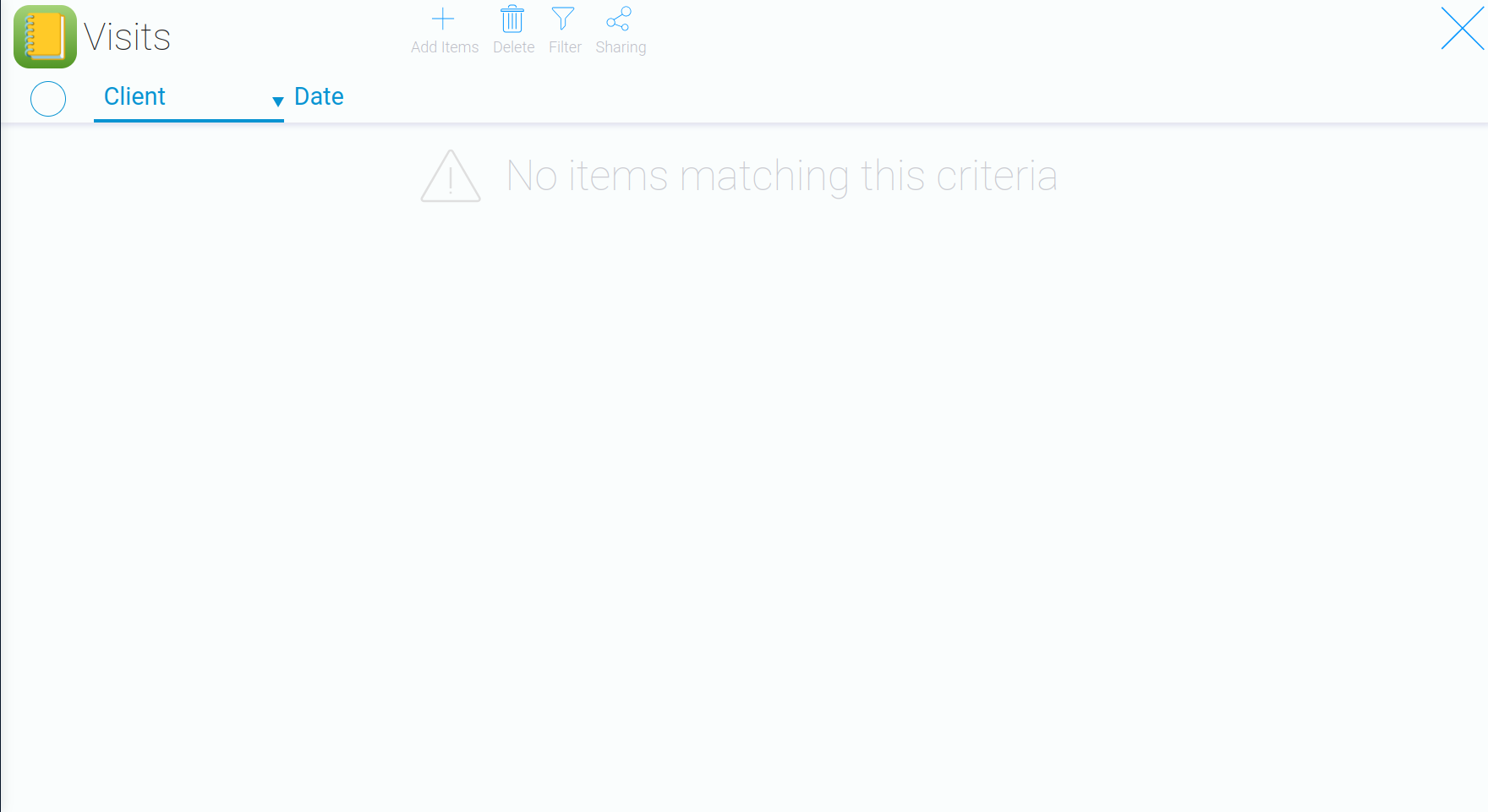
Once you save the settings, a table will appear on the app’s main page. You can use it to keep track of customer visits.
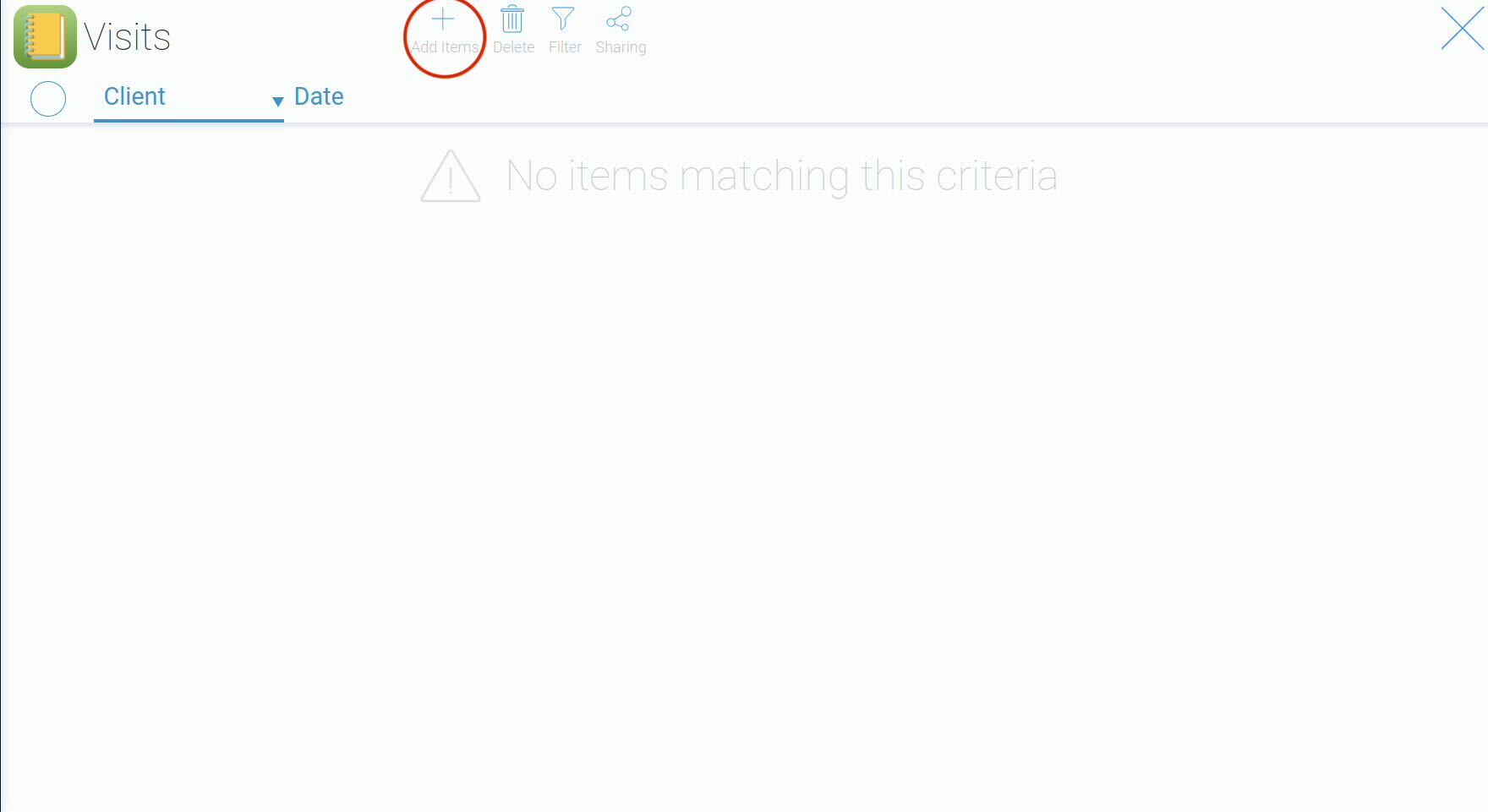
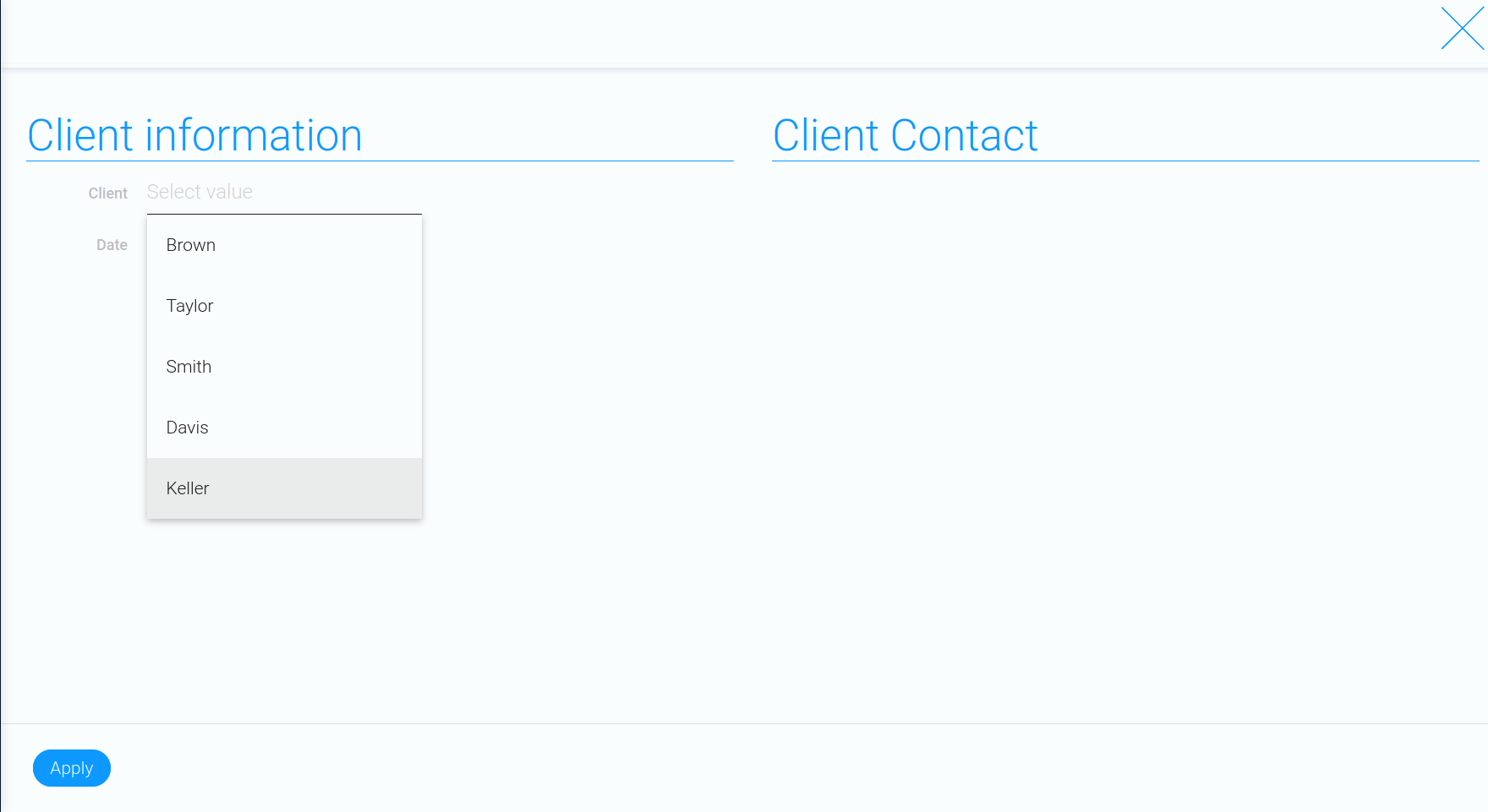
“Client” – select a customer by their last name.
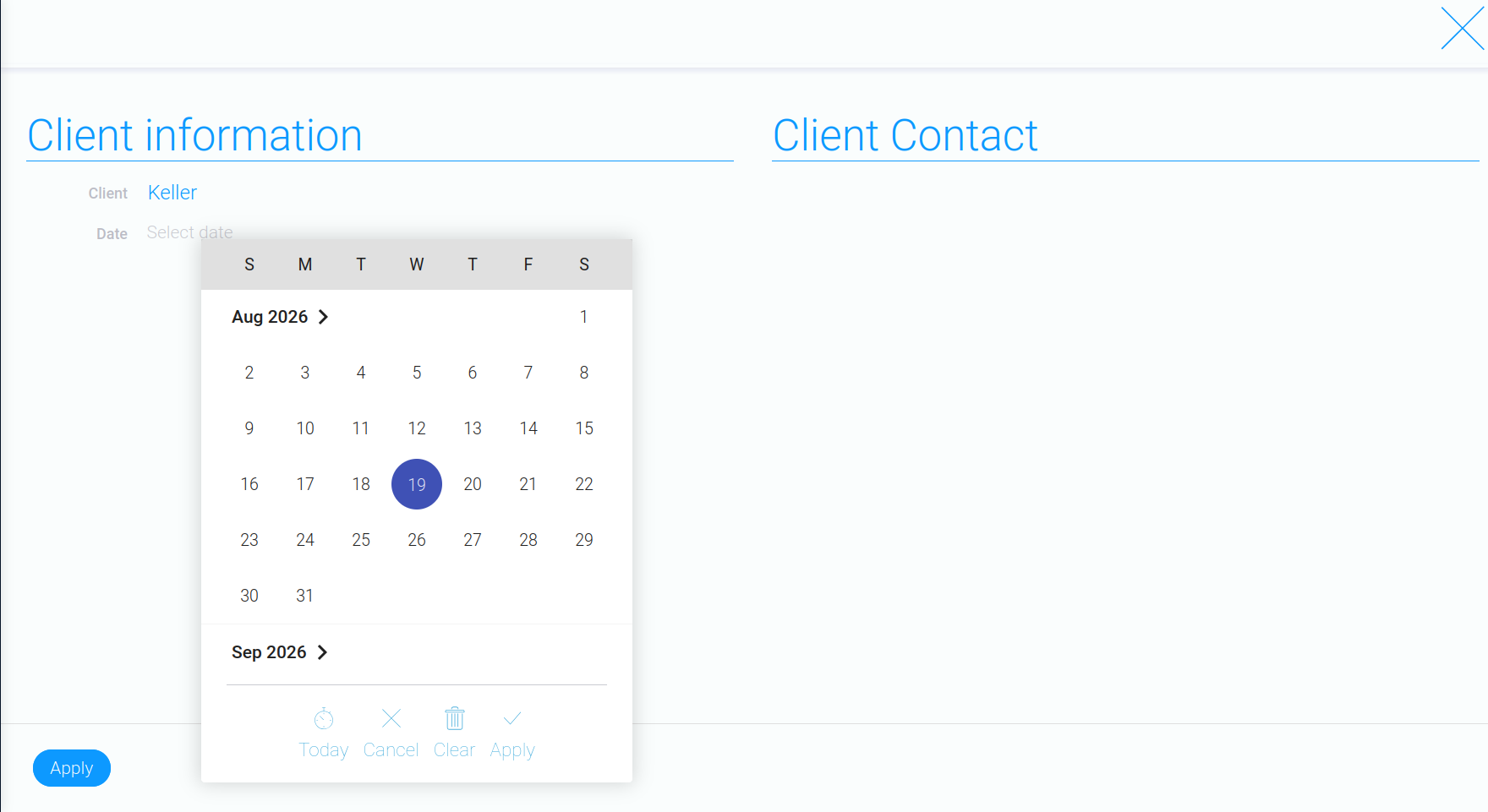
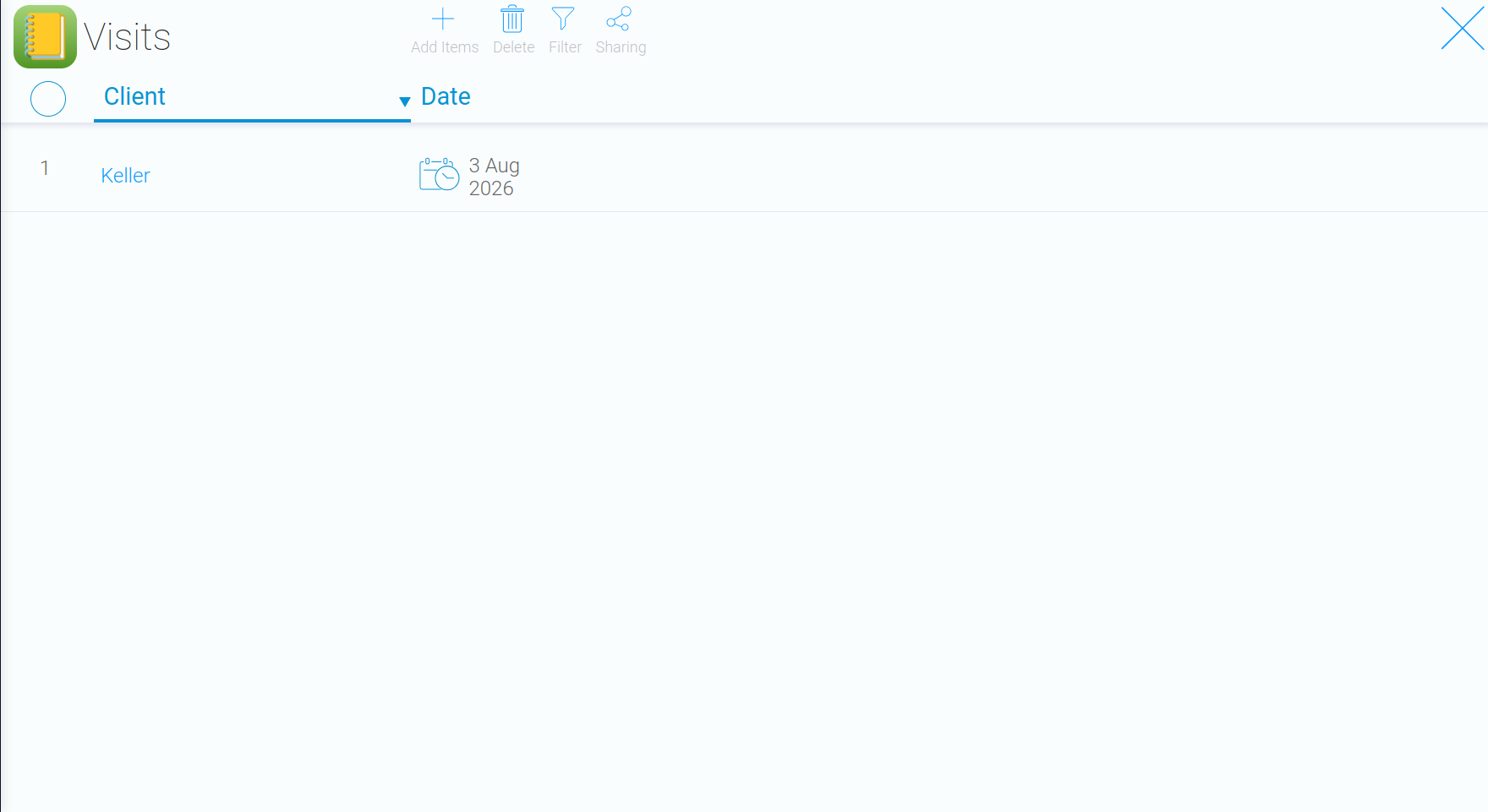
At this stage, visit records are stored in the “Visits” app. However, you can take the connection between the apps one step further and display a customer’s visit history directly in their individual record in the “Clients” app.
This requires additional settings available in the PRO version.
If you’re looking for a ready-to-use CRM with similar functionality, GudHub also offers ready-made templates where visit history can be displayed directly in the customer record.
Next step: Displaying related information in a client record in the PRO version