How to Delete an App in Your CRM #
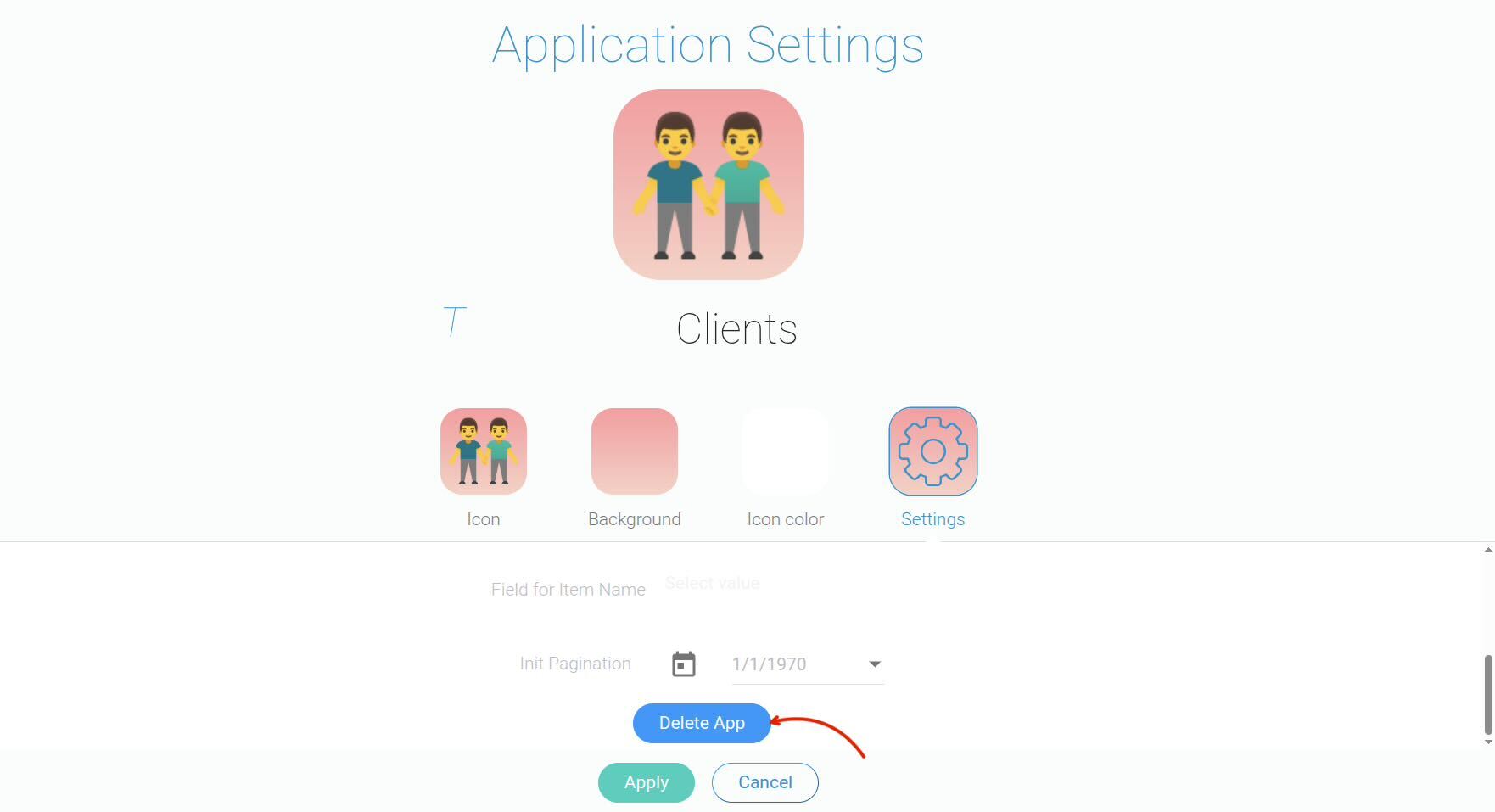
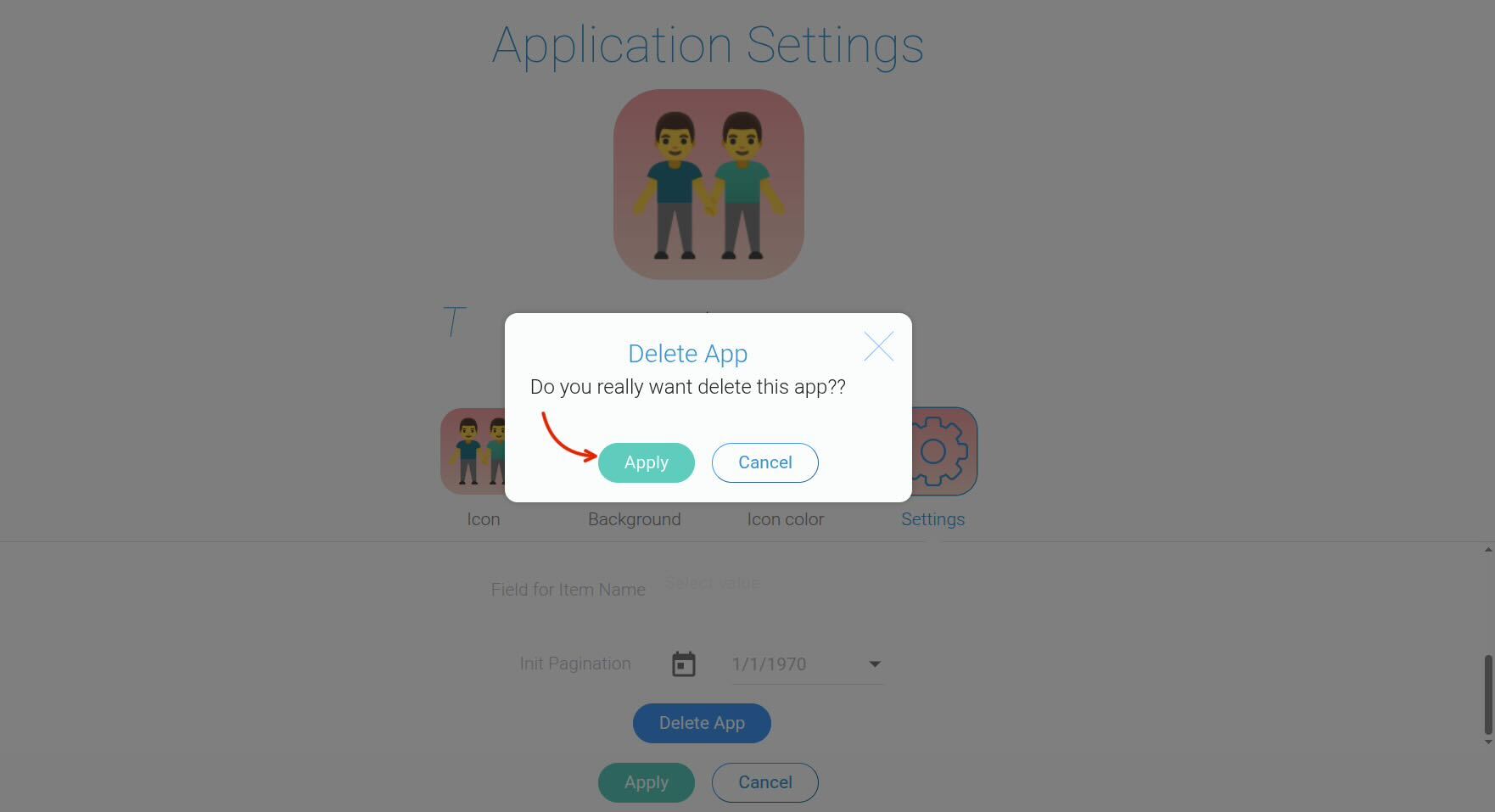
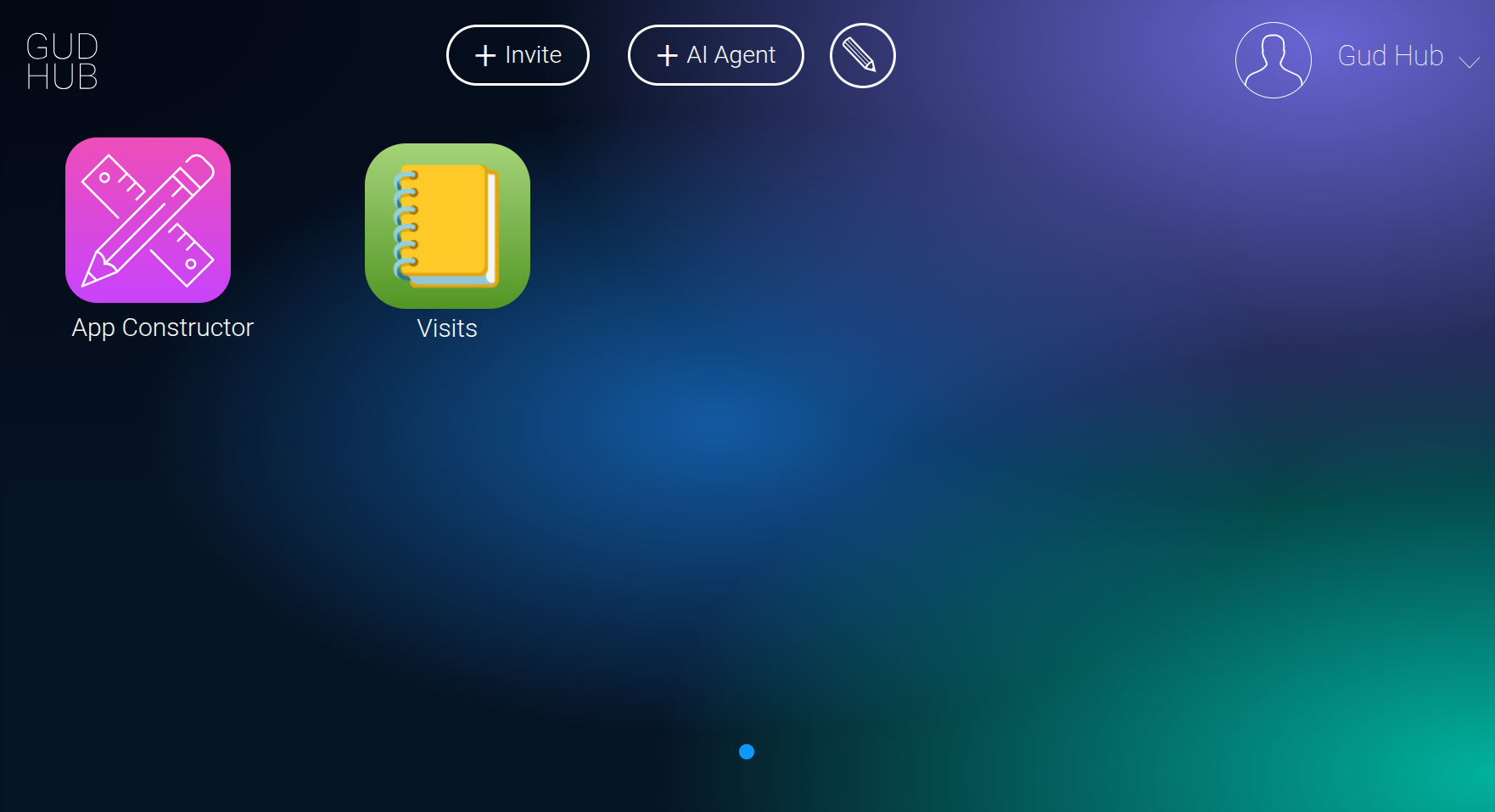
You can delete an unwanted app from your CRM without opening any additional settings. Everything you need is available directly from the system’s main screen.
How to Delete an App #
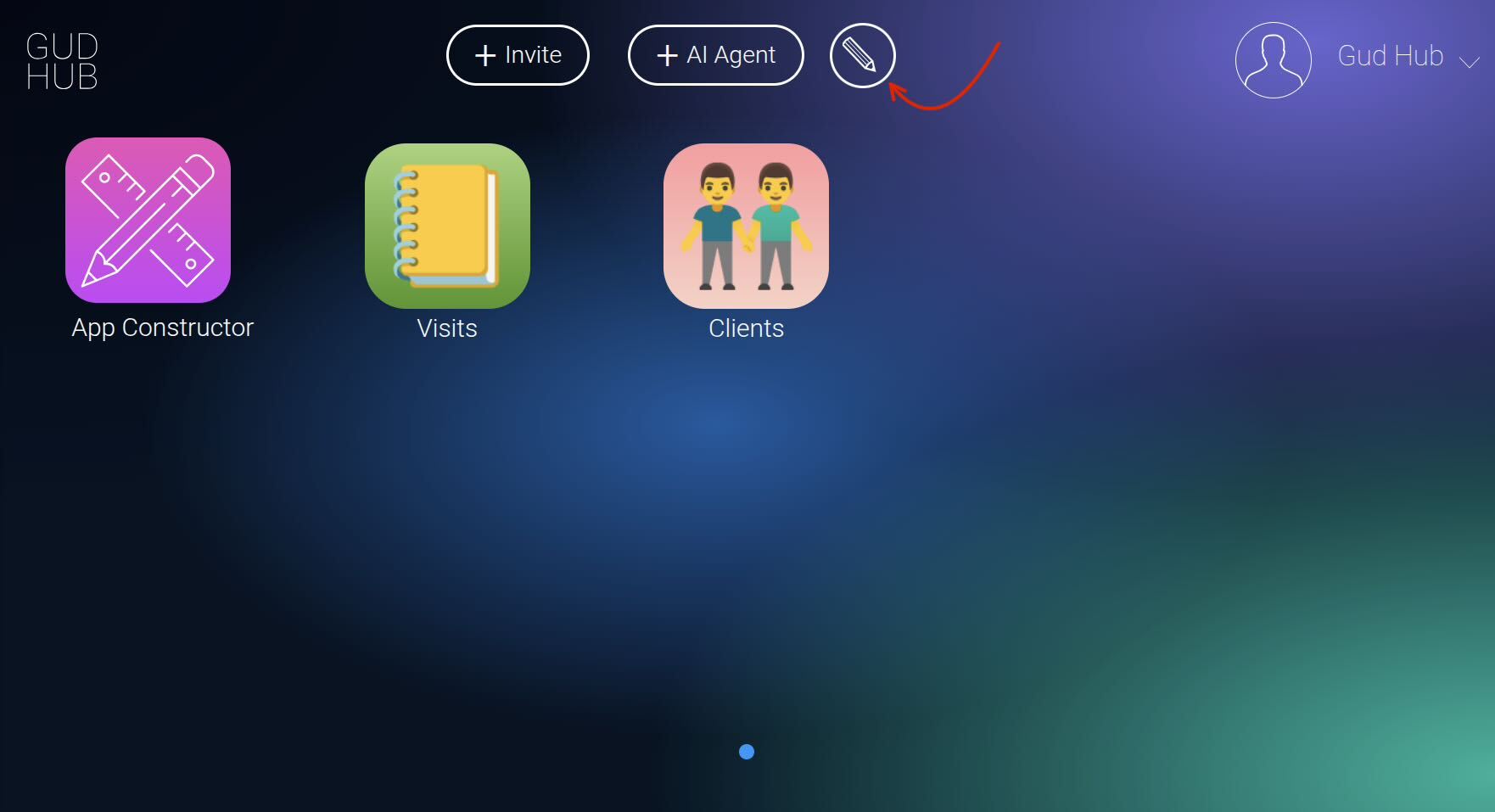
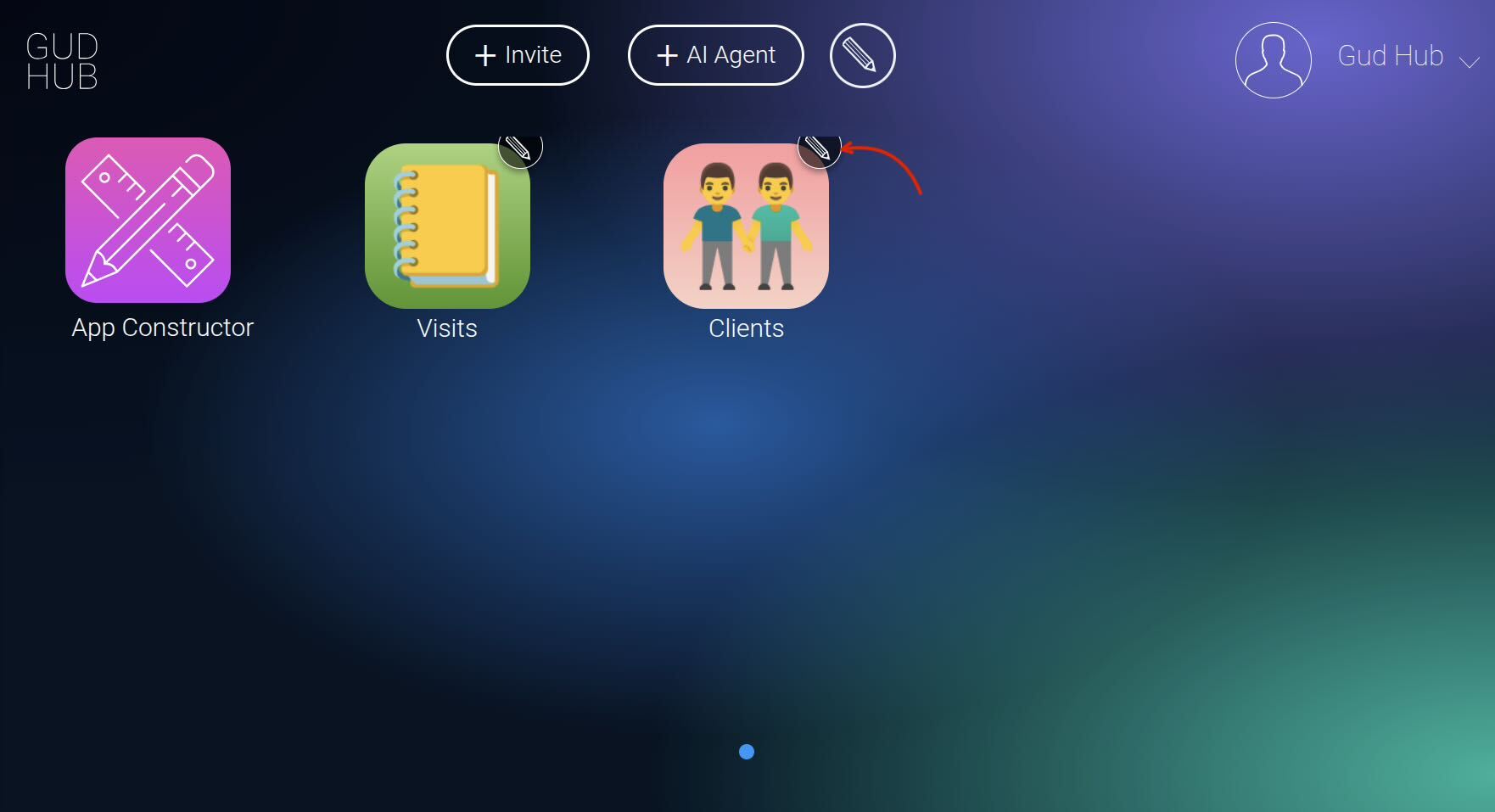
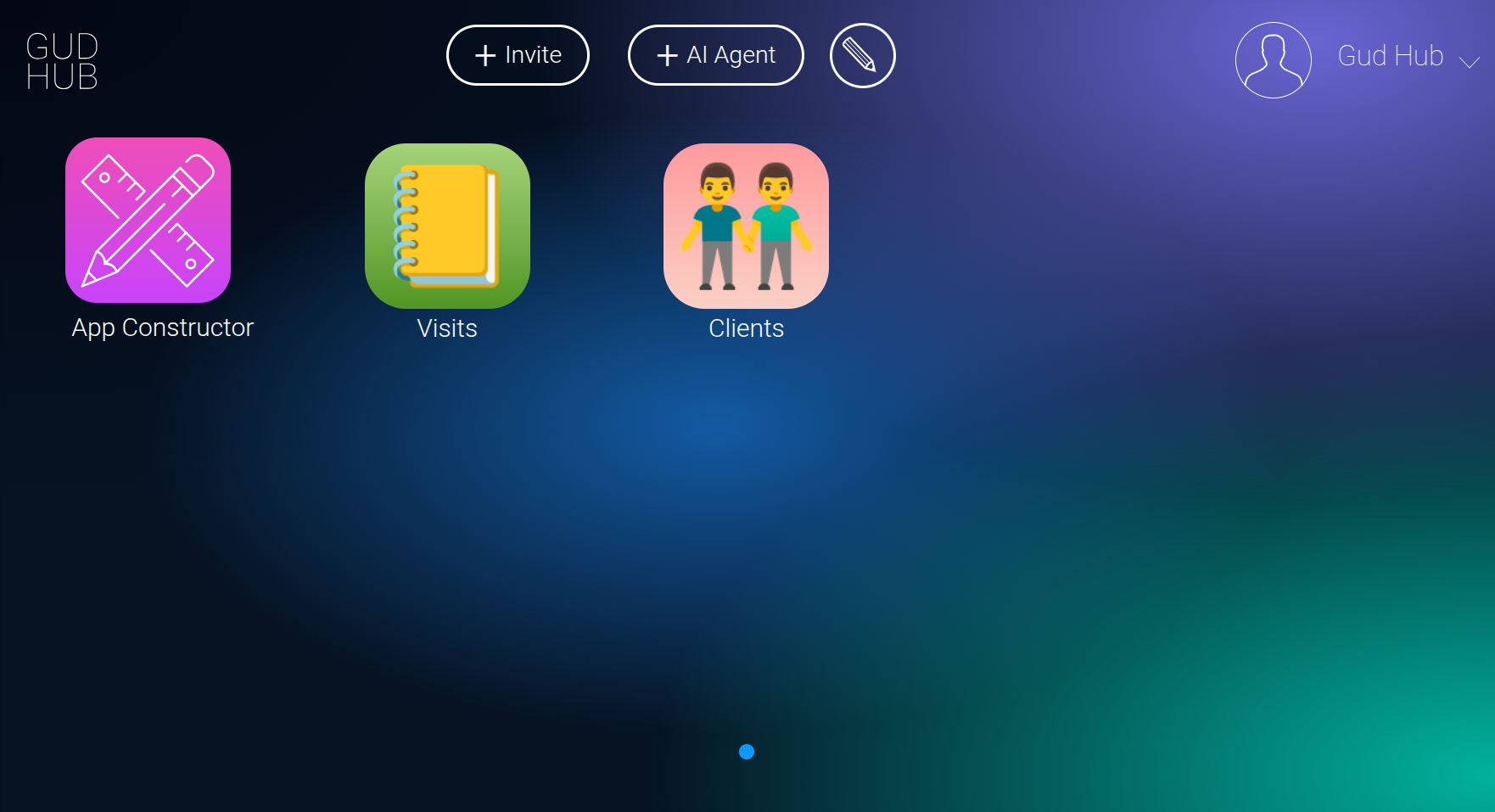
Click this icon to edit the apps.