Interactive Map of Locations in CRM #
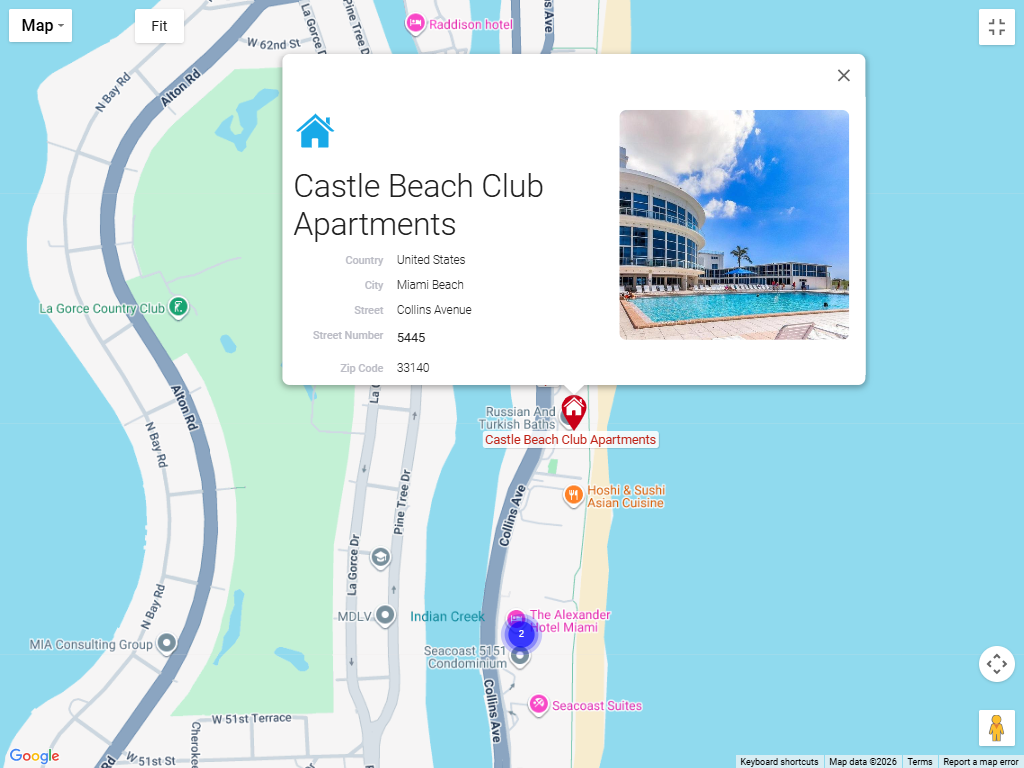
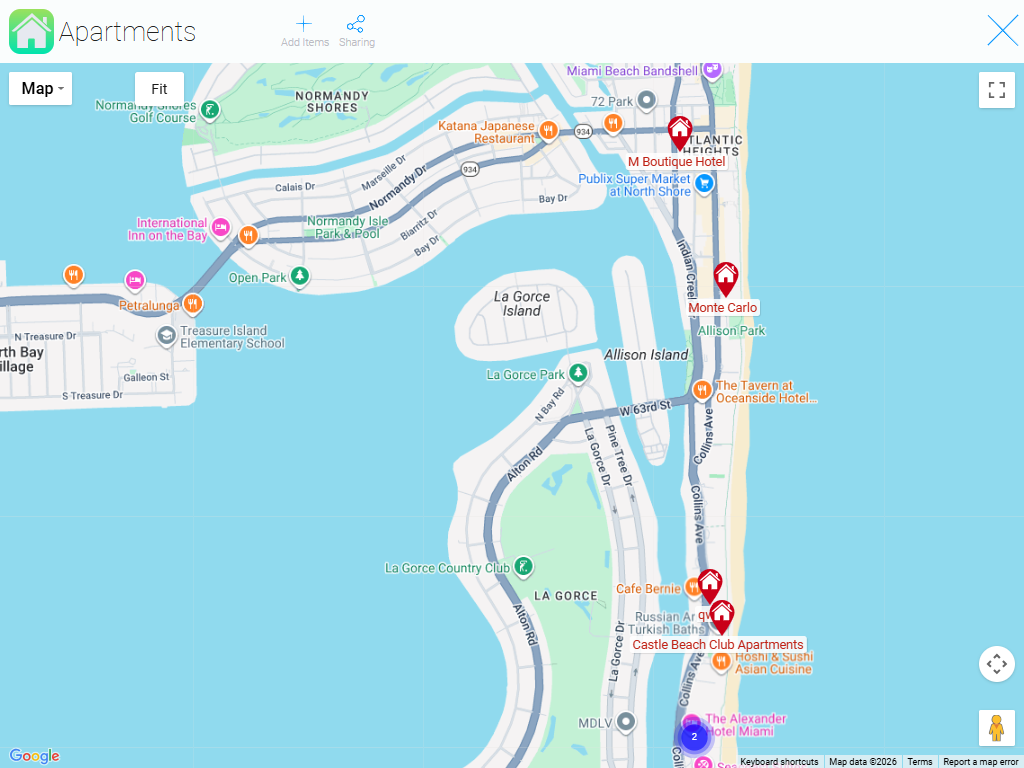
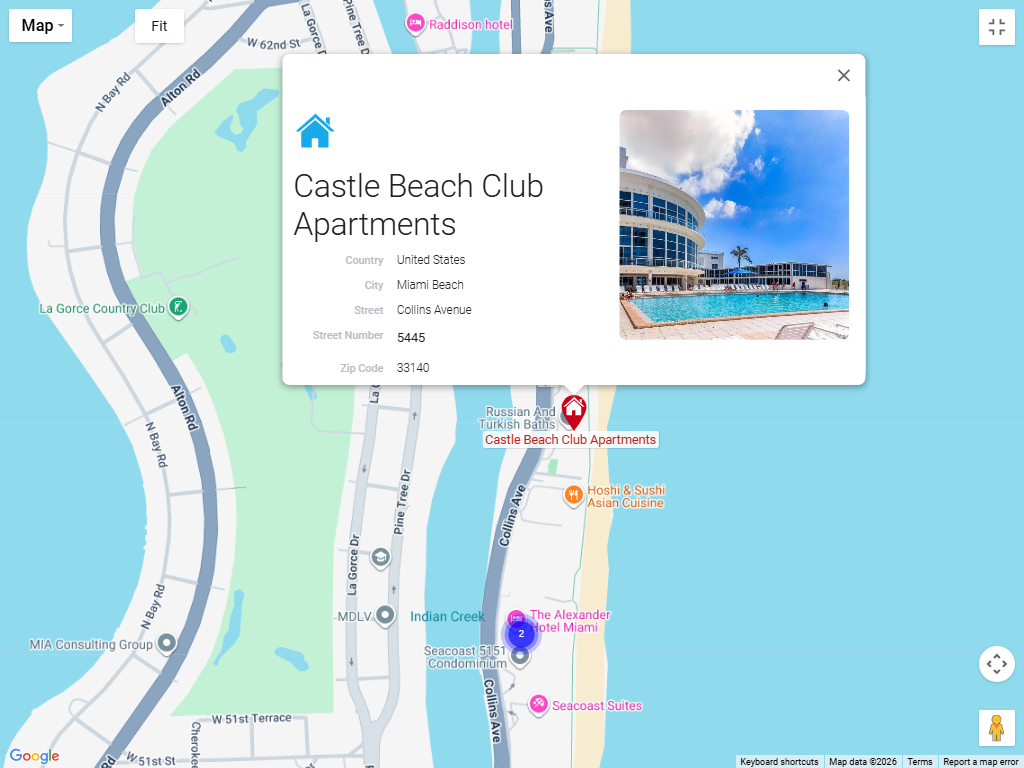
The interactive map displays all your work in a single visual space. It's not just a map — it's a way to see the real picture of your business.
Try the basic location map from GudHub CRM today #
For ease of use, you can customize the features: add the data you need, change how it’s displayed on the map, or enable filters. This flexibility allows you to create a solution that best fits the specific needs of your business.
Key features of the map in GudHub CRM: #
All the information in one place #
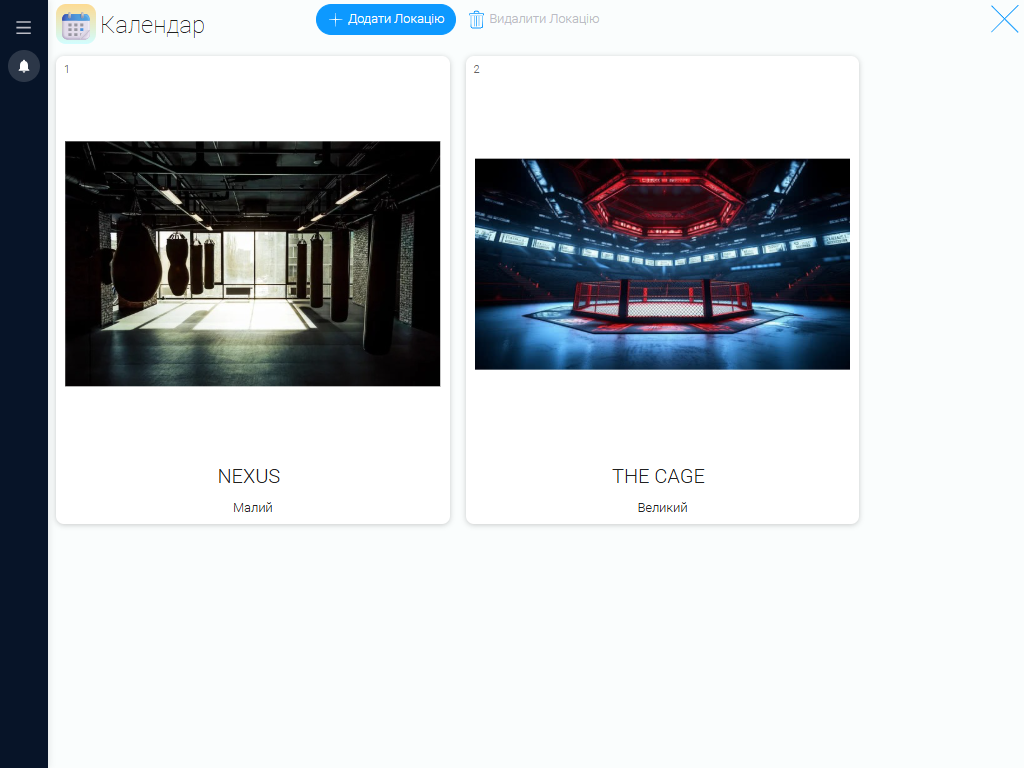
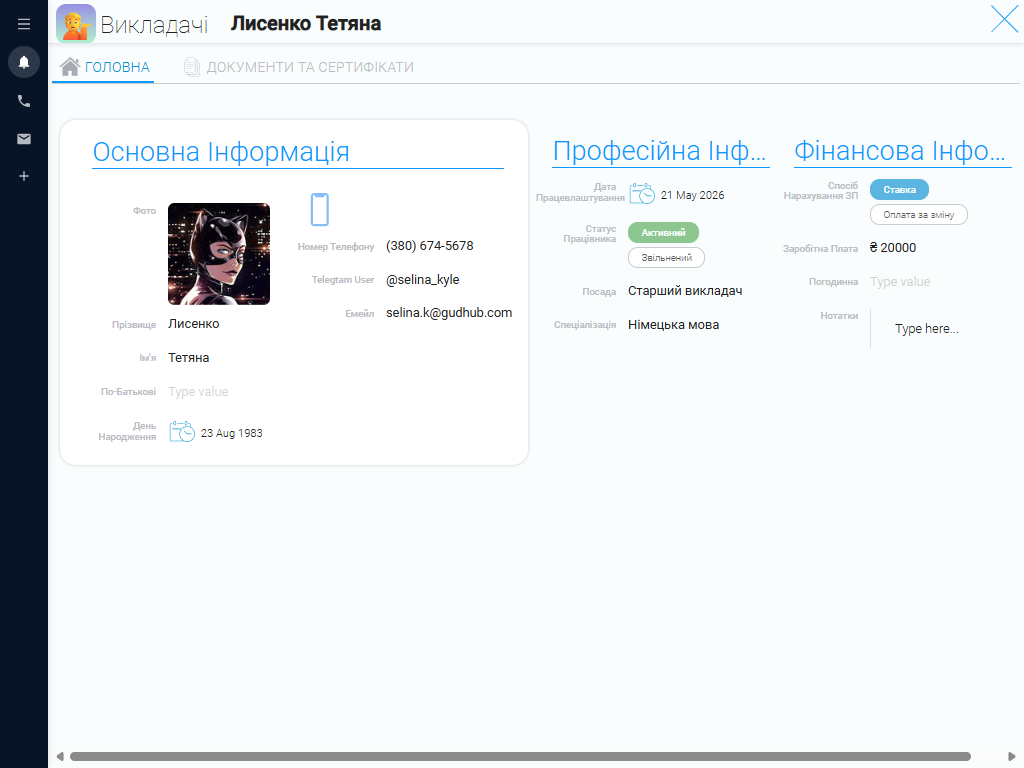
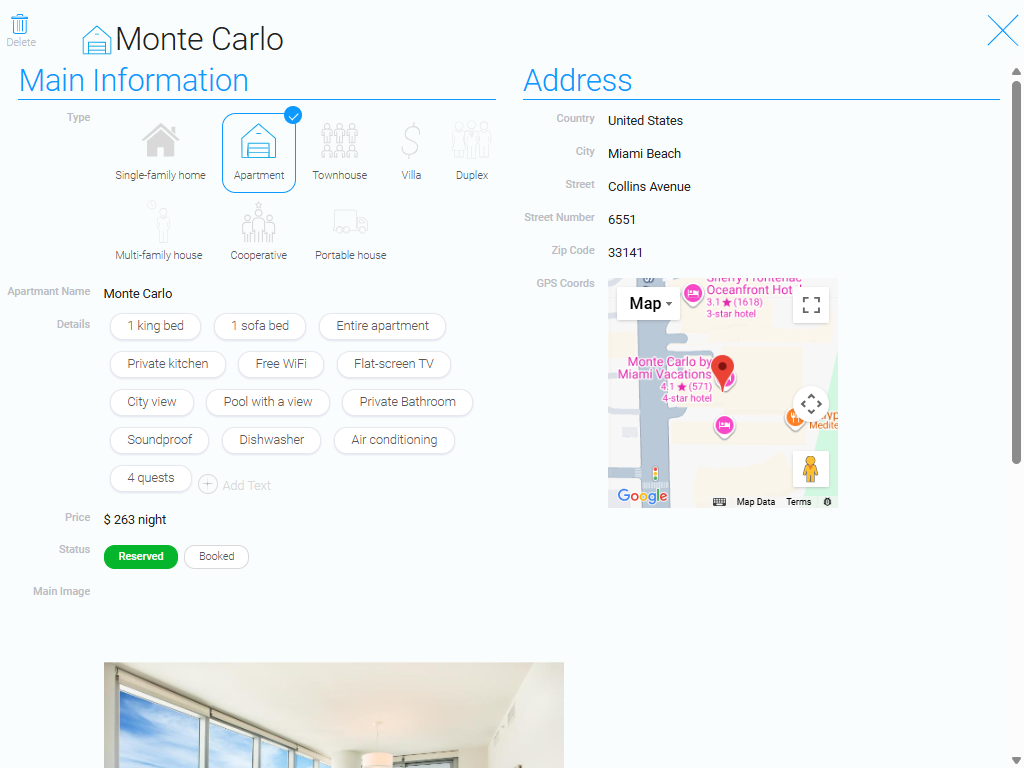
For each property, you can add key details: name, address, photos, and other characteristics. Everything is gathered in one place so you don’t have to search for information in spreadsheets or different systems.
Map Display #
Businesses and locations are displayed on an interactive map. You can see their locations, density, and distribution across the area, which allows you to assess business activity.
Visualization #
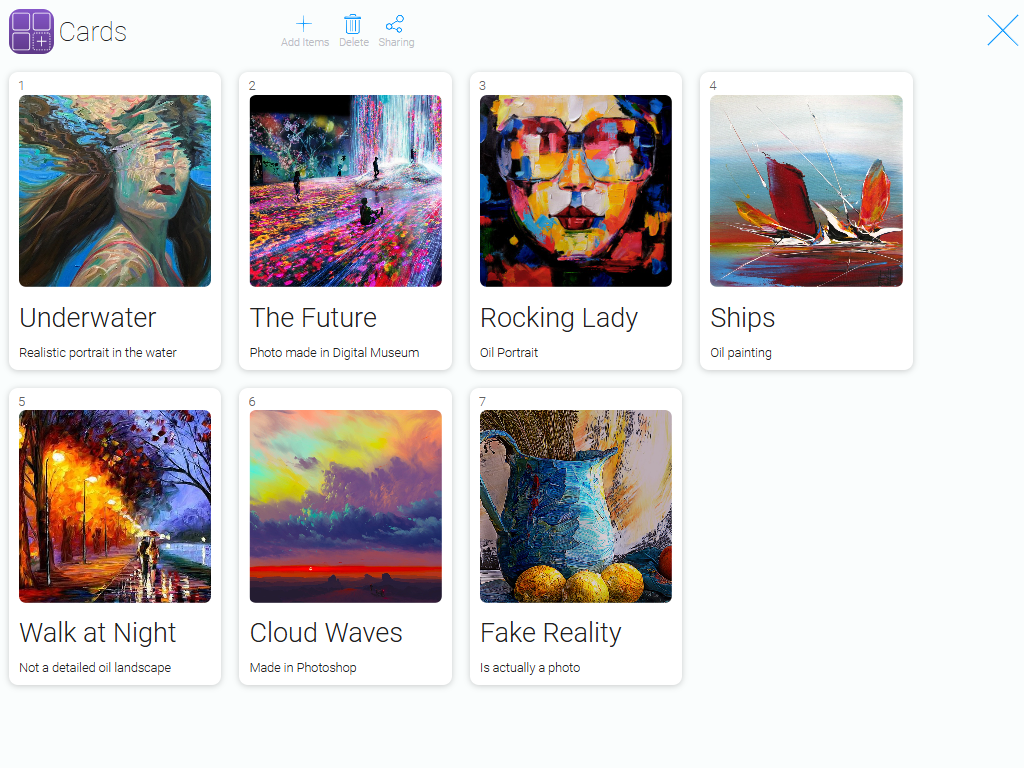
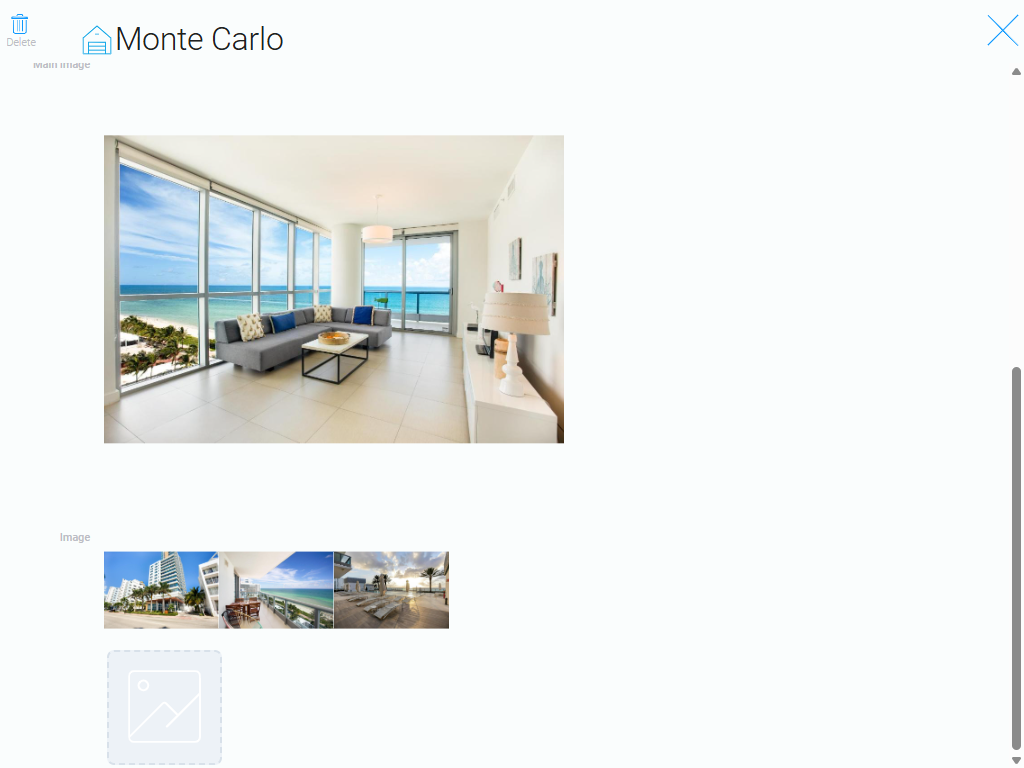
Add visual materials to locations. This makes it easy to quickly understand what’s happening there without needing further clarification.
Analytics and Solutions #
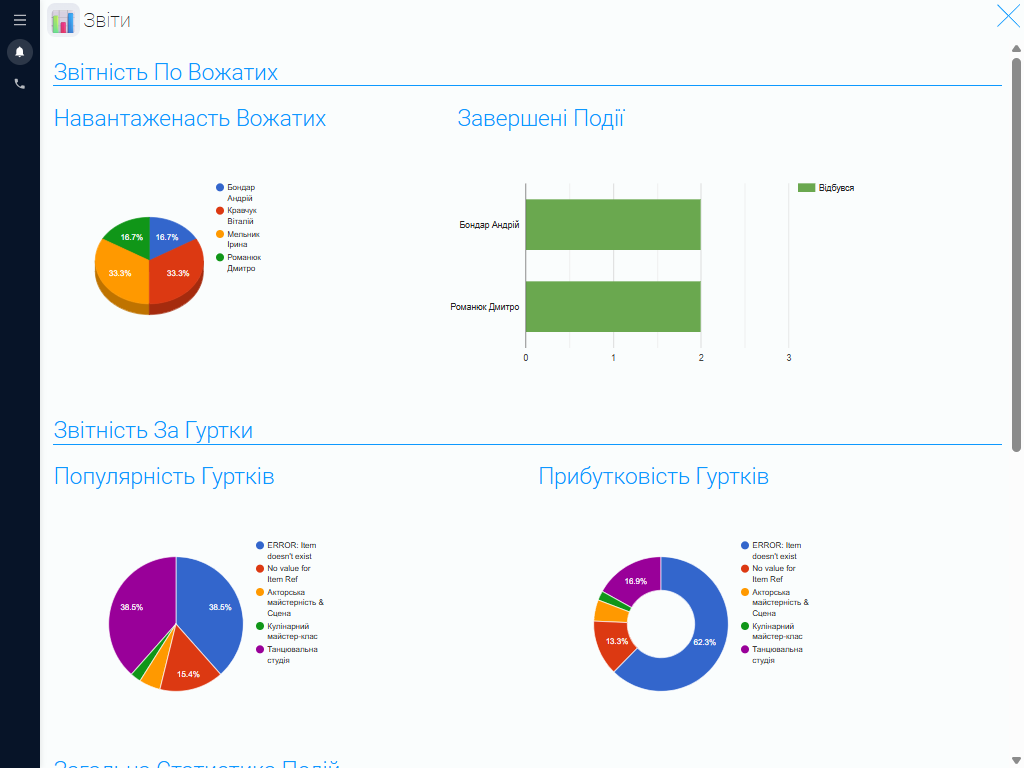
Don't just view your data — manage it. On the map, you can easily track popular or underutilized areas of your business, analyze this information, and make decisions to improve or scale your operations.
Organize your team's work effectively with GudHub CRM #
The GudHub CRM Location Map is a ready-to-use solution for your business that requires no complicated implementation or unnecessary configuration. See what your business looks like on the map — with all your locations, their placement, and a real-time view of your operations.
Start using the free location map template today and experience the benefits of working with the GudHub CRM system.