CRM for Music Schools #
Running a music school involves enrolling new students, organizing groups by musical discipline, assigning lessons to teachers, and coordinating schedules. Keeping everything running smoothly starts with a practical way to store and manage information.
A single CRM system brings together information about students, music programs, teachers, and upcoming lessons. This makes it easier for administrators to organize classes, keep track of schedule changes, and find what they need without constantly switching between spreadsheets and documents.
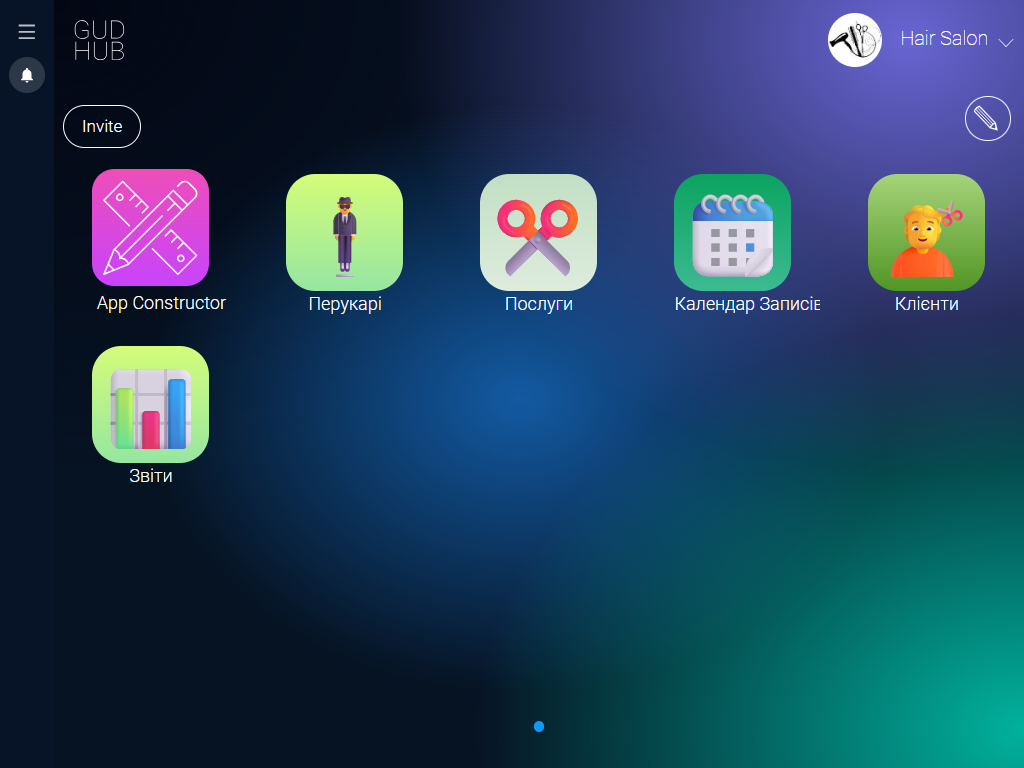
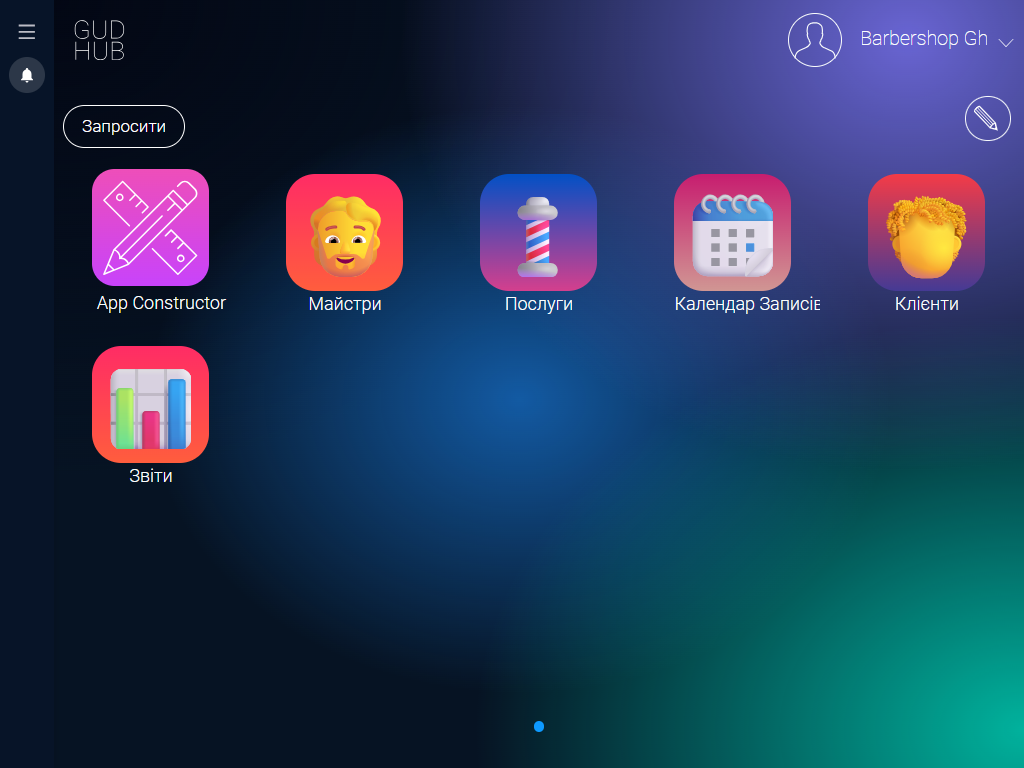
The GudHub CRM template for music schools is a ready-to-use solution for managing daily operations without a lengthy development process or complicated rollout. It already includes tools for maintaining student records, managing music programs, storing teacher information, scheduling lessons, and overseeing everyday tasks.
Get started with a template built for the day-to-day needs of your music school #
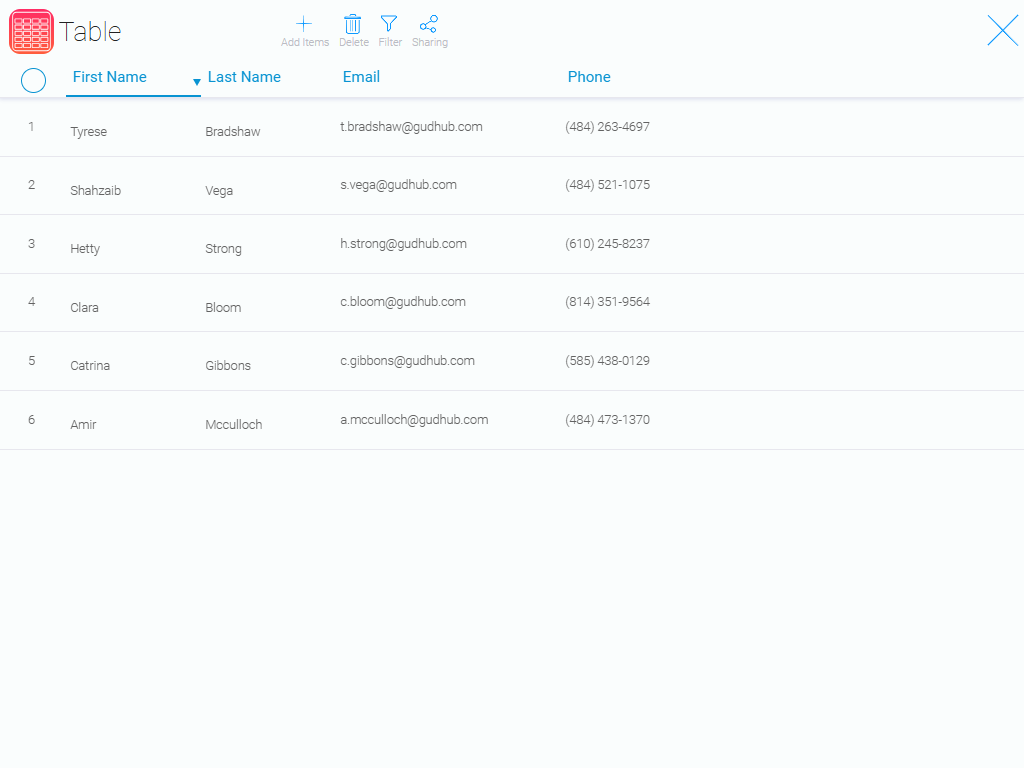
Student database #
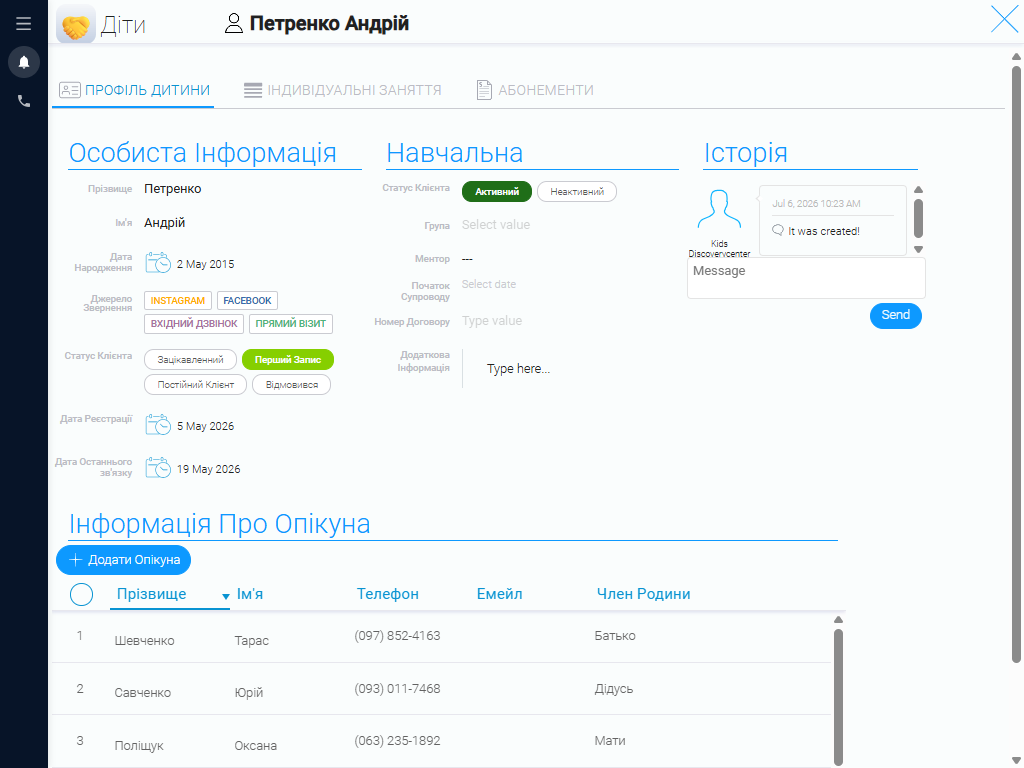
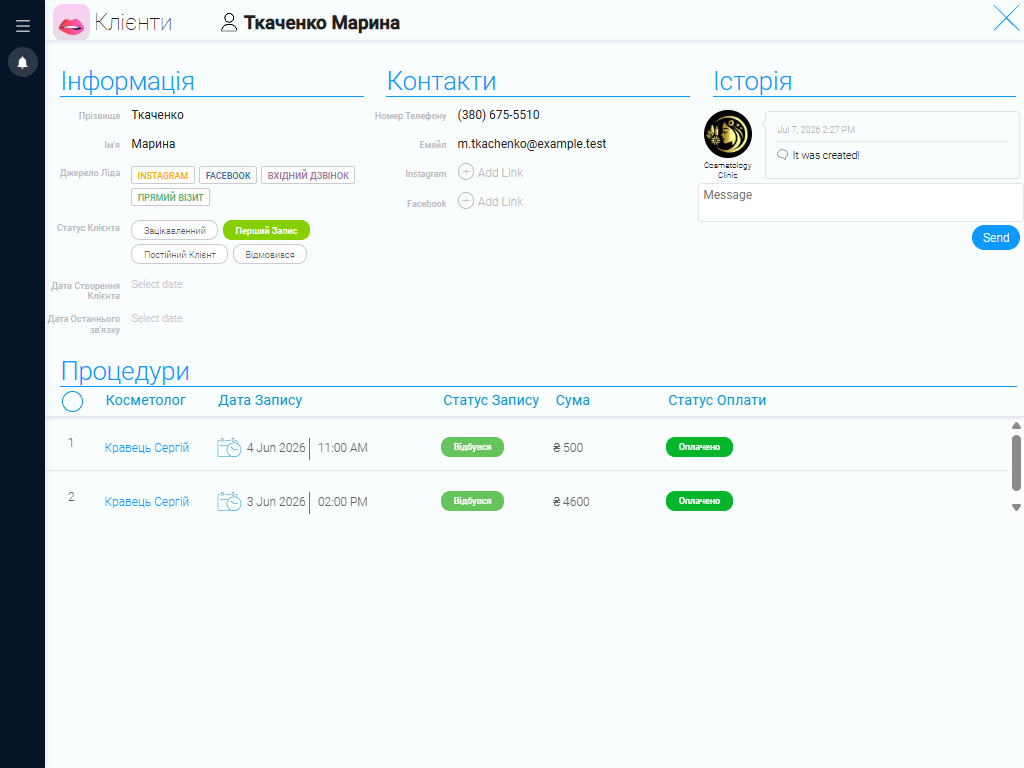
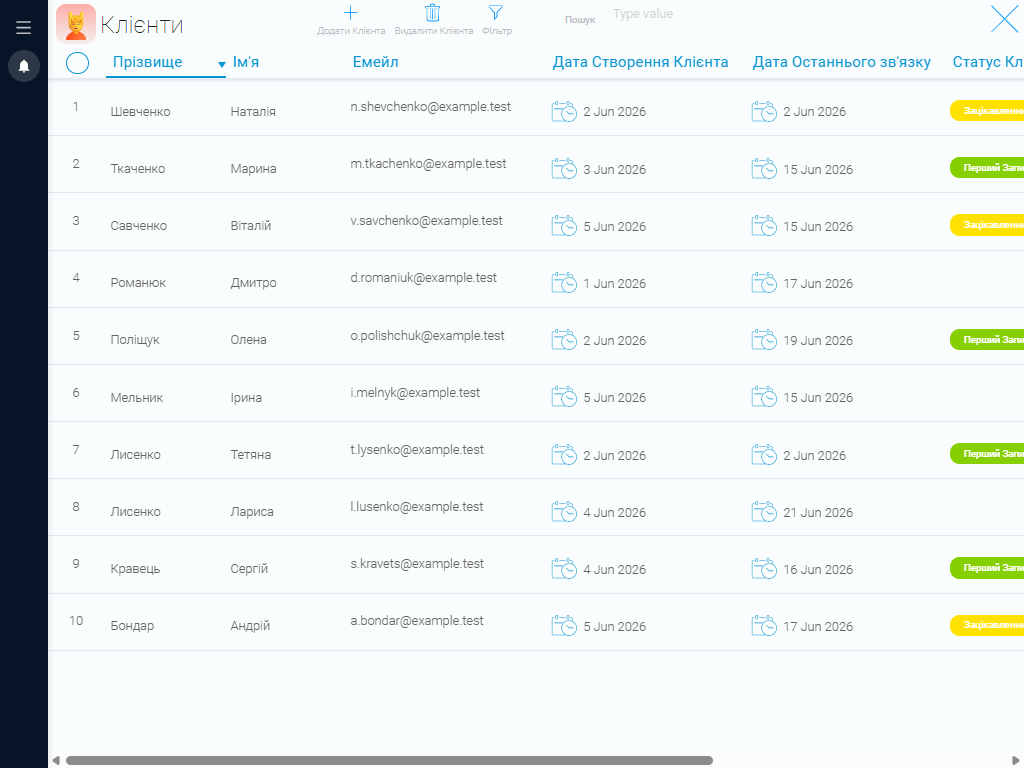
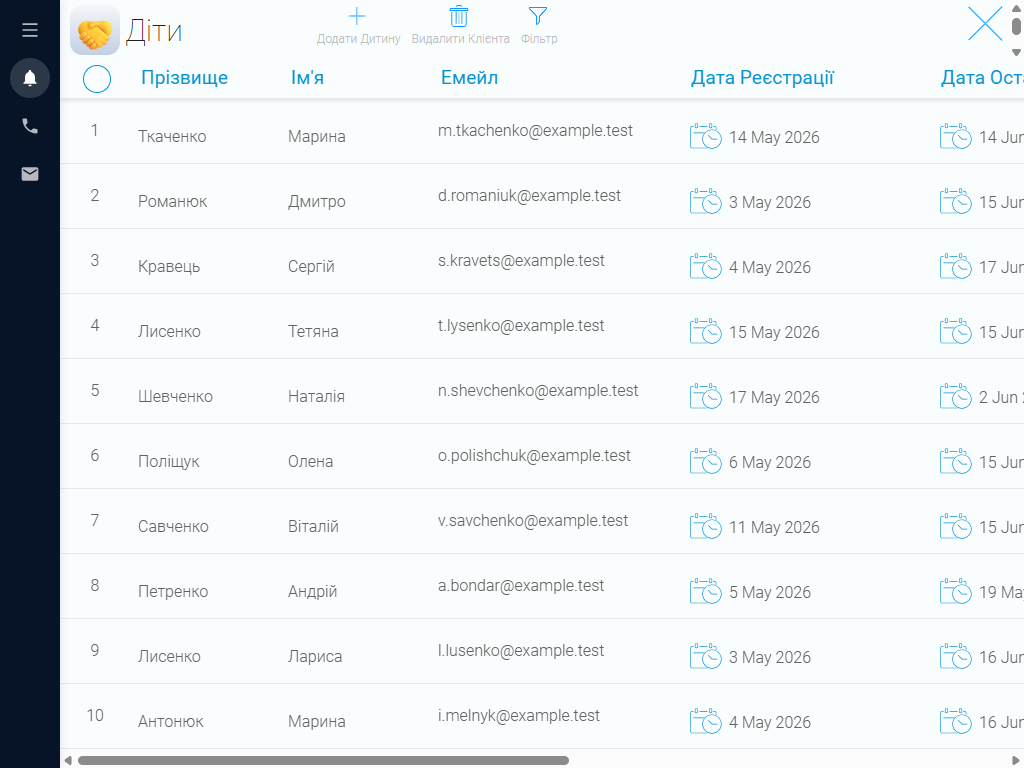
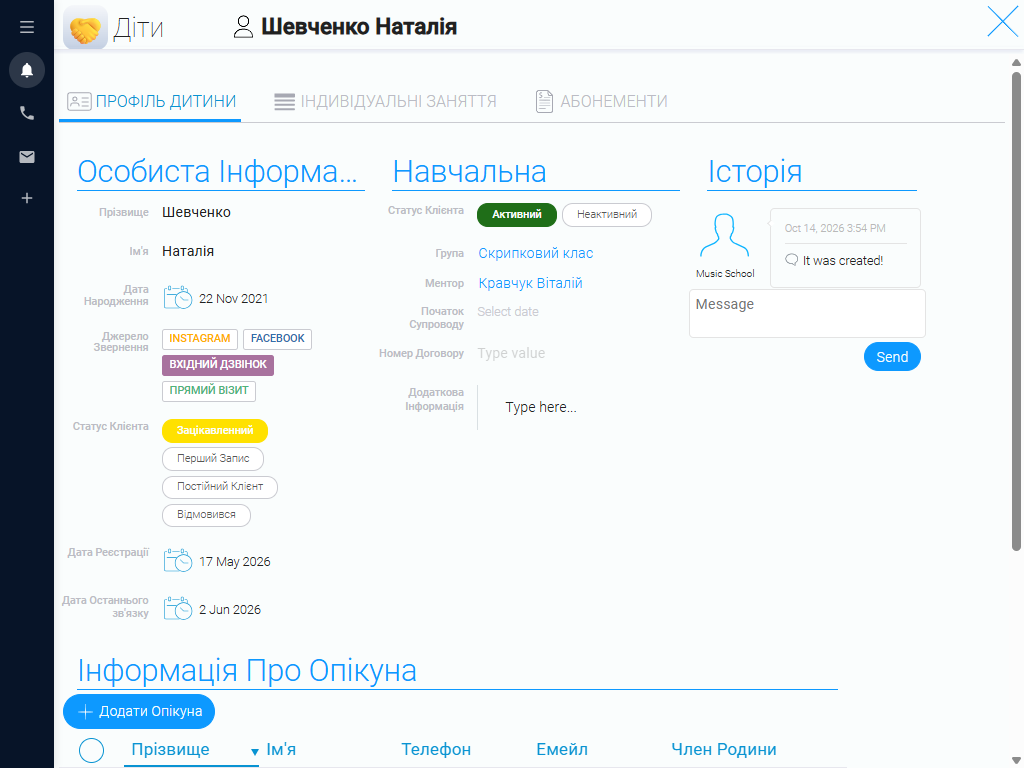
Create a central student database with individual profiles containing contact details, inquiry sources, application statuses, chosen instruments or areas of study, skill levels, and other information needed to organize lessons. This lets you follow each student’s journey from their first inquiry through enrollment and ongoing attendance.
Profiles can also hold communication histories, payment details, purchased lesson packages, and any arrangements made for lessons. If a student wants to try another instrument, join an additional program, or change their lesson format, administrators can quickly find and update the relevant information.
Since the school caters to children, student profiles can also include contact details for parents or guardians. This makes it easy to reach the responsible adult, coordinate schedules, share updates about lessons, and resolve administrative questions.
Student groups #
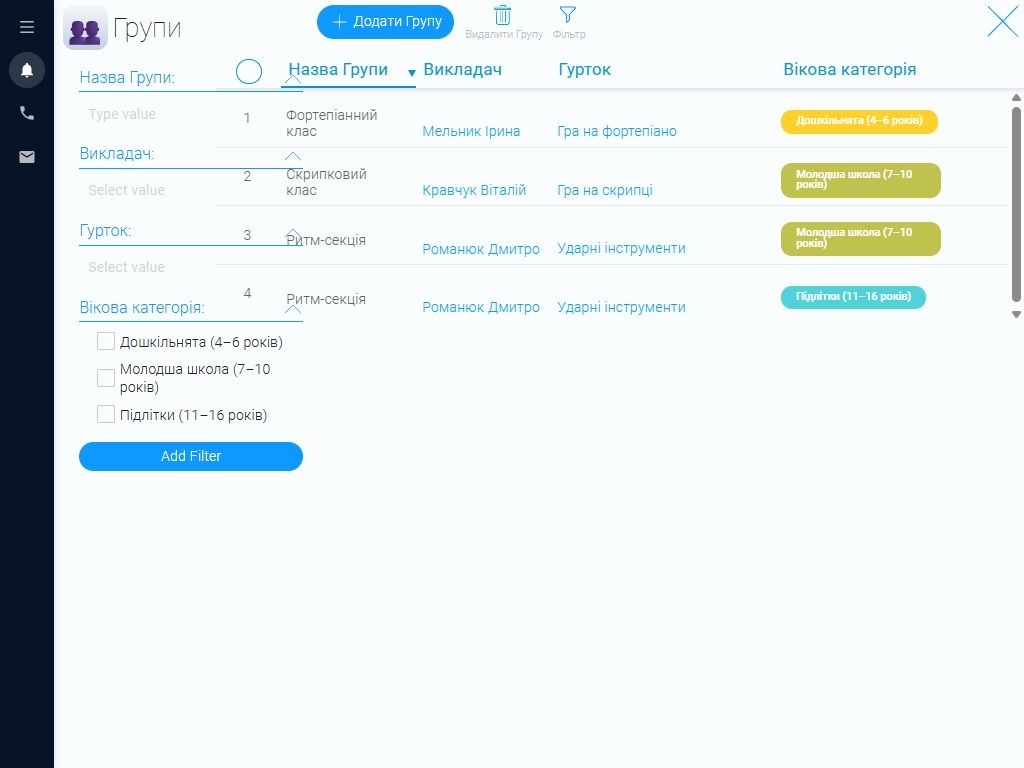
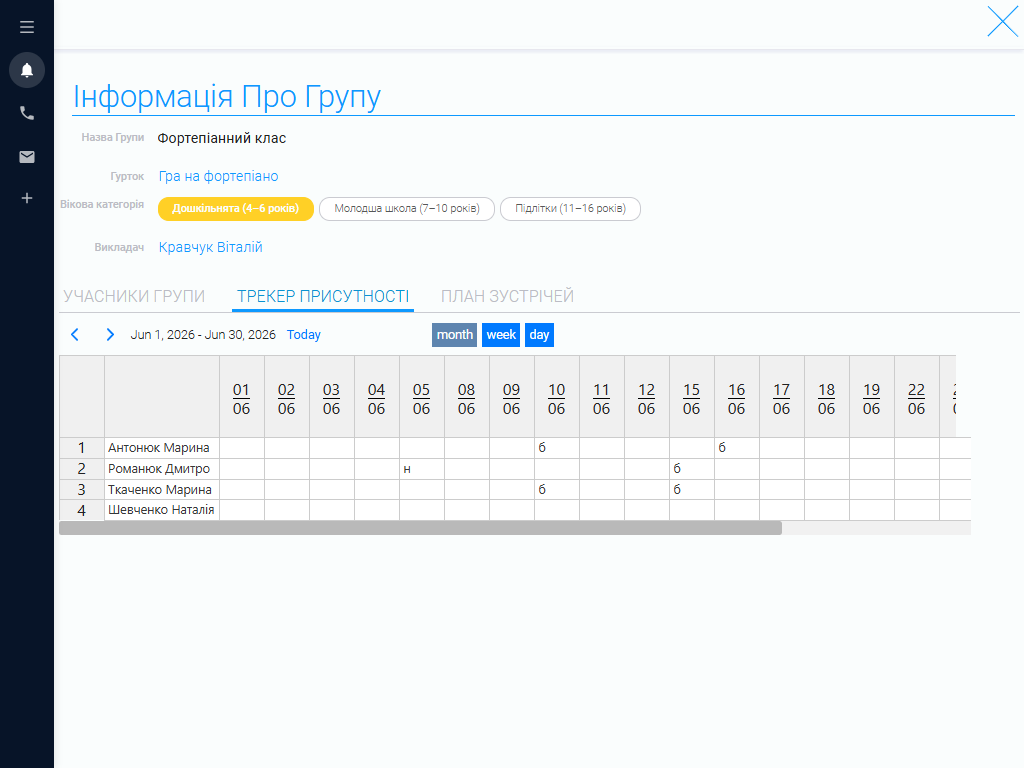
Music schools organize students by area of study, skill level, age, and lesson format. In the CRM, you can create groups and record each group’s name, musical focus, size, assigned teacher, and other details needed to manage classes. For example, you might have groups for singing, guitar, piano, violin, or percussion.
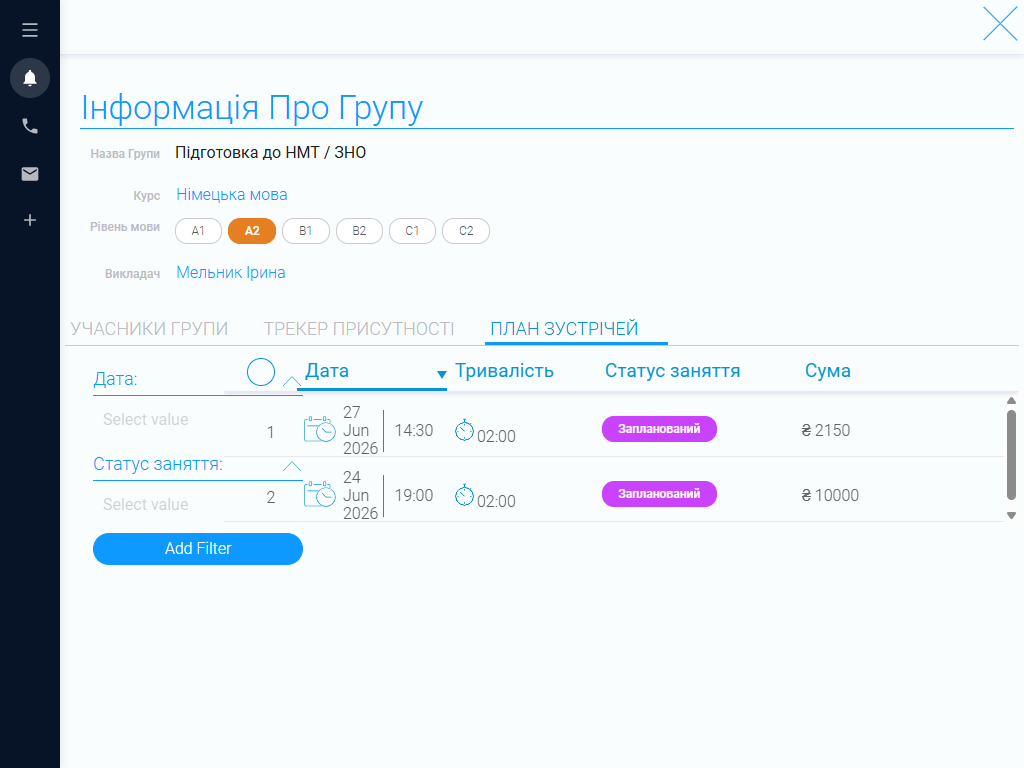
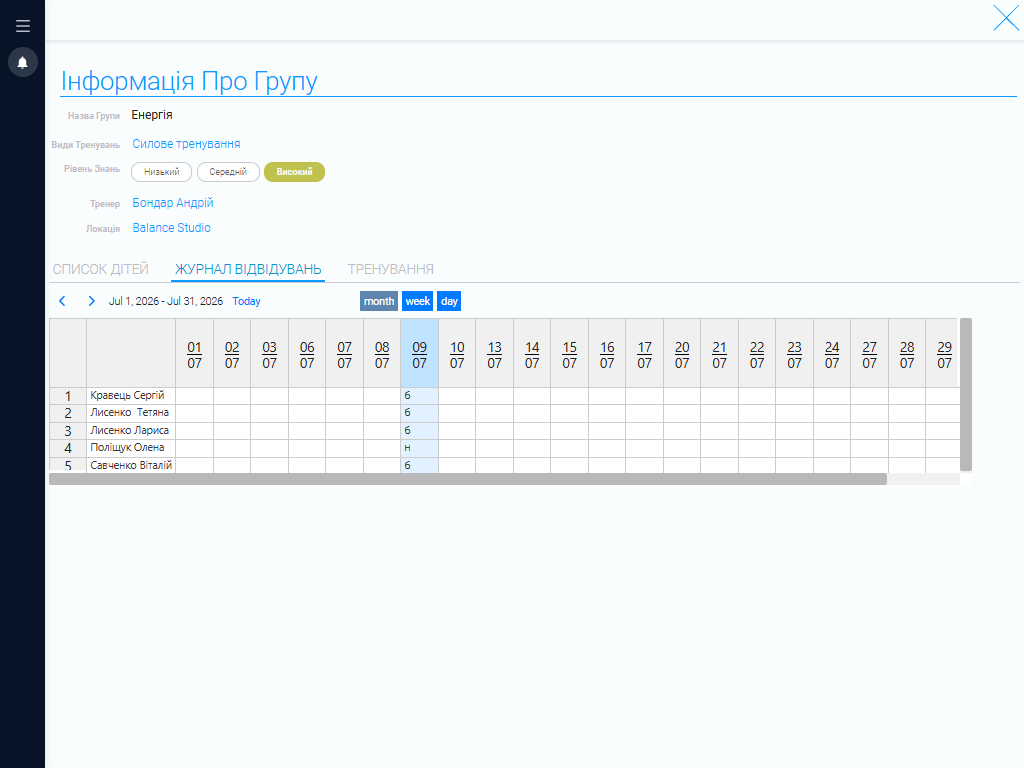
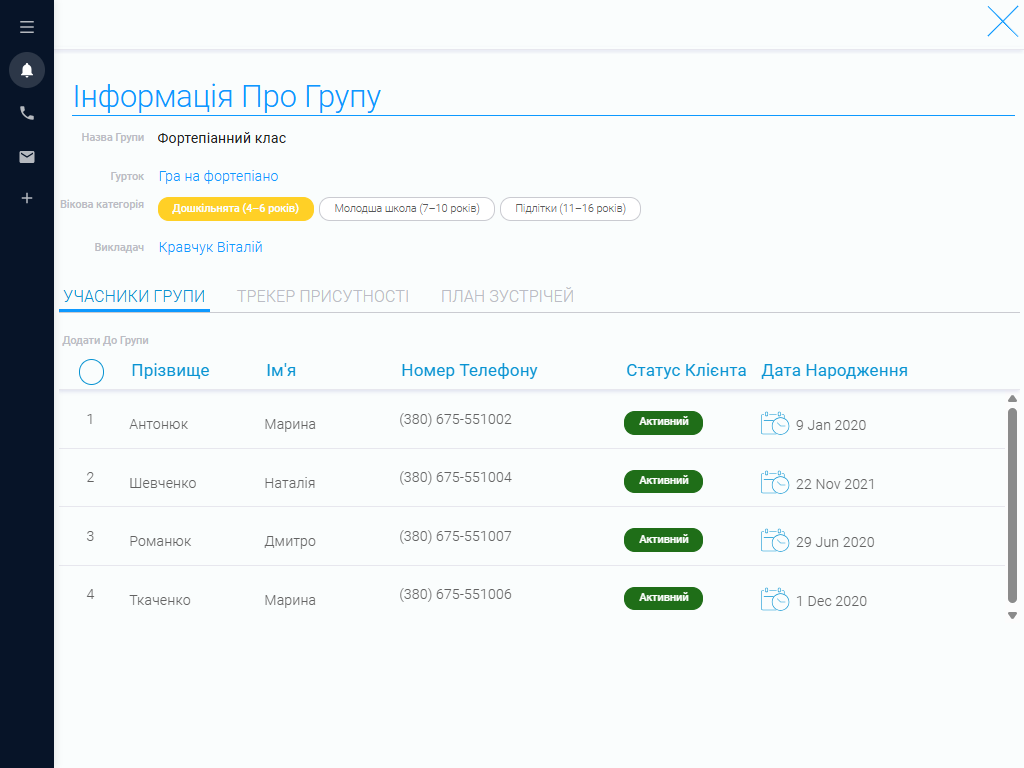
Each group’s record shows its members, assigned teacher, and associated lessons. This helps you monitor enrollment, track changes in membership, and plan teaching workloads. If a student chooses a different area of study or joins another group, you can update their details without maintaining separate lists.
The CRM also makes it easier to coordinate different music programs. Administrators can quickly check which groups are already running, where places are available, and how students and teachers are distributed across programs.
Music program catalog #
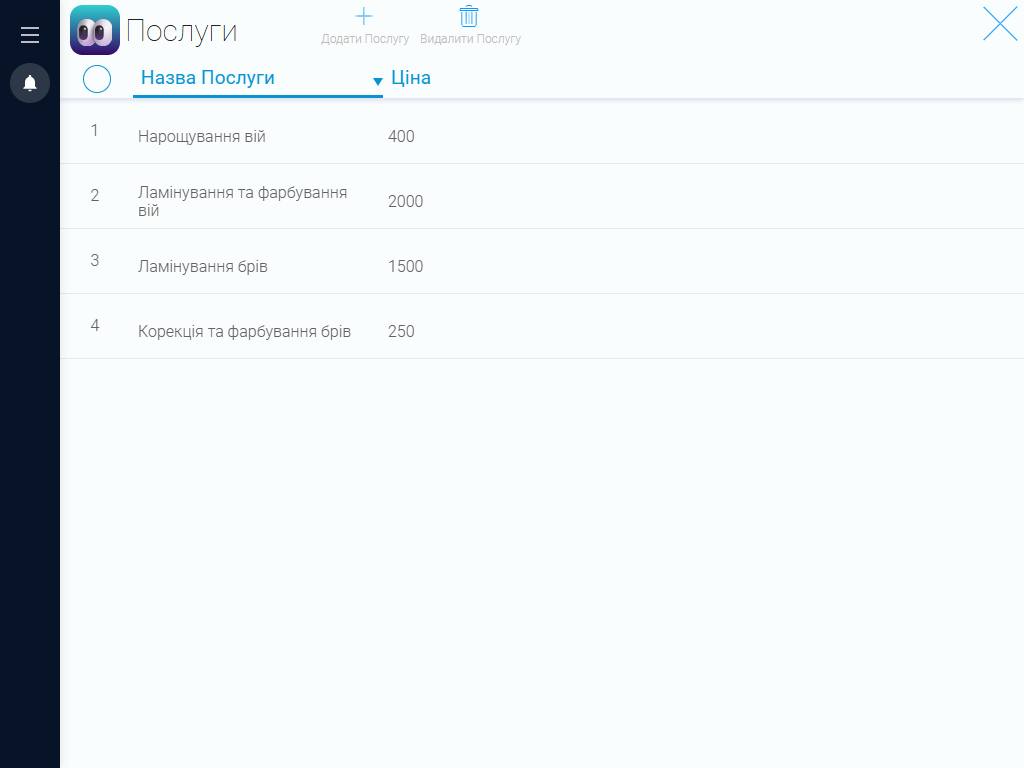
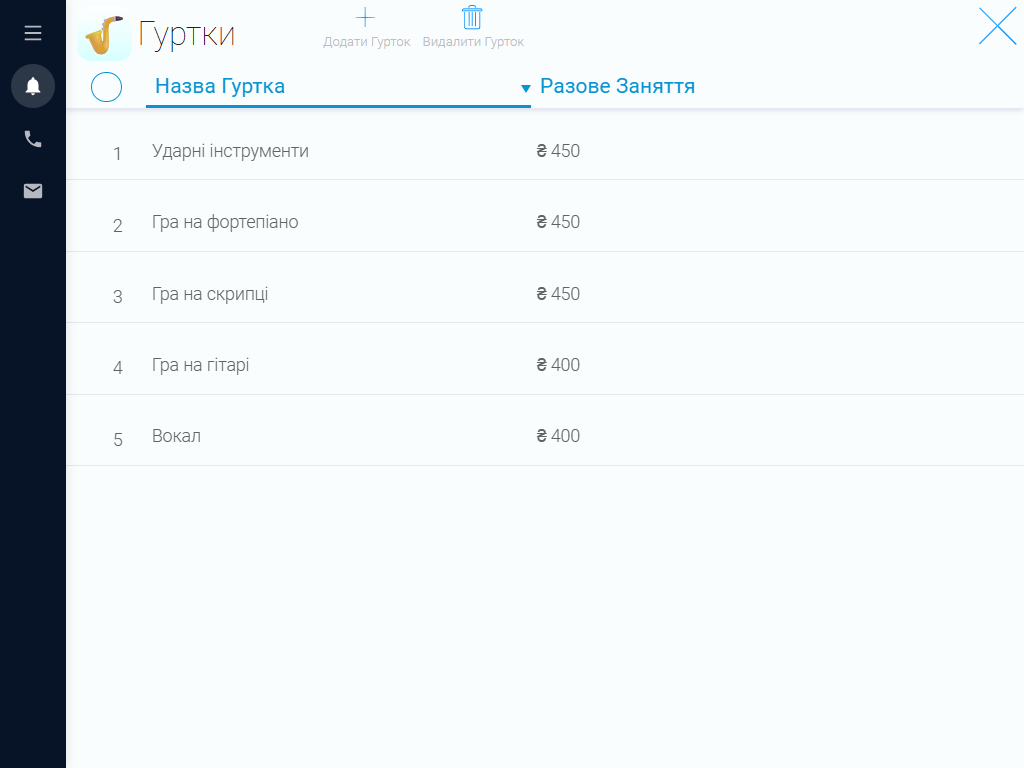
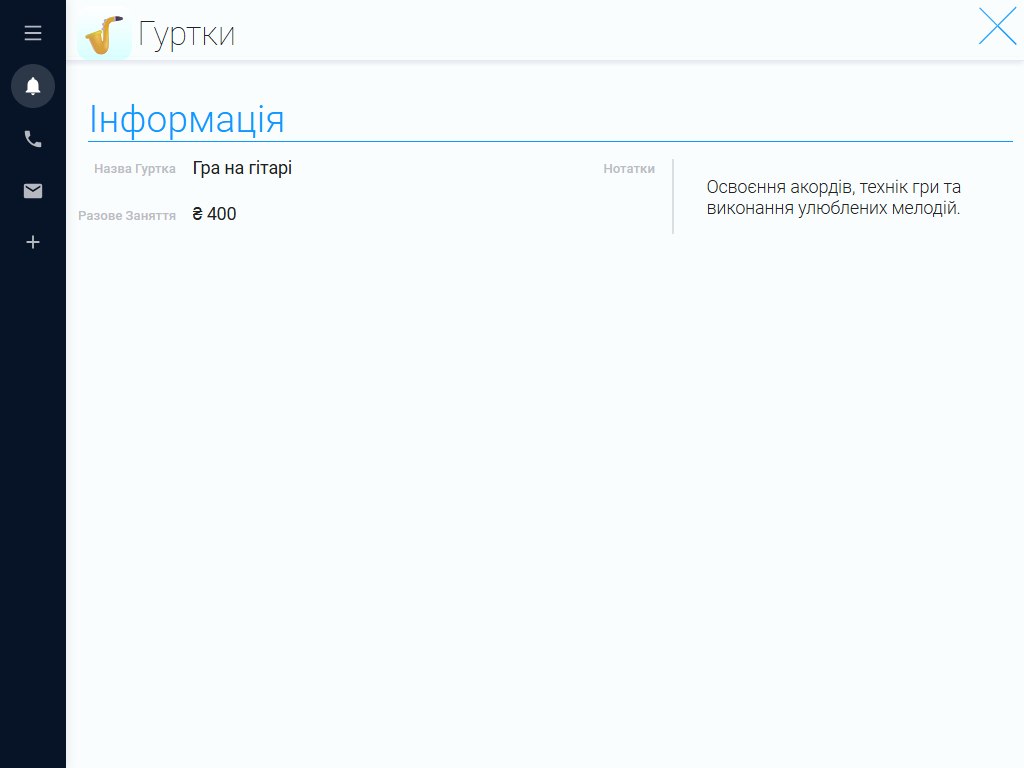
Bring information about all the music programs your school offers into one catalog. For each program, you can specify a name, short description, teacher, lesson format, lesson duration, and price. The catalog might include singing, piano, guitar, violin, and percussion lessons.
This makes handling new inquiries easier. Administrators can quickly review the available programs, explain what each offers, and help prospective students choose a suitable option. Lesson fees and format details are also close at hand when advising families.
You can update descriptions, prices, and other details as needed, or add new programs to the catalog. This is especially useful when your school expands its curriculum, opens more groups, or introduces lessons for additional instruments.
Teacher profiles #
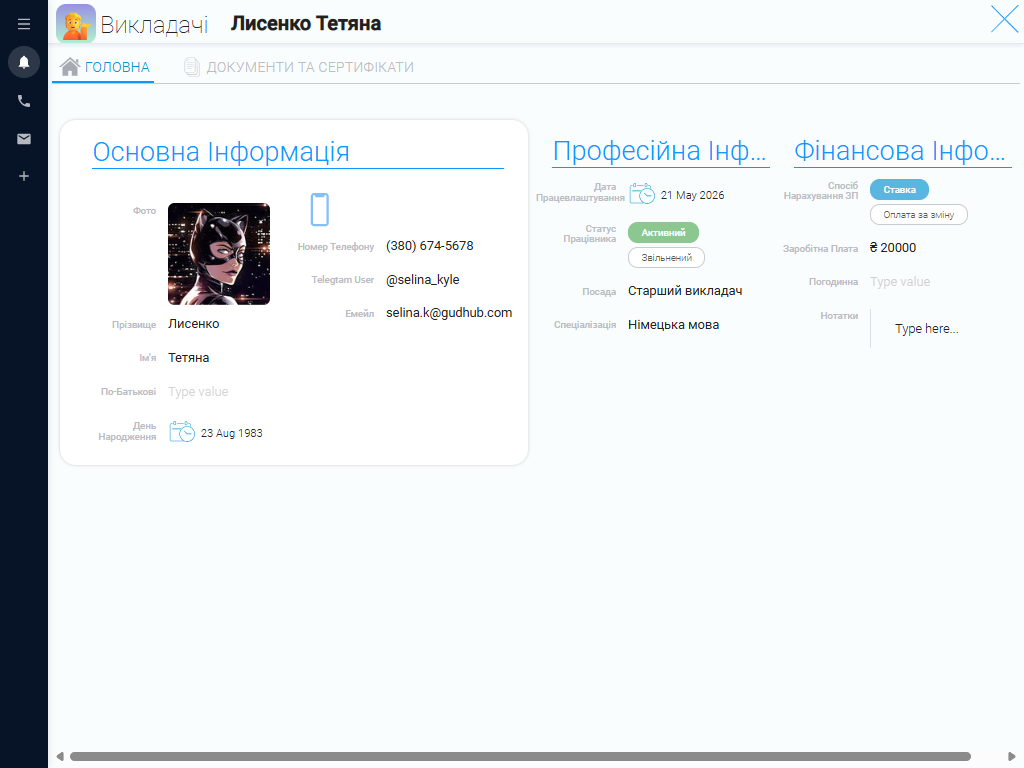
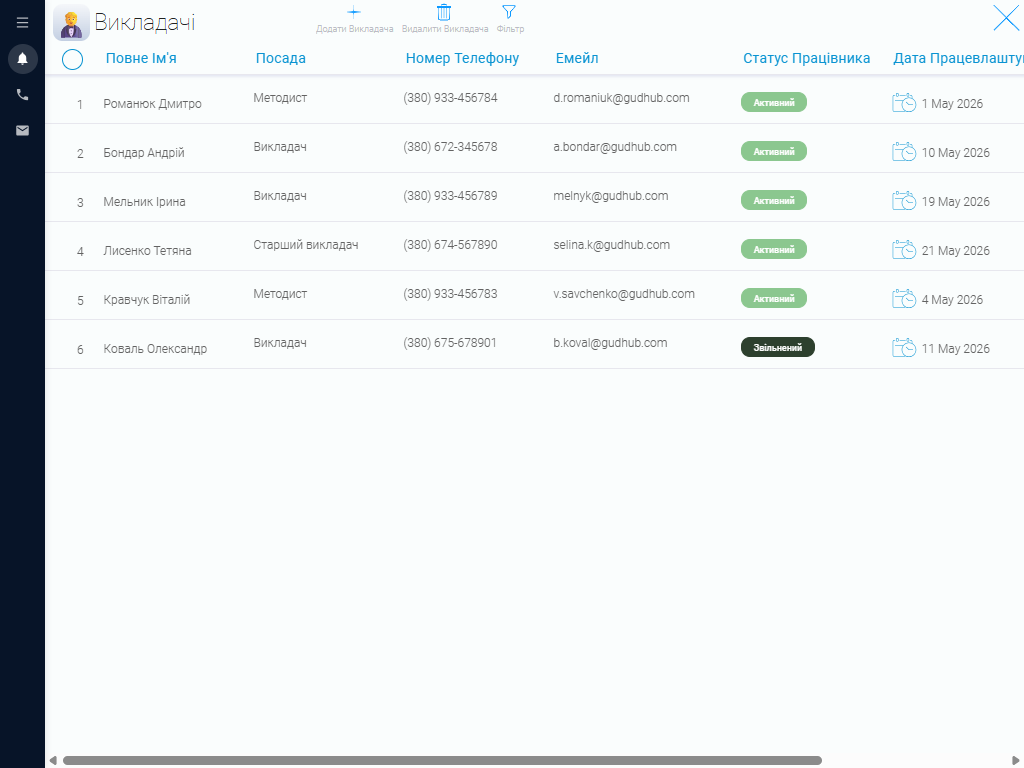
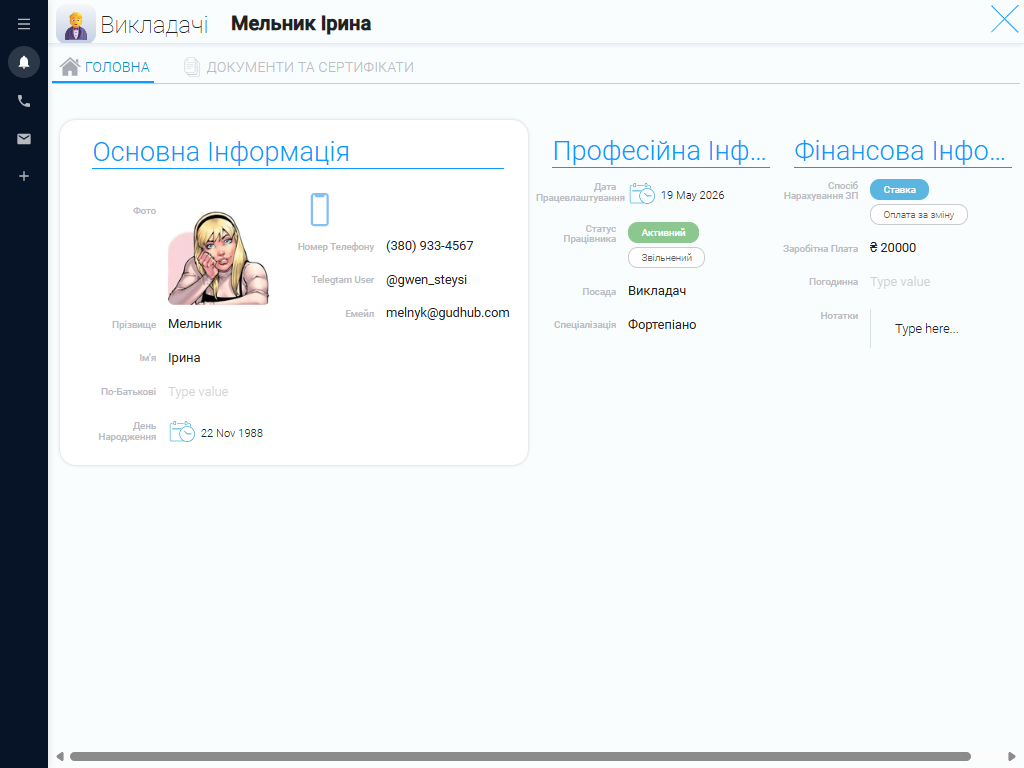
Organizing a music school means keeping track of each teacher’s expertise, experience, schedule, and assigned groups. GudHub stores these details in individual staff profiles, giving administrators quick access to current information about the team.
Profiles can show which instruments a teacher specializes in, which programs they teach, and which groups they work with. Linking teachers to programs and lessons helps you plan workloads, assign students, and account for staff availability when creating schedules.
If a teacher changes their availability or the school launches a new program, administrators can easily review staffing options and adjust lesson arrangements. The CRM keeps information about your team in one place, saving time spent searching through separate documents.
Parents and other contacts #
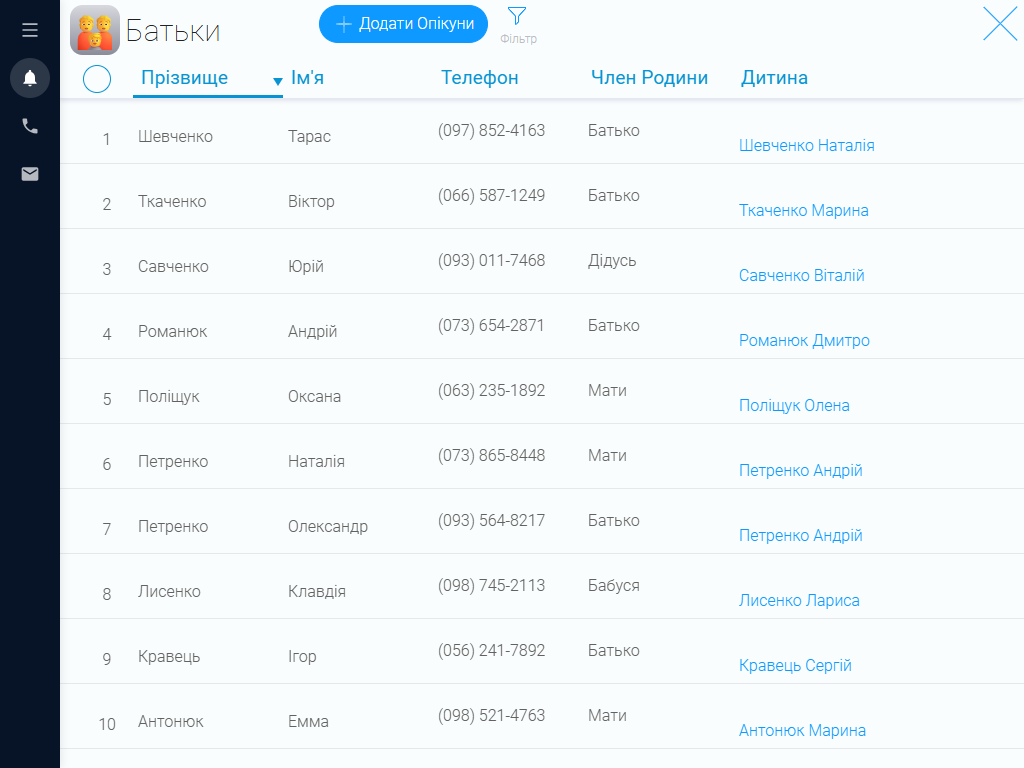
When working with children, you need to be able to reach their parents or other responsible adults quickly. In the CRM, you can create contact records with names, phone numbers, and other relevant details, then link them to the appropriate student profiles. This makes it easier to coordinate schedules, notify families about rescheduled lessons, and handle other administrative matters.
Keeping separate contact records is also useful when several children from the same family attend your school. Administrators can quickly find the right information and see whom to contact about attendance, payments, or changes to a child’s lessons.
Lesson packages #
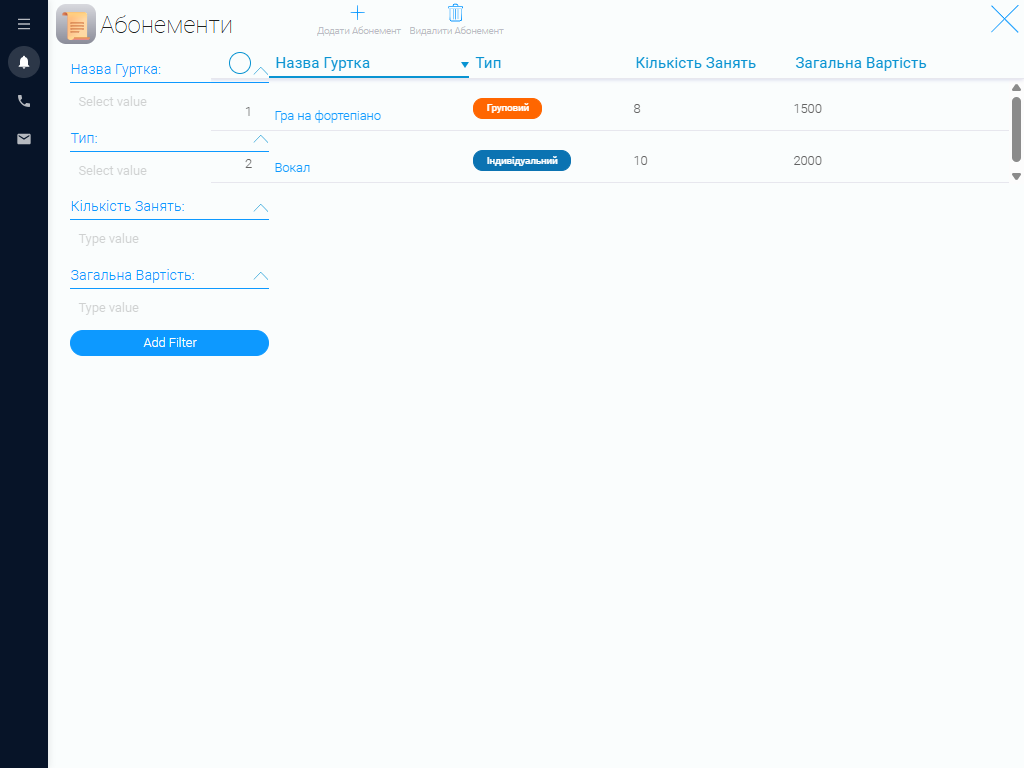
If your music school offers packages of lessons, you can create a dedicated catalog in the CRM. Each package can include a name, associated music program, number of lessons, validity period, and price. For example, you might offer packages for singing, piano, or other areas of music study.
Link purchased packages to student profiles to keep a record of each student’s choice and the terms that apply. This makes it easier to manage lesson purchases and quickly check which package a student has, how many lessons it includes, and the payment terms.
A central catalog also simplifies pricing updates. If the school changes a package’s price, number of lessons, or validity period, staff can quickly update the details in the system. Everyone then has access to current information when assisting students and their families.
Lesson calendar #
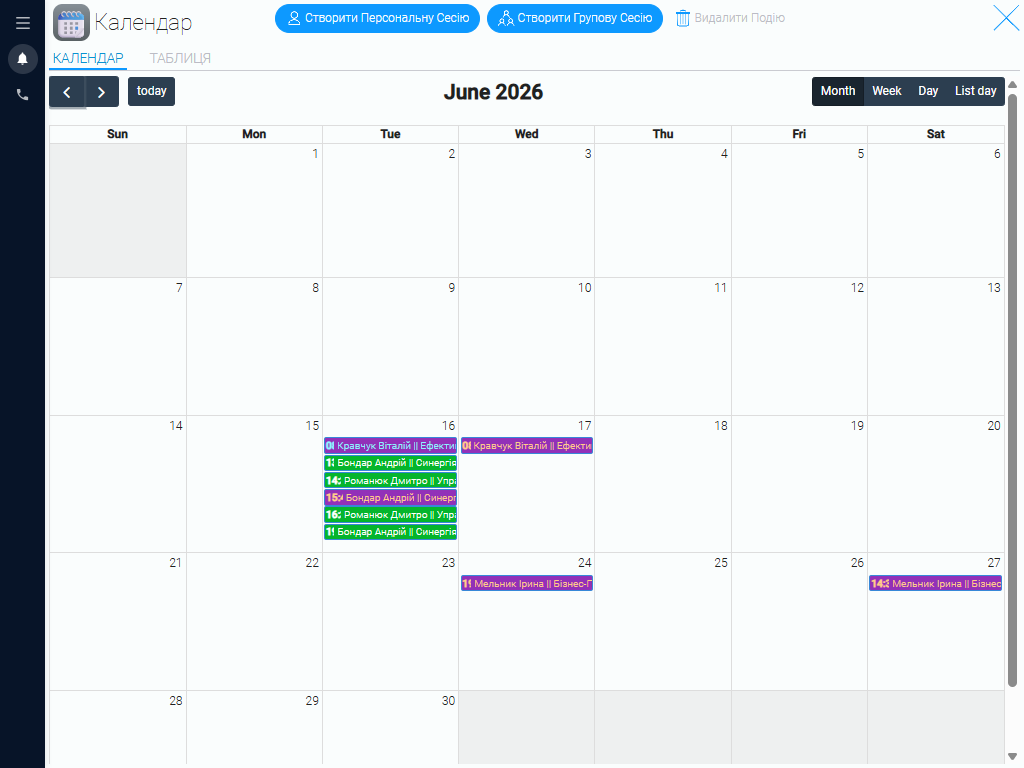
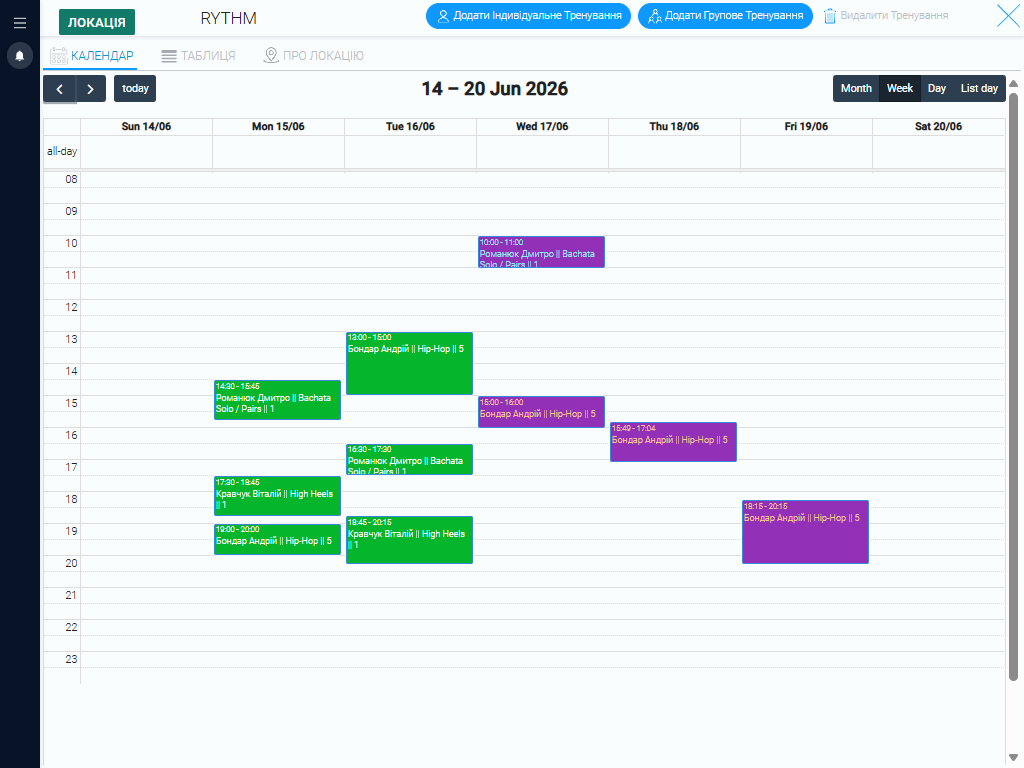
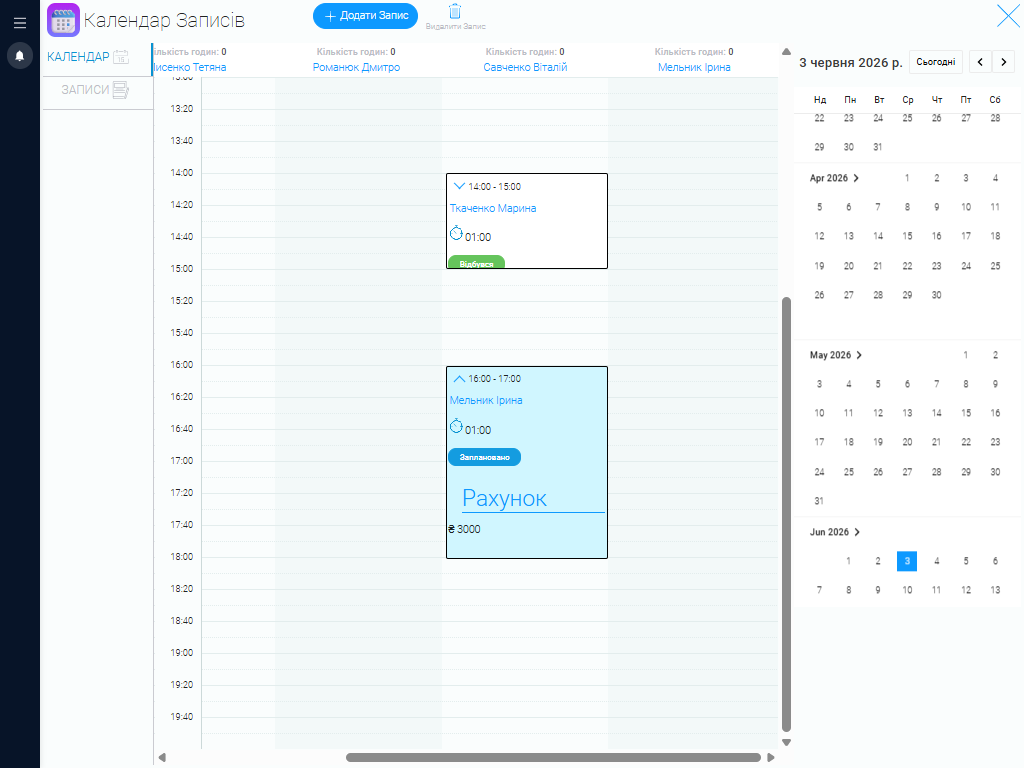
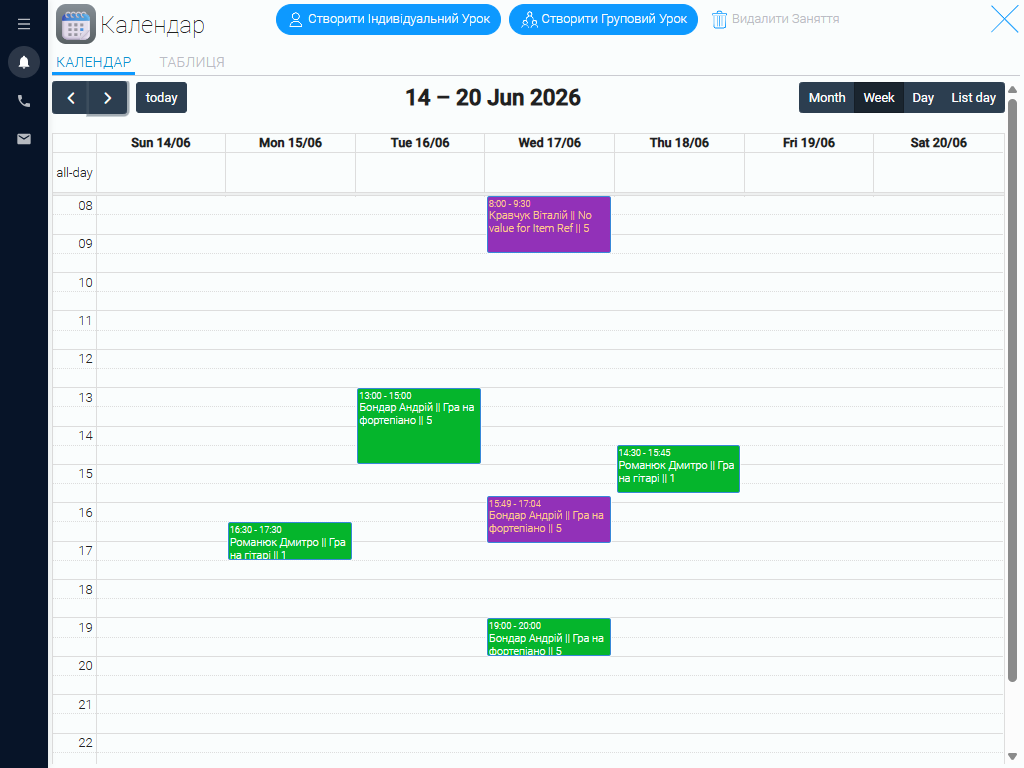
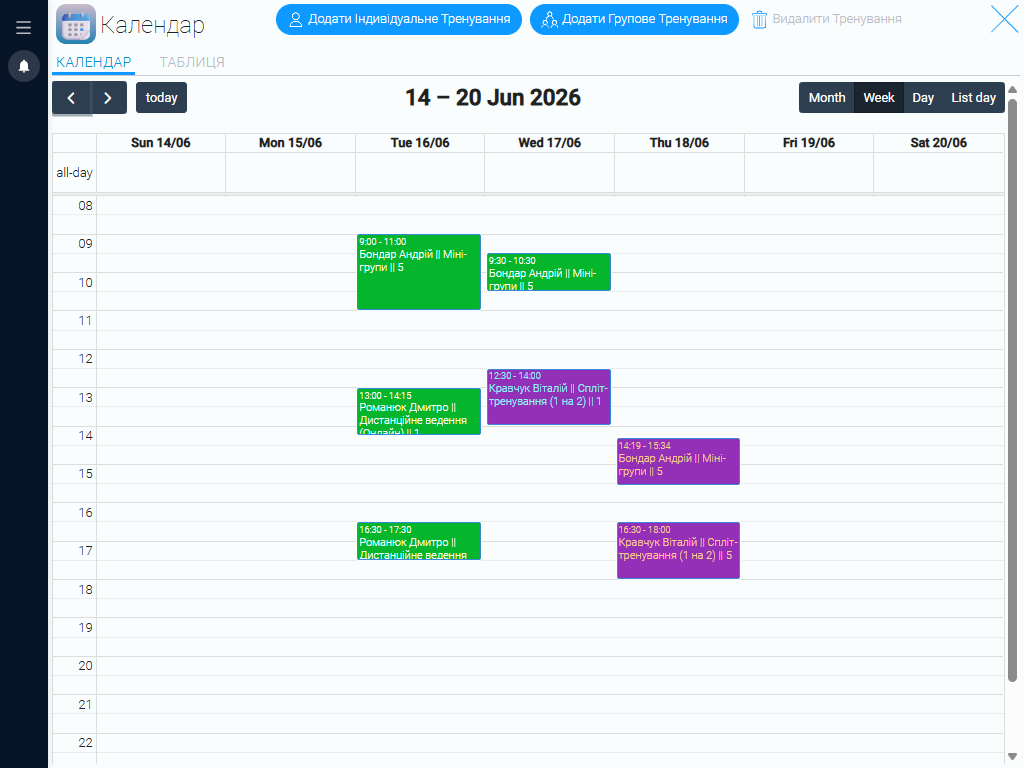
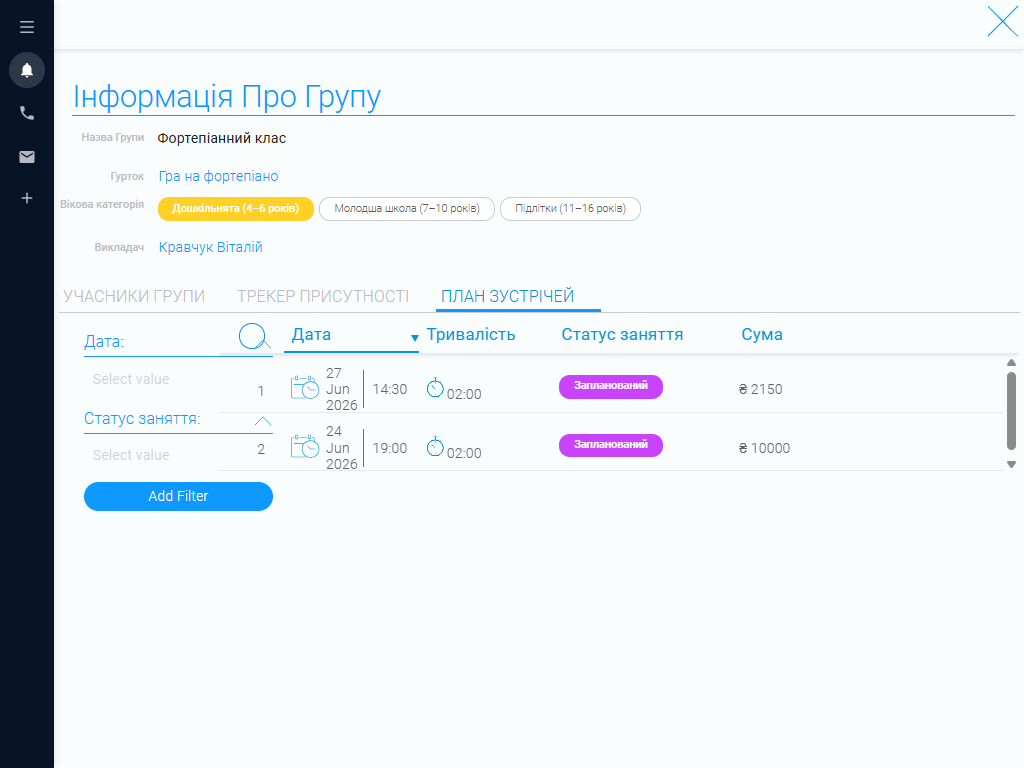
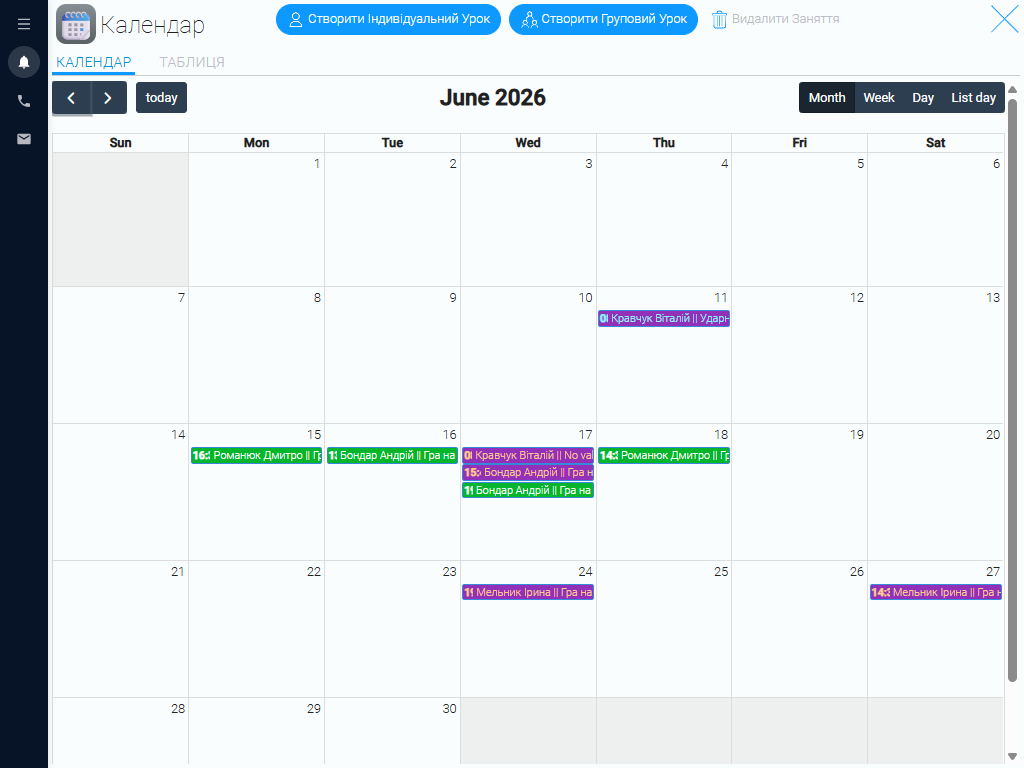
The calendar helps you organize individual and group lessons while giving you an overview of how busy your school is. When creating an entry, you can specify the music program, teacher, group or individual student, date, and lesson duration.
A shared schedule is especially useful for music schools with several teachers and lessons across different instruments. It helps staff coordinate their schedules, respond quickly to changes, and keep classes running smoothly.
Reporting #
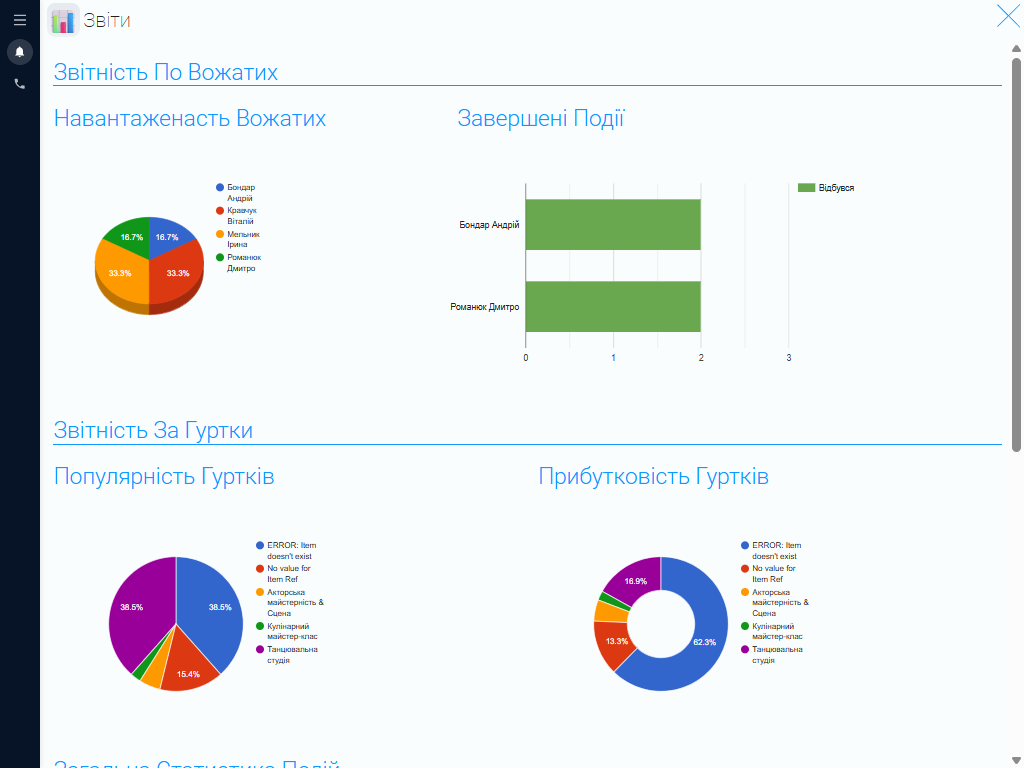
The CRM helps you organize the data you need to assess your music school’s performance. Depending on the system’s settings, you can create reports on student numbers, group enrollment, program popularity, teacher workloads, and financial performance.
This information helps school managers assess demand for different programs, decide which areas to develop, and plan the team’s work. For example, you can review enrollment in singing and instrumental lessons, assess teacher workloads, or determine whether to open new groups.
Give every team member a workspace that fits their role #
In GudHub CRM, you can configure access permissions to match each employee’s responsibilities. You decide which sections and data staff can access, giving everyone the tools they need to do their job.
Administrators can have access to student records, the music program catalog, lesson packages, the calendar, and reports. Teachers can work with their own groups, student lists, and upcoming lessons, while other staff have access to the sections relevant to their daily tasks.
This keeps workspaces organized, reduces clutter, and makes the system easier for the whole team to use.
Manage your lessons and grow your music school with GudHub CRM #
GudHub CRM is a ready-to-use solution that brings your music school’s core administrative tasks into one system. Student records, groups, a music program catalog, teacher profiles, lesson packages, a calendar, and reporting tools help you organize daily operations and make team coordination easier.
Get started with the free CRM template for music schools today. Adapt the apps to the way your school teaches, keep essential information in one place, and manage your music programs with GudHub CRM.