CRM for Children’s Learning Centers #
Running a children’s learning center involves a wide range of administrative tasks: enrolling students in classes, organizing groups, building program schedules, managing instructor availability, and coordinating the team. Communicating with parents, tracking attendance, and keeping student, package, and class information up to date also require close attention.
To manage these processes effectively, you need a centralized system where you can store information about students, parents, instructors, and programs—and handle essential day-to-day tasks in one place.
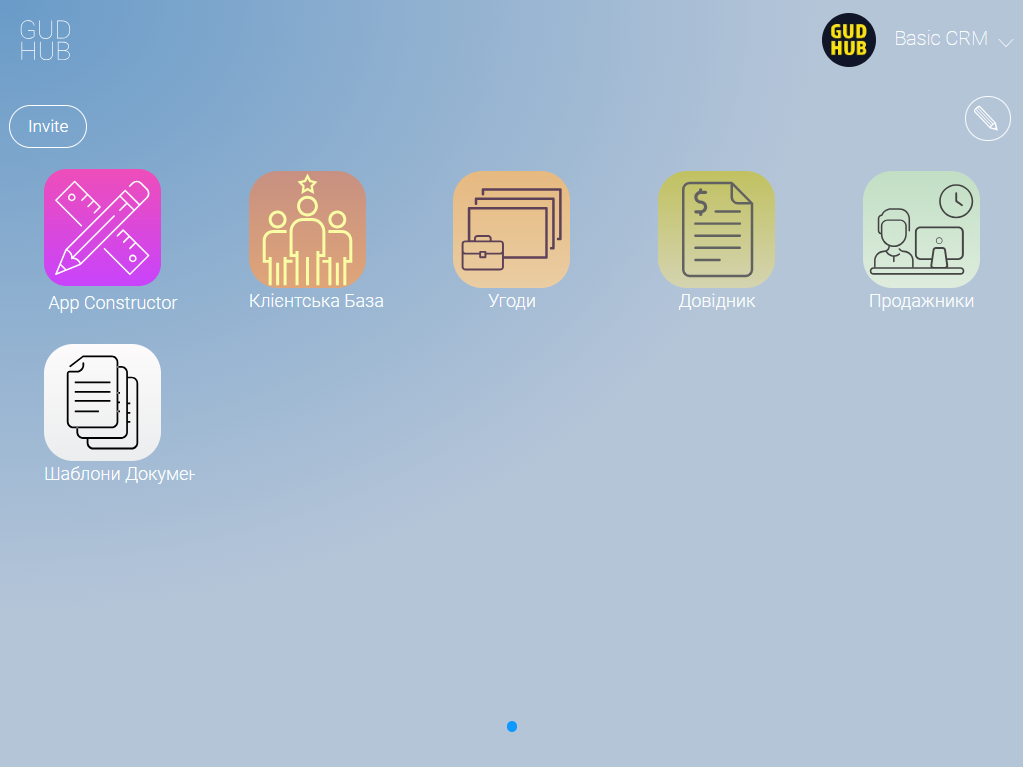
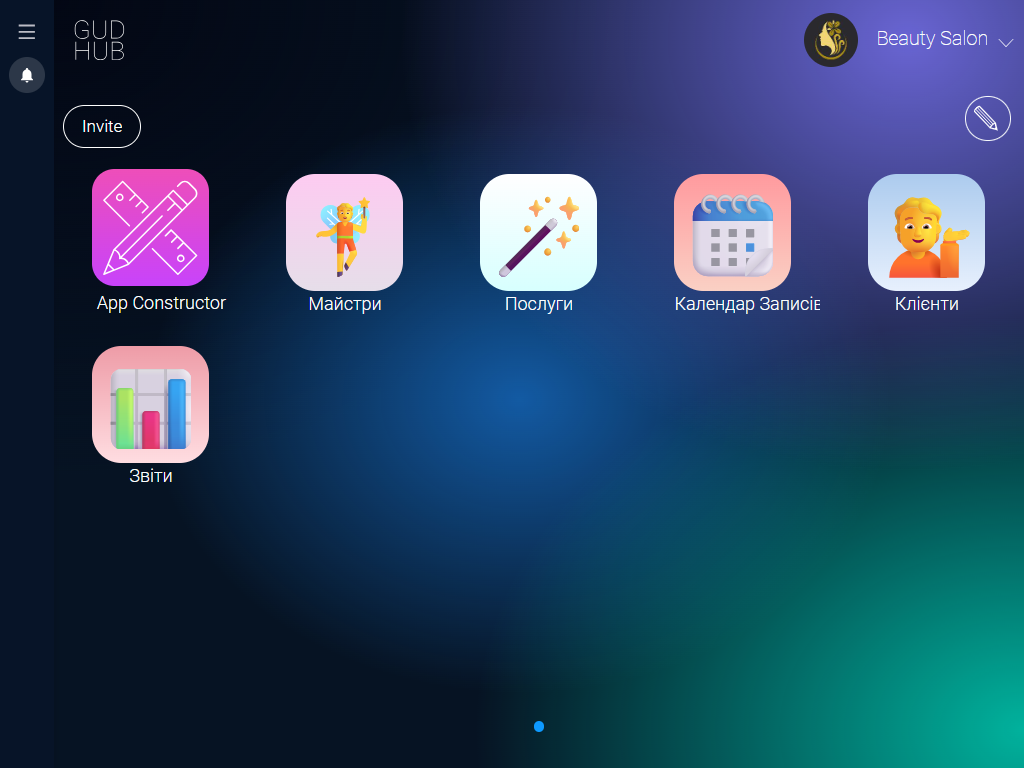
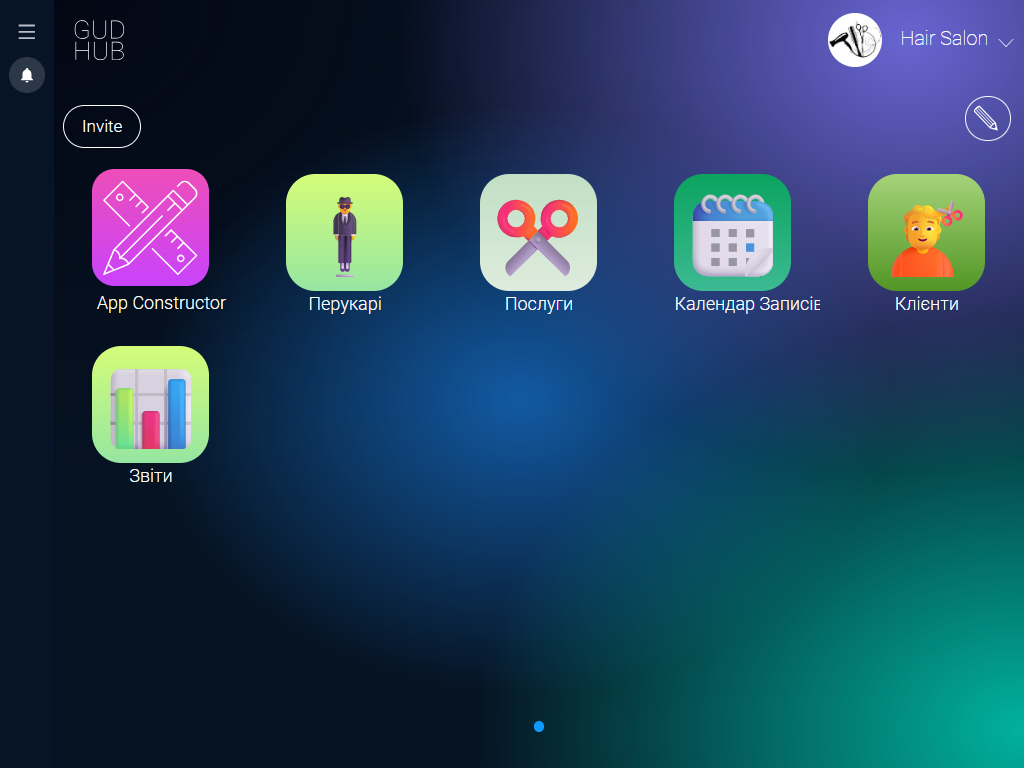
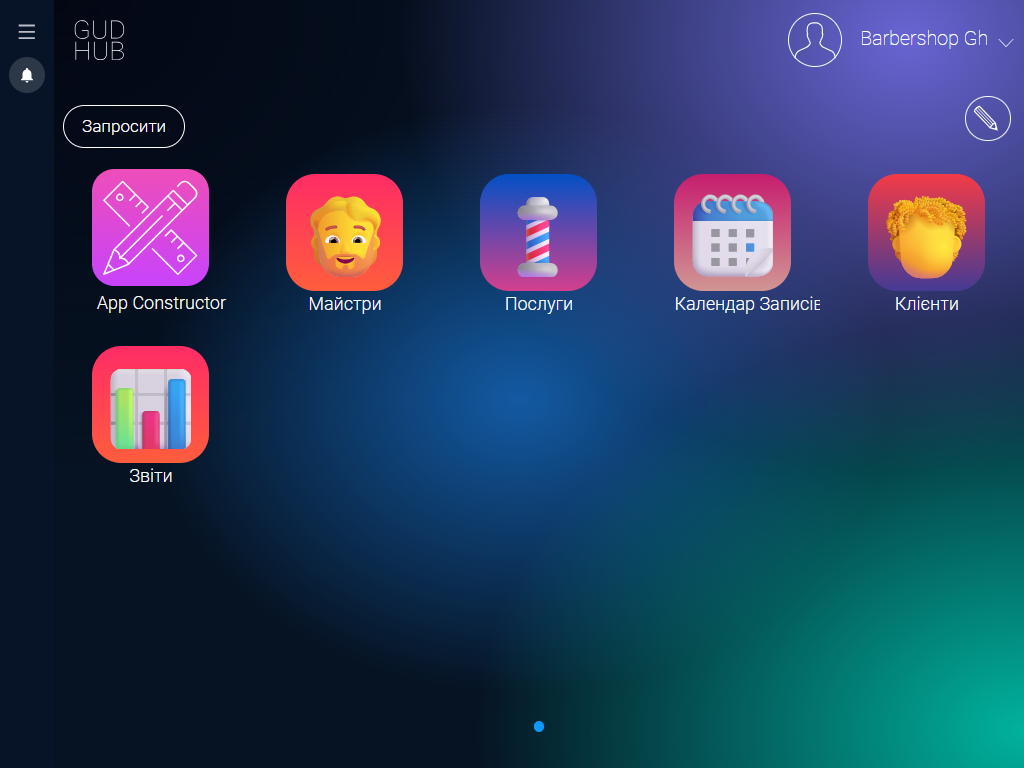
The GudHub CRM template for children’s learning centers is a ready-to-use solution that requires no lengthy development or complicated setup. All the tools you need to coordinate your team and manage class schedules are already built into one system.
Get Started with a Template That Has Everything You Need to Work Efficiently #
Centralized Student Database #
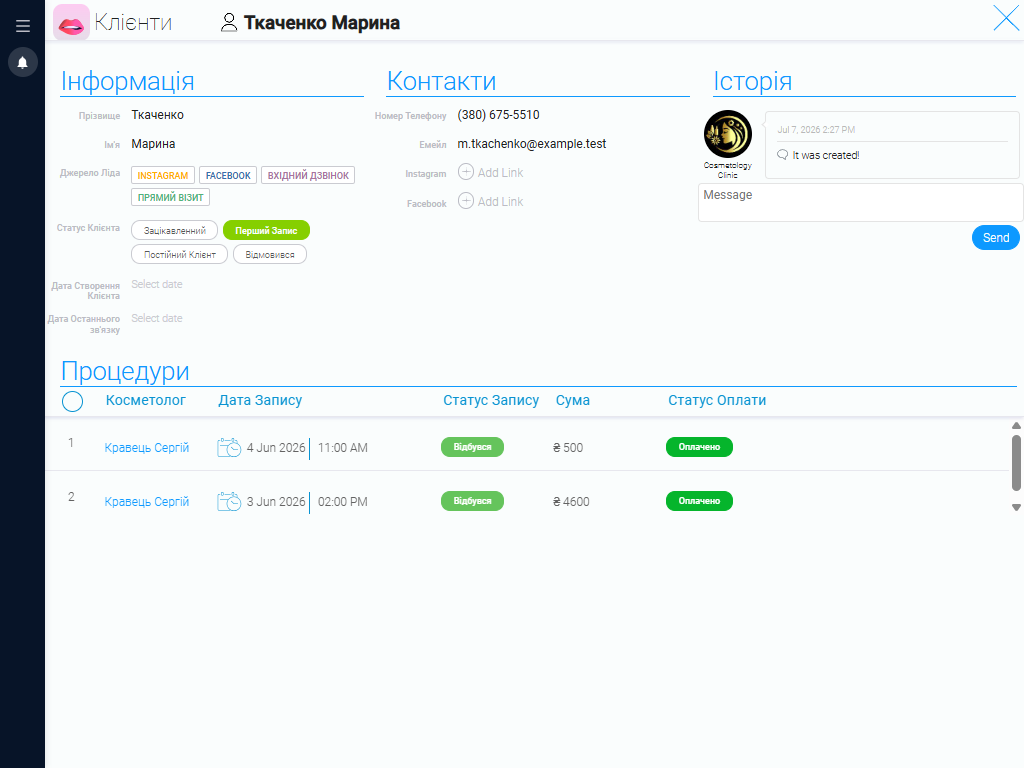
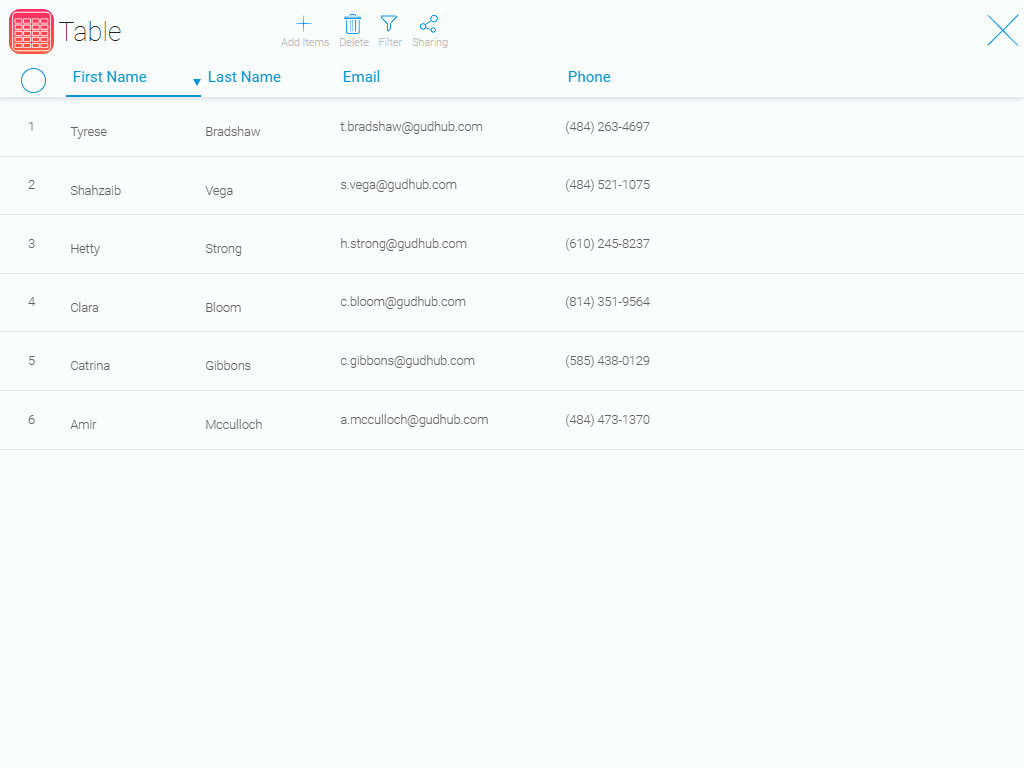
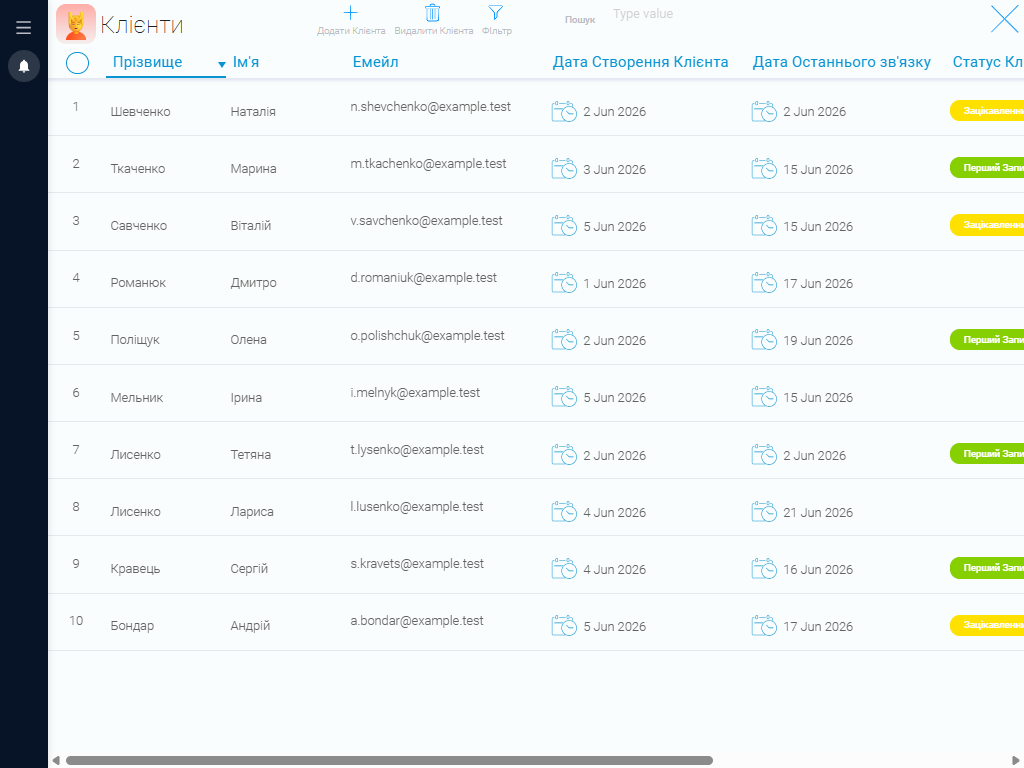
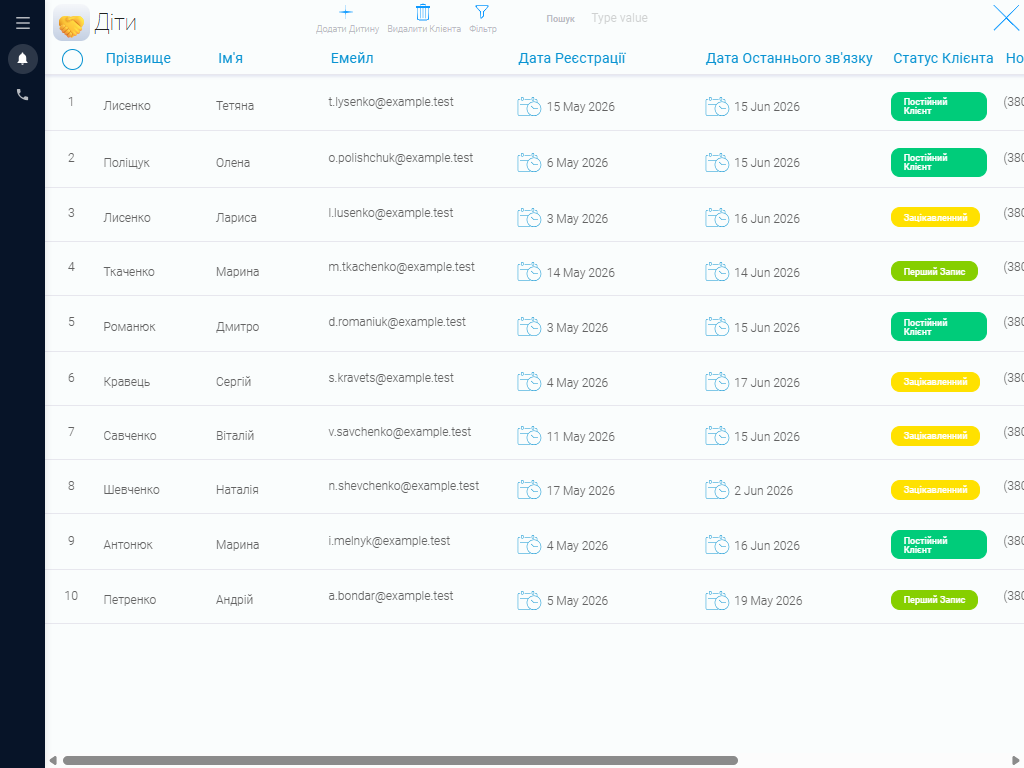
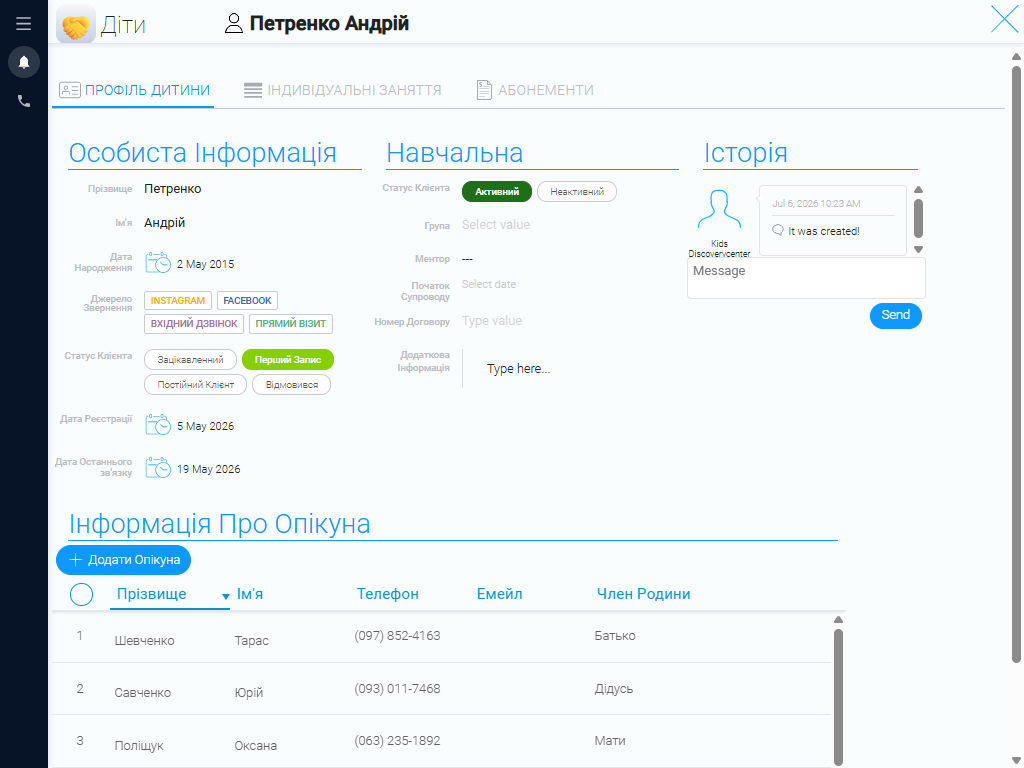
A centralized CRM database lets you store all the information your learning center needs to work with students. Each student profile includes contact details, date of birth, referral source, enrollment status, and information about parents or other responsible adults. Staff can also add important notes about a student’s learning experience and record private lessons and class packages separately. This structure makes it easy to find information about a particular student before class or while speaking with a parent. Everything is kept in one place, so administrators no longer need to search through multiple spreadsheets or documents.
Student Group Management #
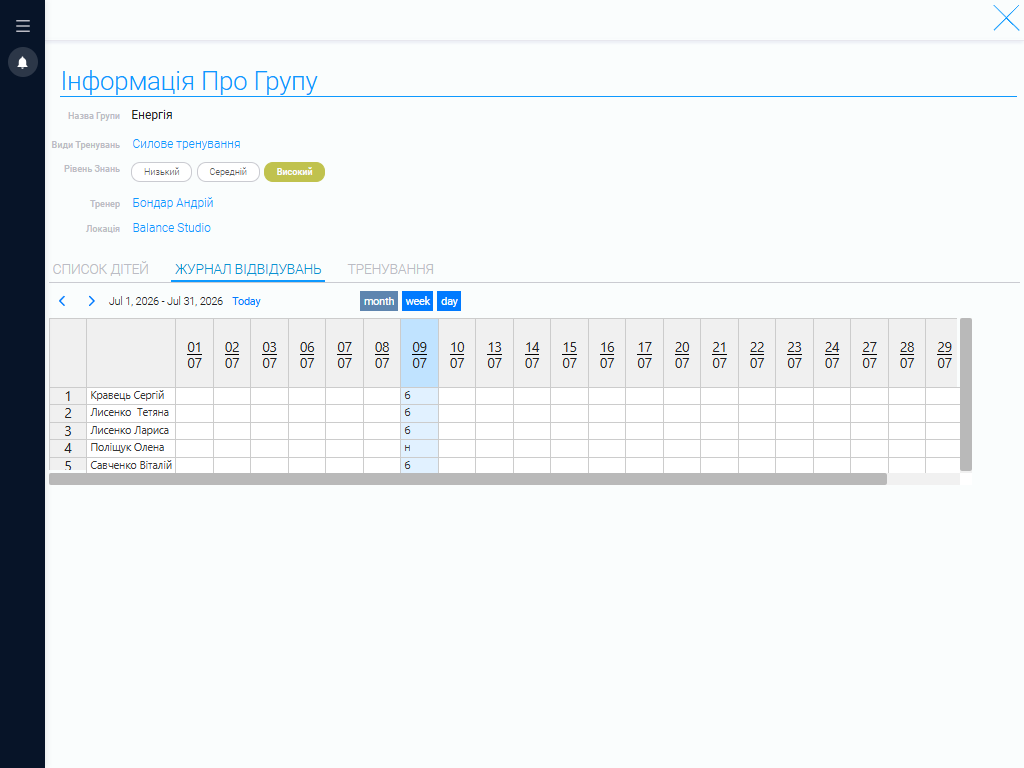
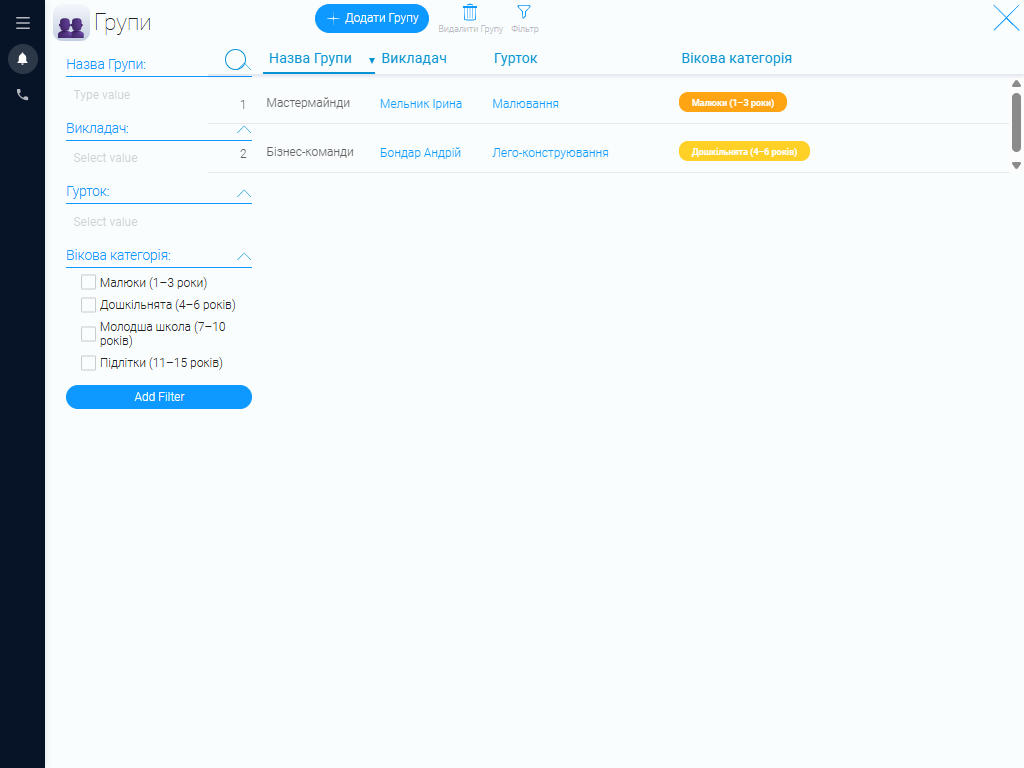
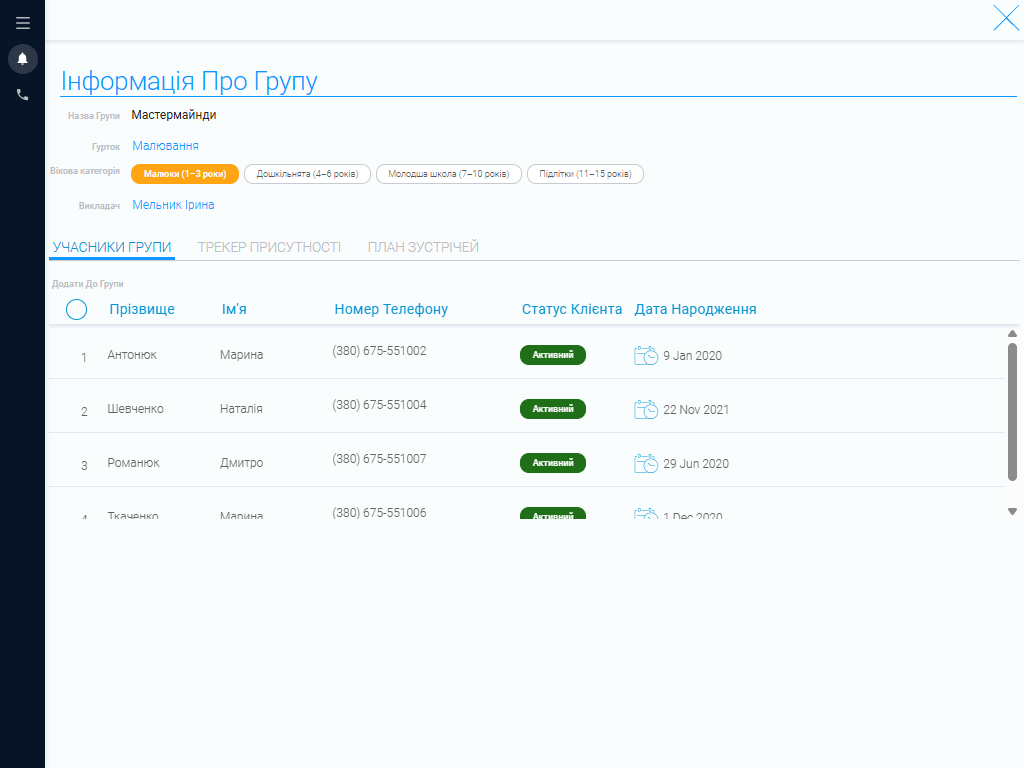
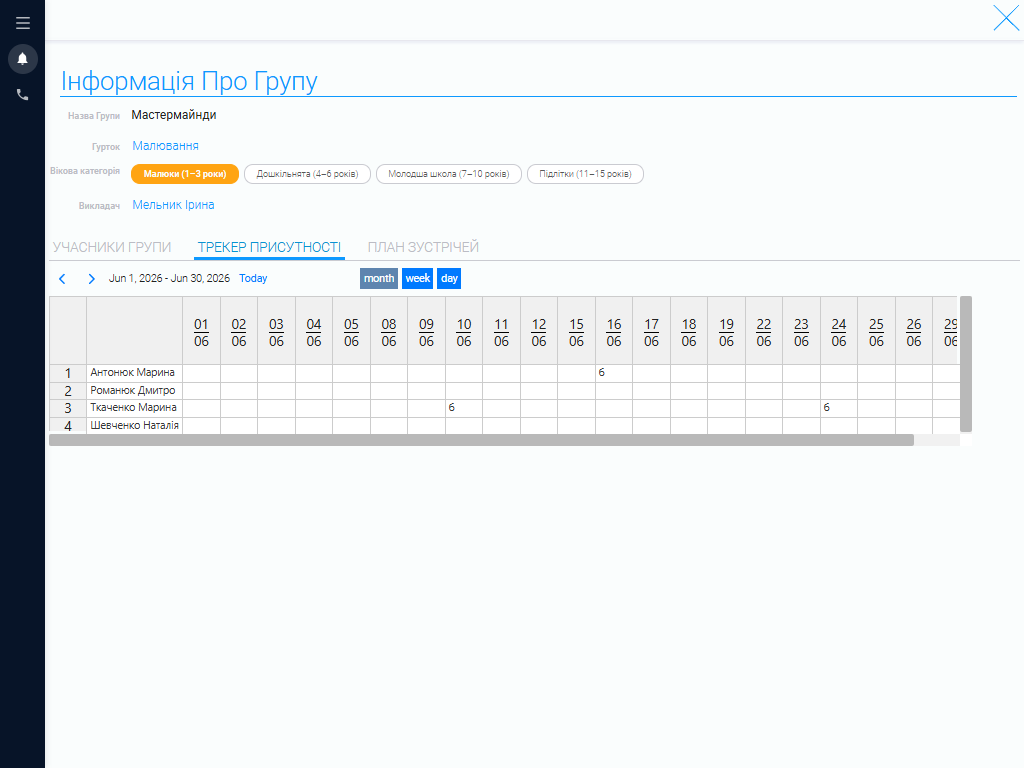
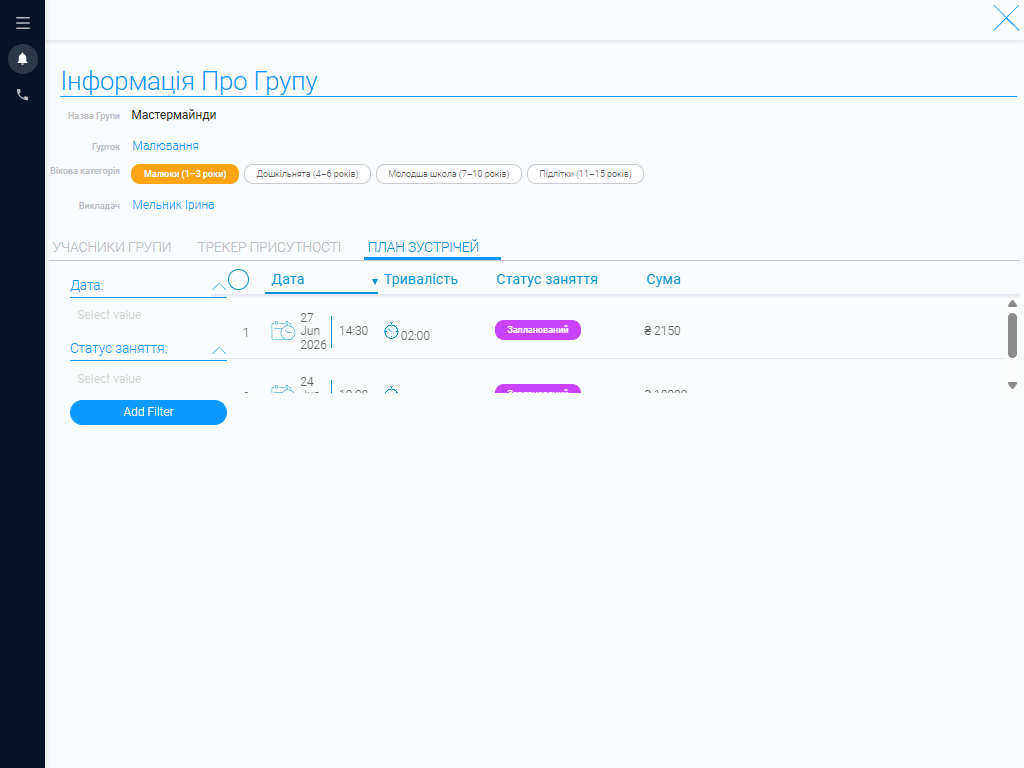
Learning centers that offer many programs need a convenient way to organize students by subject and age group. The system lets you create student groups, assign instructors, view class schedules, and track attendance. When creating a group, simply select the program, the students’ age range, and an instructor. Student and class information remains organized, making day-to-day administrative work much easier and helping you manage instructor workloads. The CRM also keeps information about every group in one system, no matter how many programs or classes your center offers.
Program Catalog #
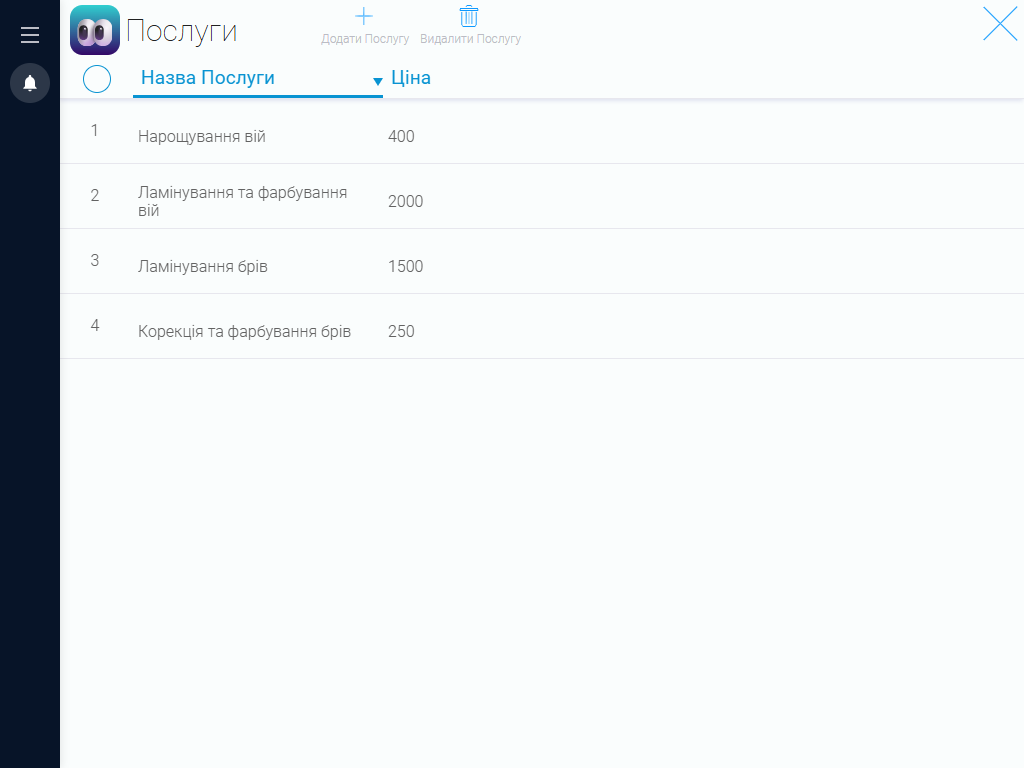
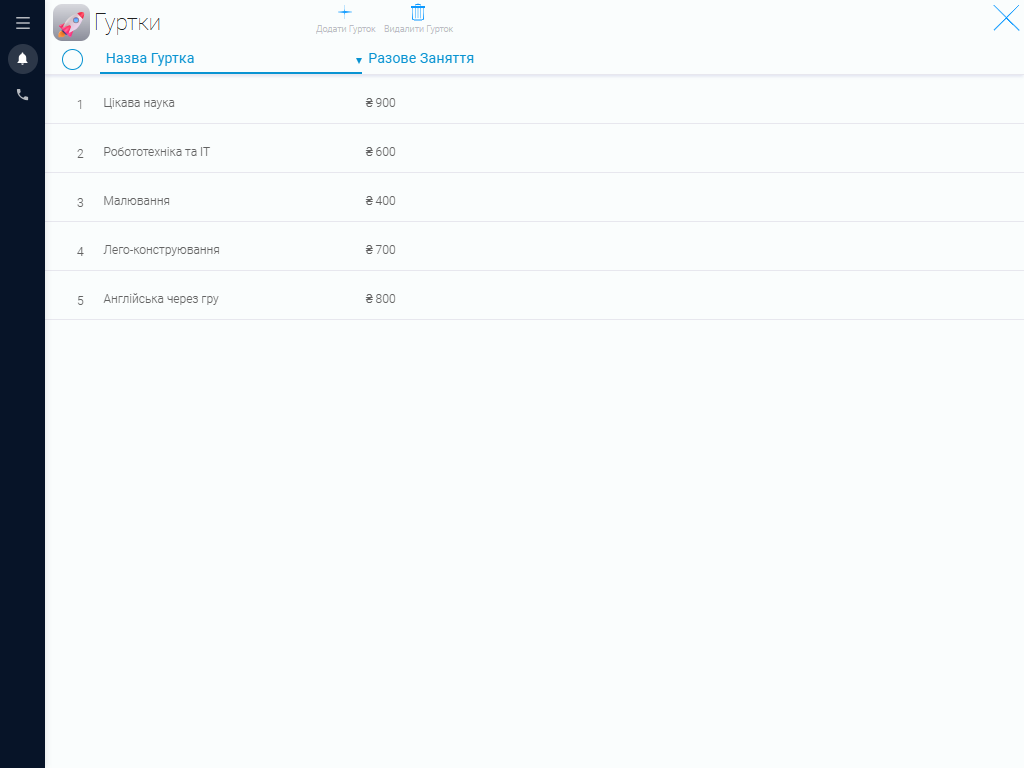
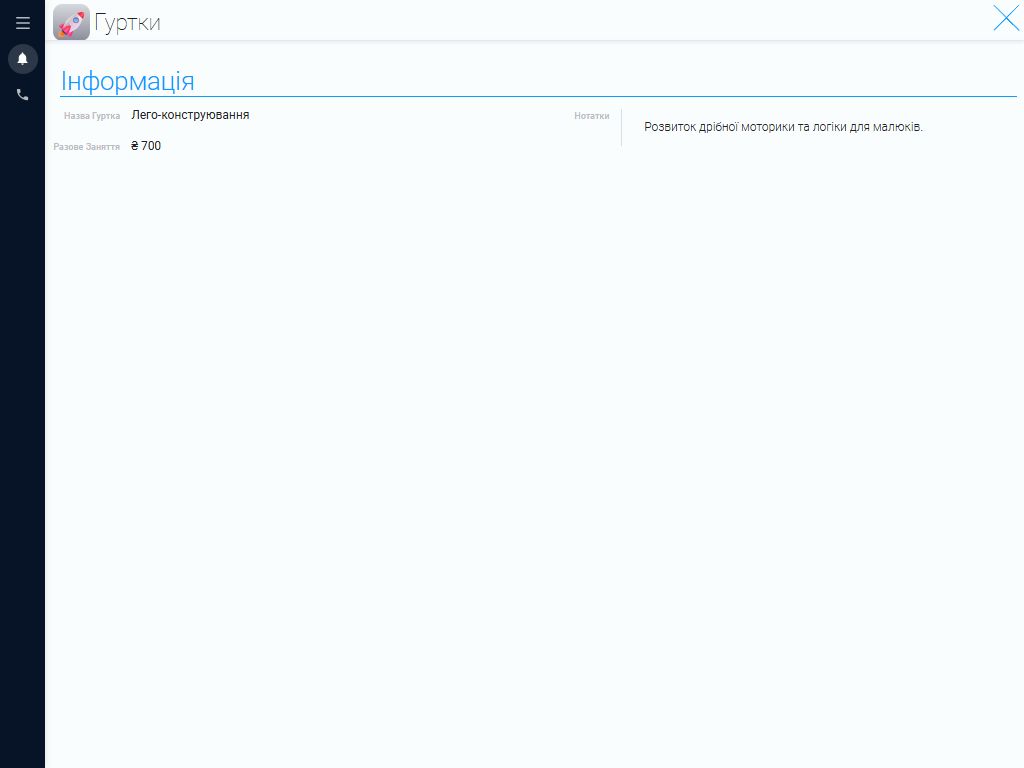
Keep all the classes your learning center offers in a single catalog. The system stores each program’s price and other key details needed to organize the learning process. This makes it easy to find class information, adjust pricing, and keep program details up to date.
Instructor Profiles #
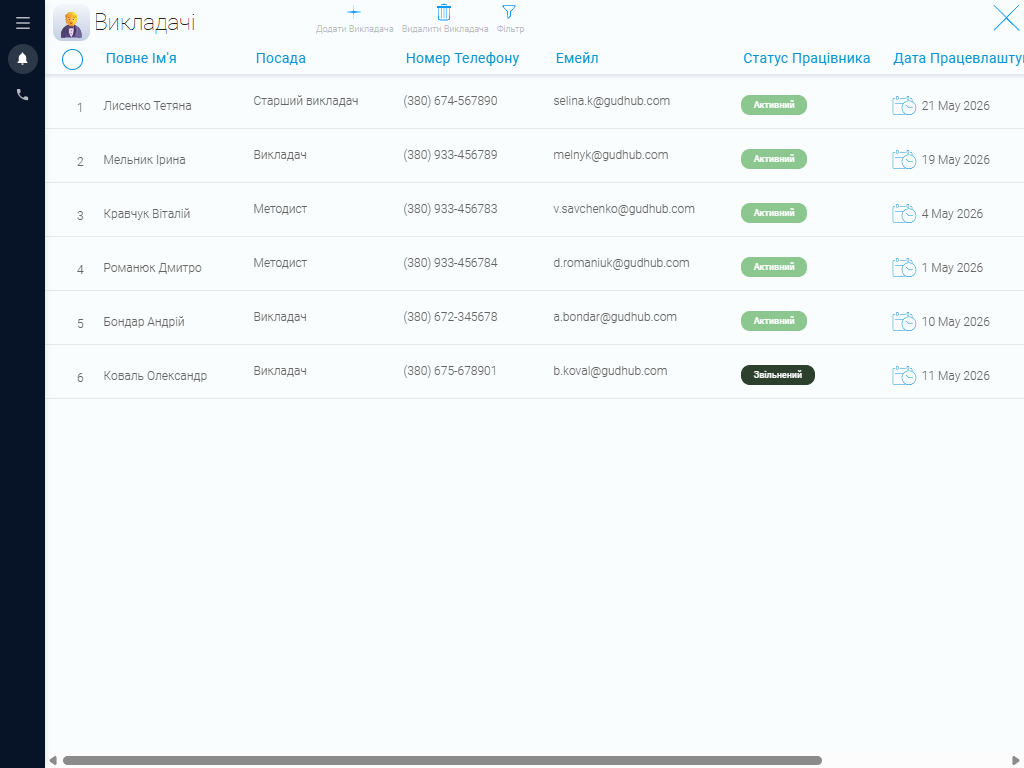
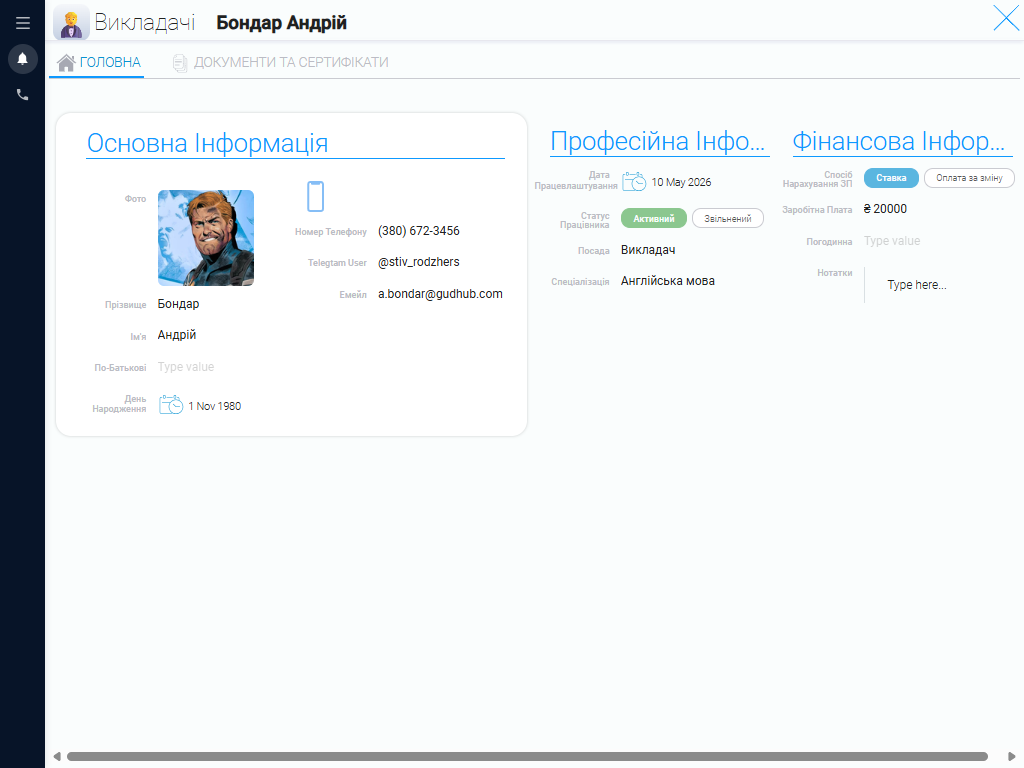
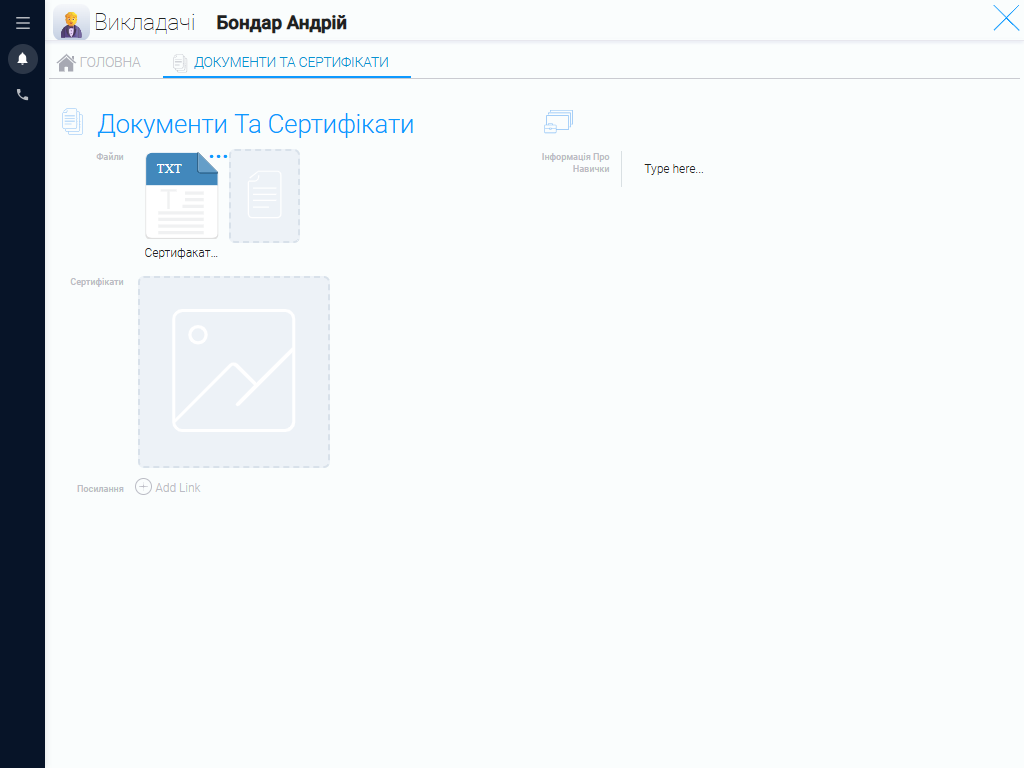
Keep complete records for every instructor, including contact details, role, area of expertise, schedule, pay rate, and individual work preferences. Learning centers need to consider more than each team member’s general availability. They also need to know which subjects and age groups every instructor can teach. With all instructor information in one place, you can use it when creating groups and planning schedules. A CRM for children’s learning centers makes instructor information easy to find and helps you manage workloads more effectively.
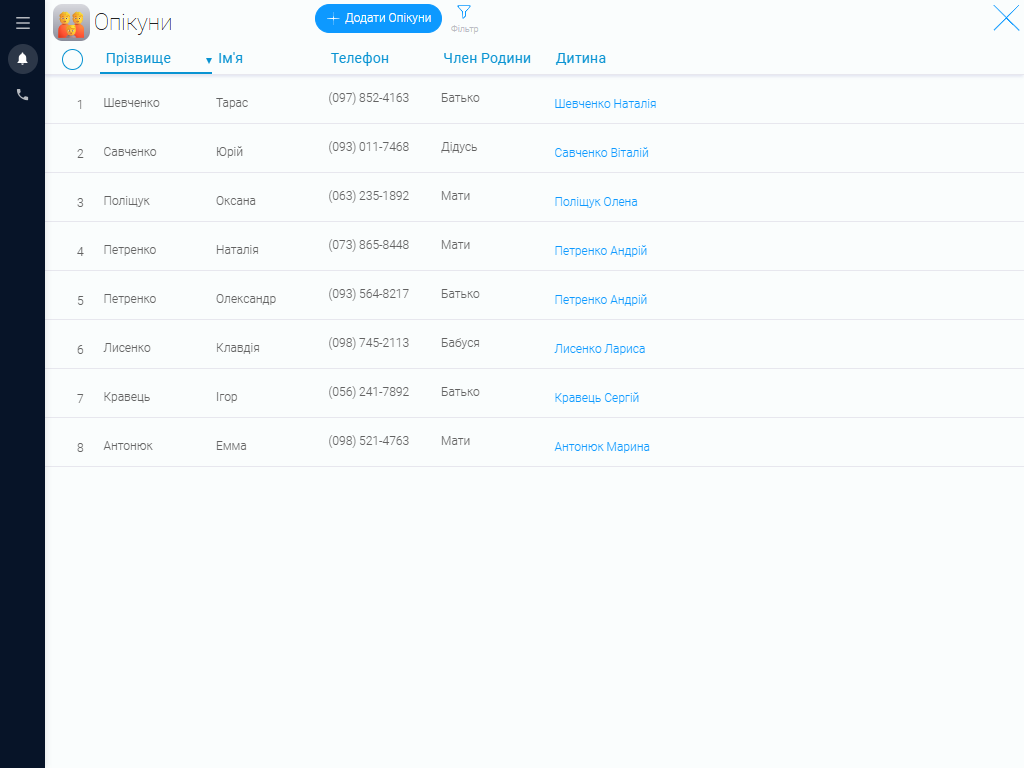
Parents and Guardians #
Store information about parents, guardians, and other responsible adults in one centralized CRM system. Each record includes the person’s relationship to the student, contact details, and a link to the relevant student profile.
This is especially important for children’s learning centers because most communication about schedules, payments, attendance, and administrative matters takes place with parents. Staff can quickly find the right contact and reach a responsible adult whenever necessary.
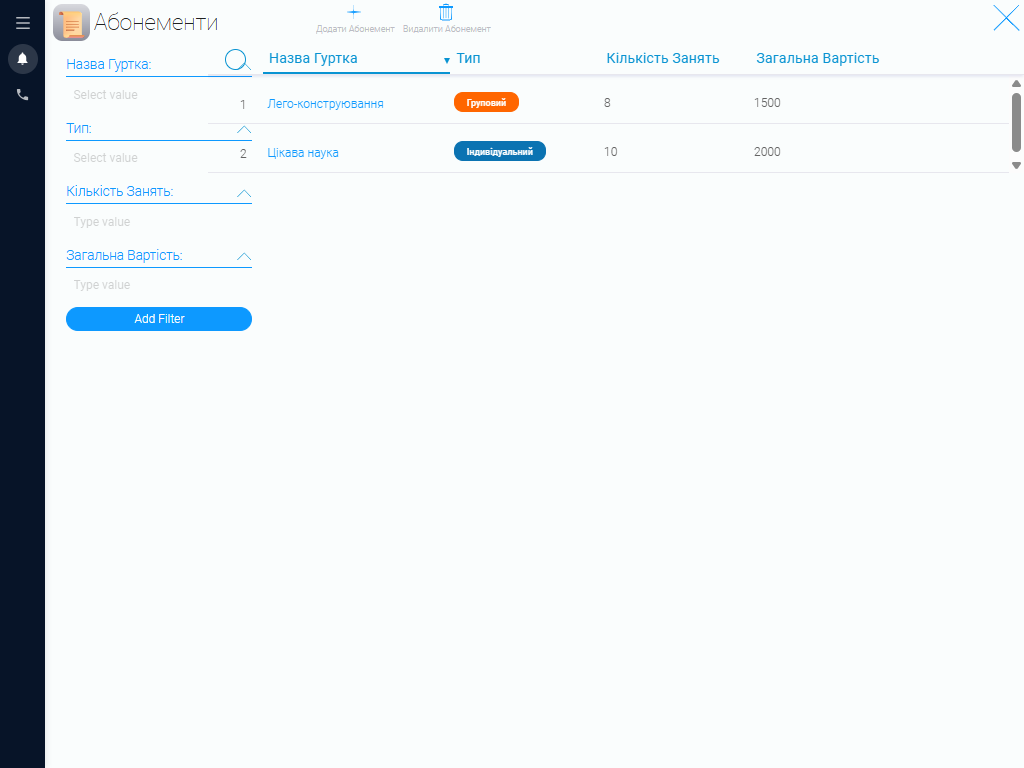
Class Packages #
Keep all available class packages in one catalog to simplify pricing management. The system stores each package’s program, class format, number of sessions, and price. This makes it easy to keep package information current and streamlines the enrollment process for administrators.
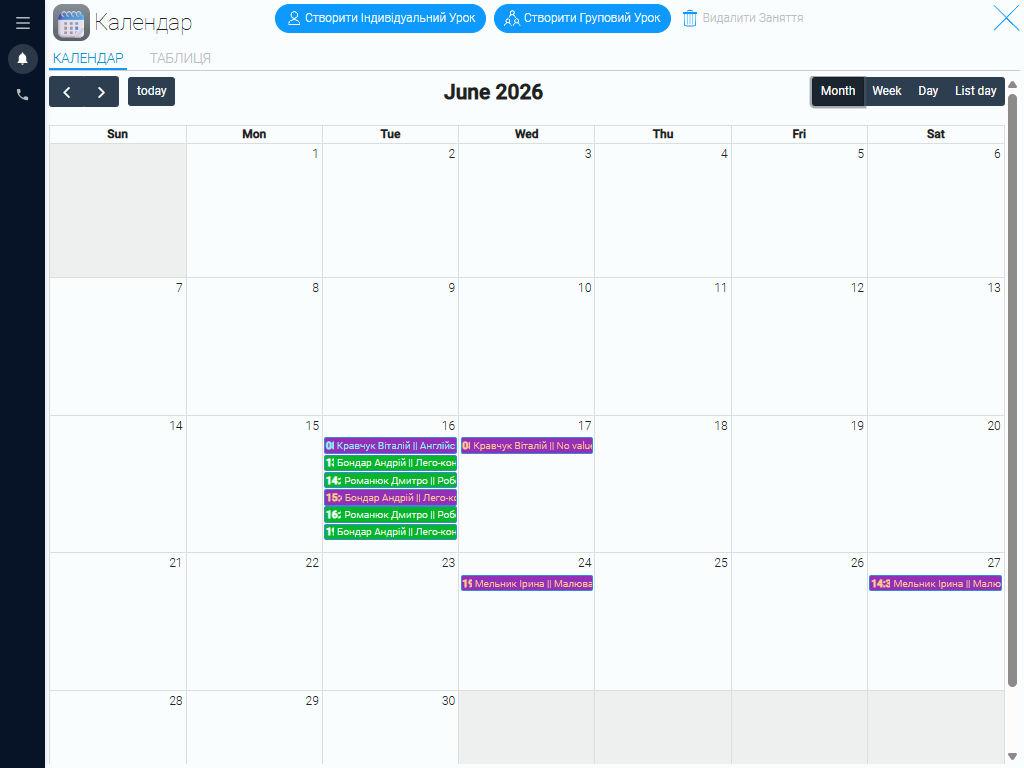
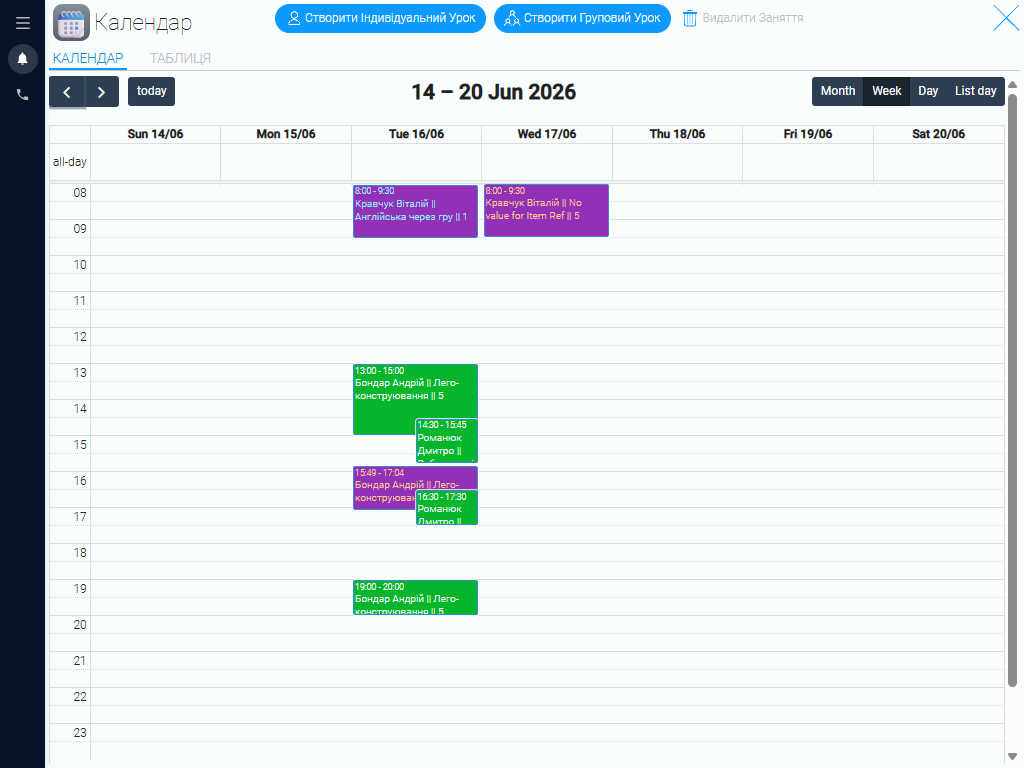
Scheduling Calendar #
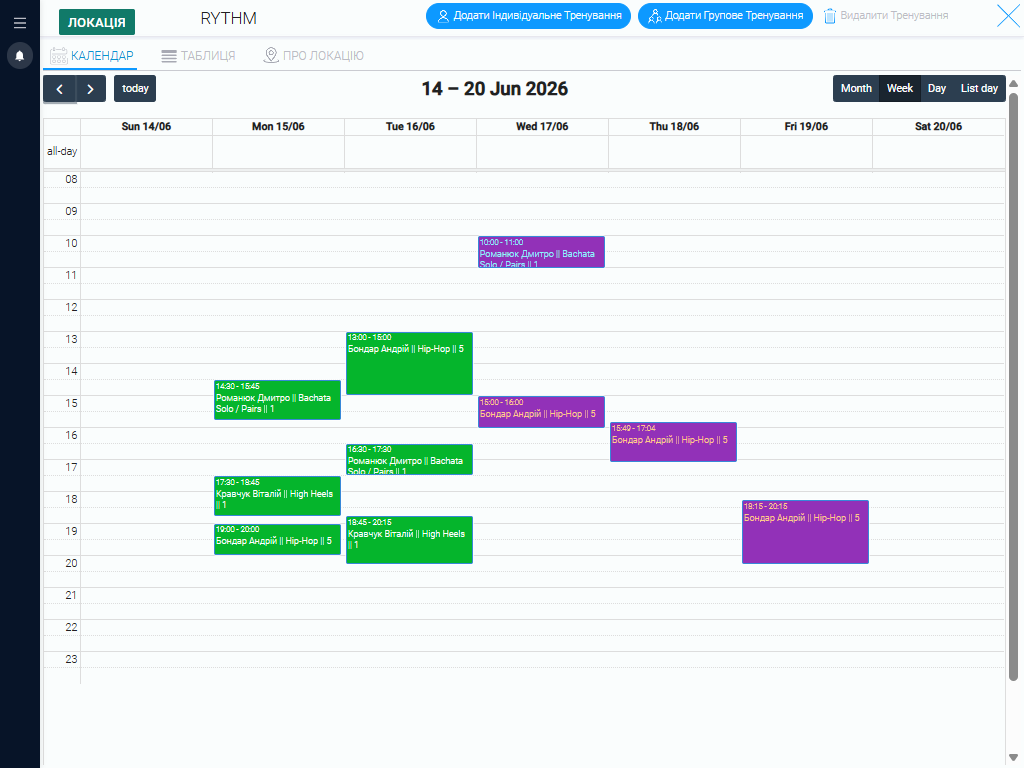
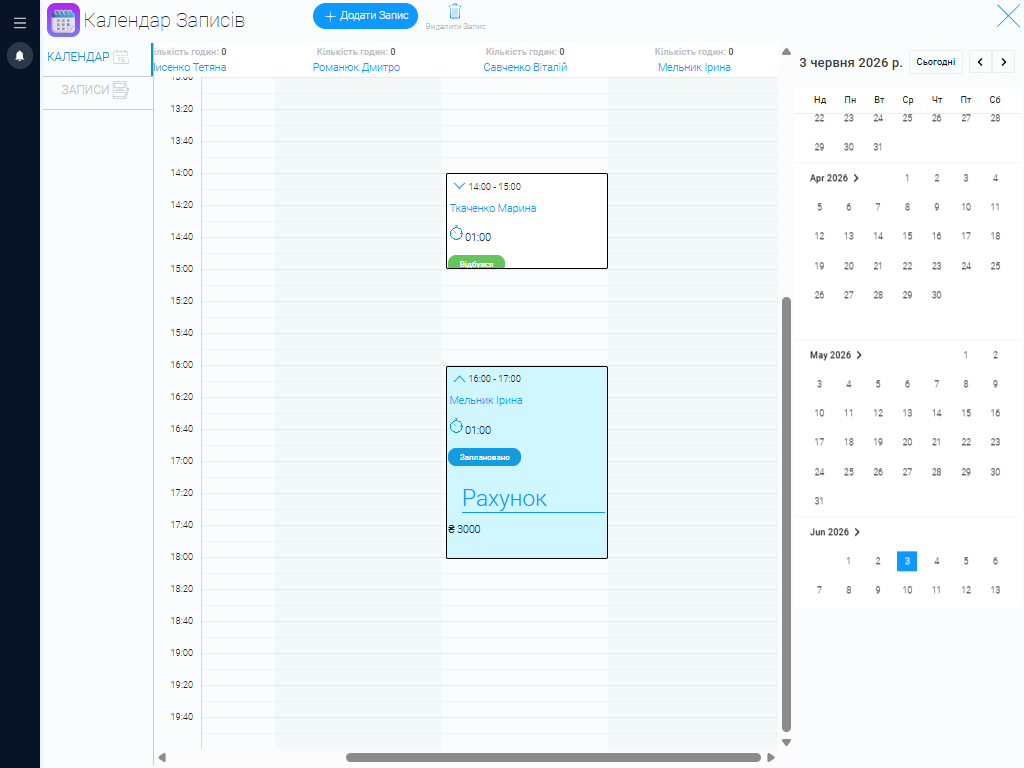
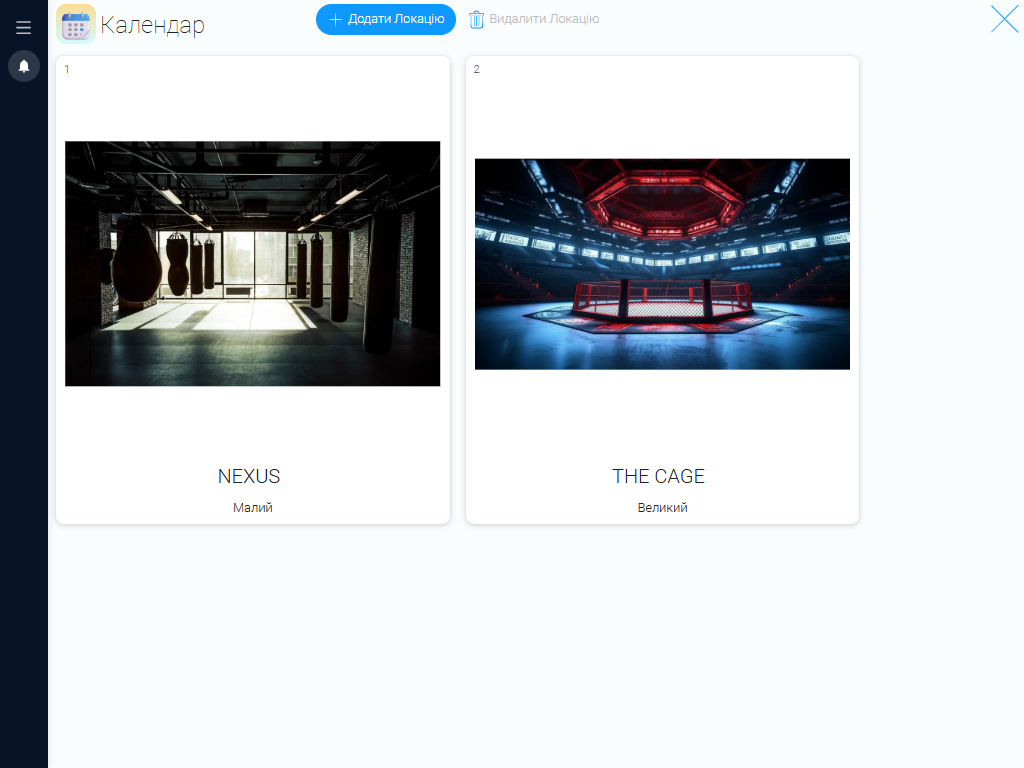
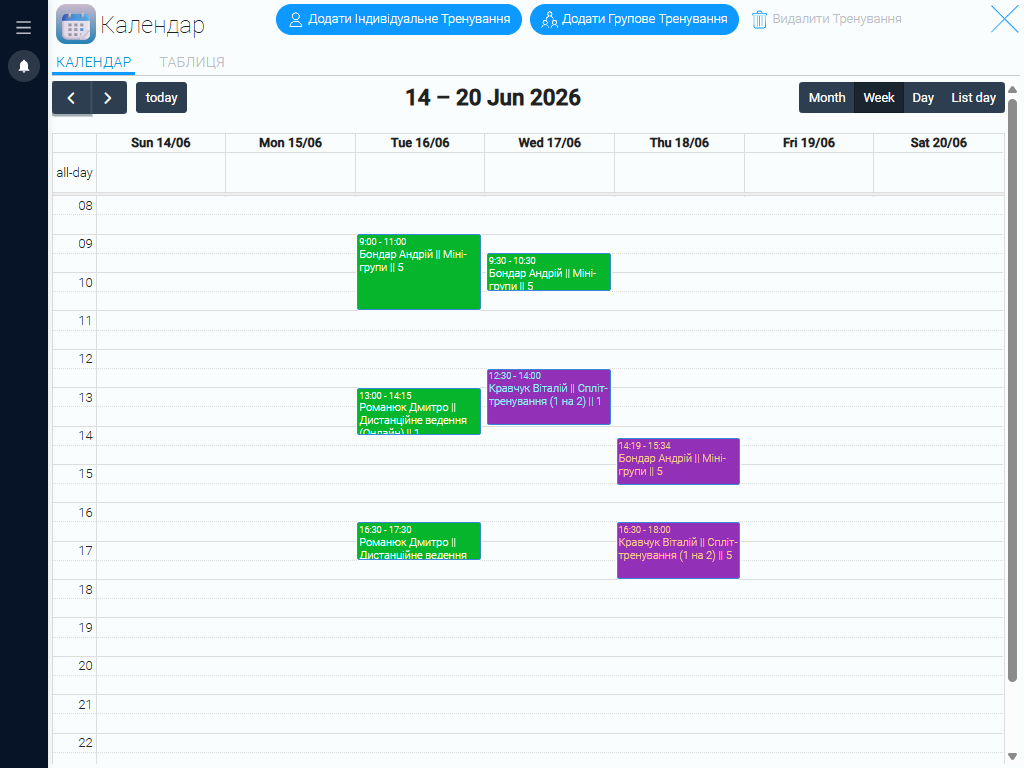
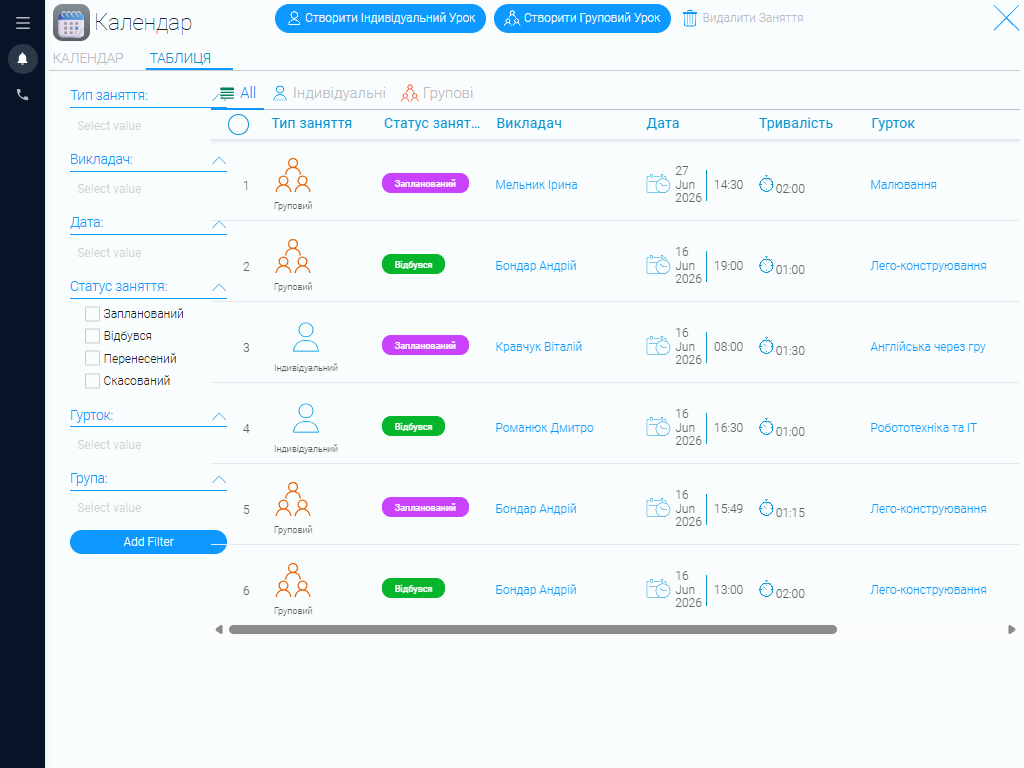
The CRM calendar brings together class formats, available programs, student groups, instructor schedules, and open time slots. It gives you a complete view of the center’s schedule and helps you quickly find a suitable time for each student. When creating a booking, an administrator can select a program, instructor, group, or individual student and specify the class duration and price. The system makes it easier to coordinate multiple group schedules, account for instructor availability, and avoid scheduling conflicts.
Reporting #
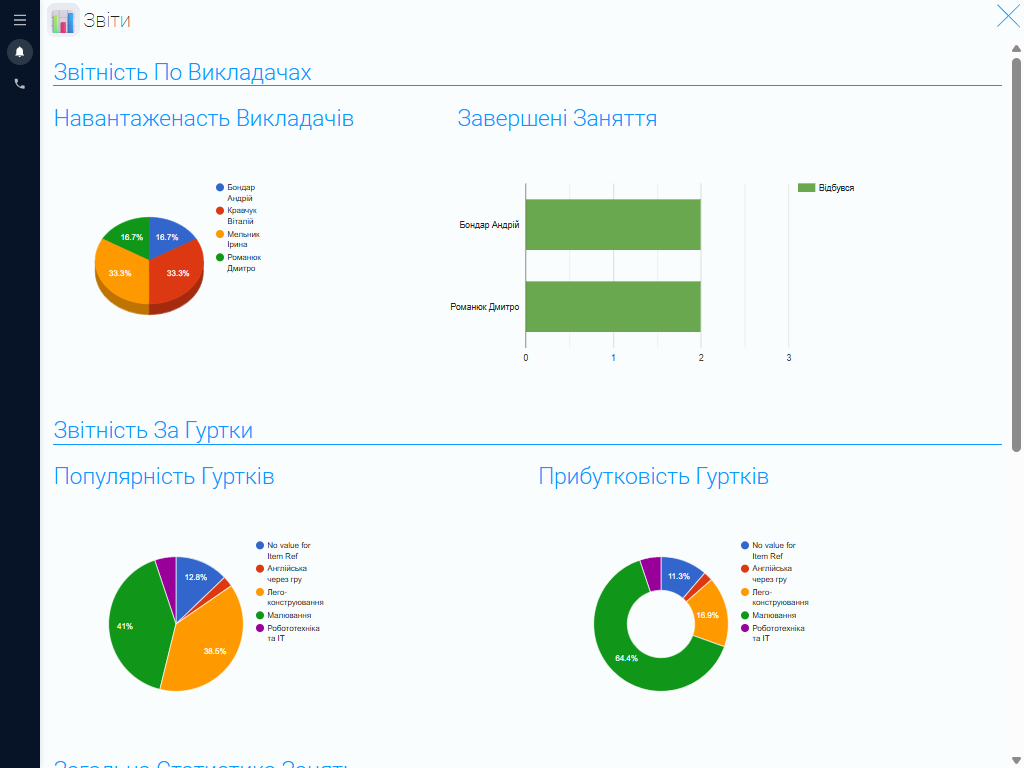
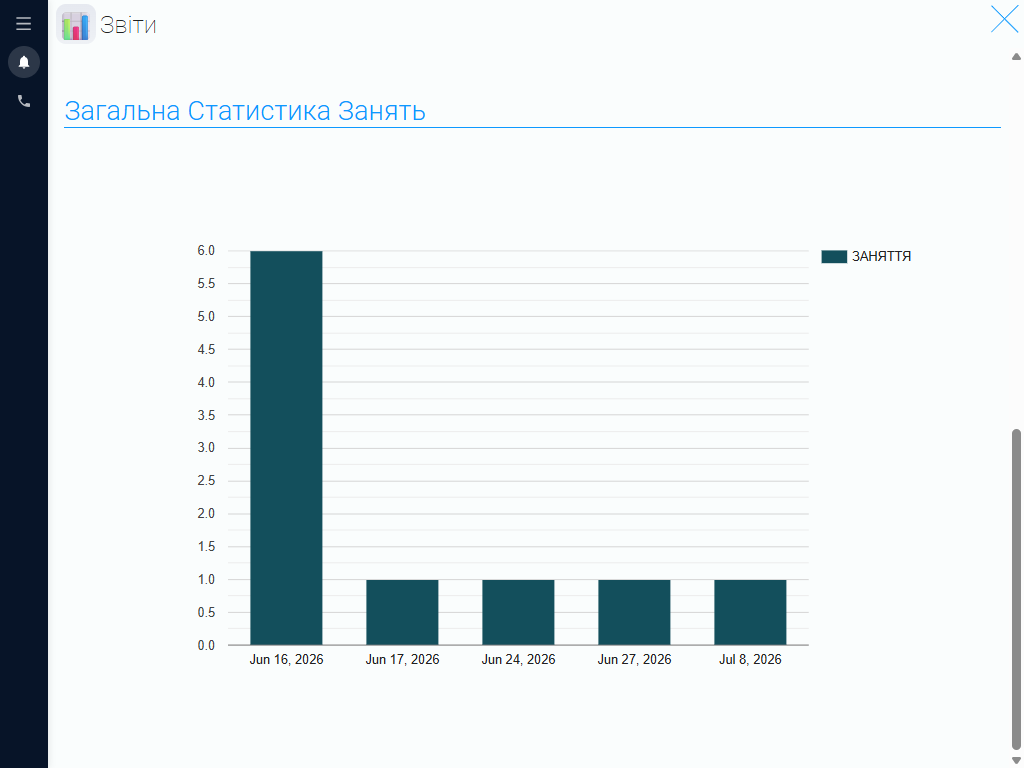
The CRM automatically generates reports on instructor workloads, program popularity and profitability, and overall class activity. Learning center managers can see which programs are in highest demand, which groups are most active, and how work is distributed among instructors. These insights provide quick access to the information you need, eliminate the need to analyze separate spreadsheets manually, and help you stay on top of the center’s core operations.
Create a Comfortable Workspace for Every Team Member #
GudHub CRM lets you customize access permissions and give each employee access to only the features they need.
Administrators have full access to every section of the system, allowing them to oversee day-to-day operations. Other team members see only the tools they need for their work, without unnecessary tabs or information. This creates a simpler, more convenient, and better-organized CRM experience for the entire team.
Keep Your Team Organized and Deliver Exceptional Service with GudHub CRM #
GudHub CRM is a ready-to-use solution for your children’s learning center that requires no complicated implementation or unnecessary configuration. It brings all your key processes together in one system and gives your team a reliable tool for daily operations.
Start using the free CRM template for children’s learning centers today and discover the benefits of managing your work with GudHub CRM.